1
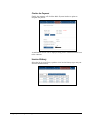
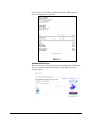
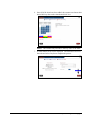
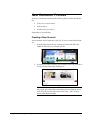
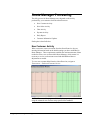
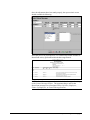
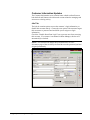
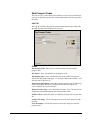
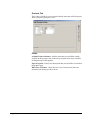
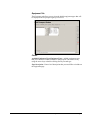
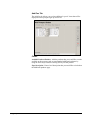
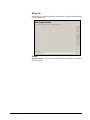
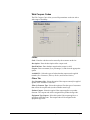
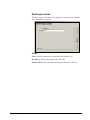
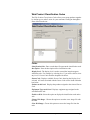
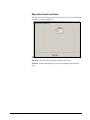
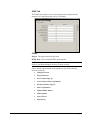
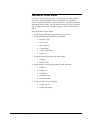
Route Manager Processing The daily process for Route Manager users depends on the activity performed by your customers from the eStoreFront site: New Customer Activity New Order Activity Chat Activity Payment Activity Daily Report Customer Information Updates Each option is detailed below. New Customer Activity When a customer creates an account from the eStoreFront site, they are entering information based on the default settings you have established in Route Manager. These requirements establish the minimum amount of data needed to create a new account within Route Manager, which means it is necessary to review each account created and add additional data or adjustments as needed. To view new accounts added from the eStoreFront site, navigate to Transactions > Enhanced Customer Review. NOTE: This area of the program will also display any new accounts created using the enhanced new customer setup option on the handheld. 46 Chapter 3 – Daily Processing User Manual