1
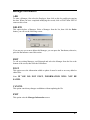
ADD
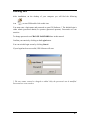
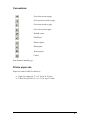
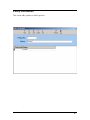
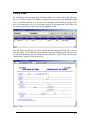
To enter a new member, click on this key and begin entering the data. To edit the
Employer, Classification, Location or Site No information, click on the
directly next
to the field. When you have completed modifying the record, click on POST then EXIT
to return to this screen.
DELETE
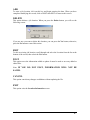
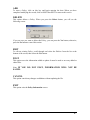
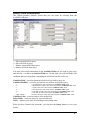
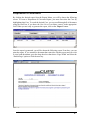
This option deletes a specific member. When you press the Delete button, you will see
the following screen:
If you are sure you want to delete this member, you can press the Yes button, otherwise,
press the No button to cancel this action.
EDIT
To edit an existing member, scroll through and select the Member from the list at the
bottom of the screen, then select the Edit button.
POST
This option saves the information added or update. It must be used to save any added or
edited files.
Note: IF YOU DO NOT POST, INFORMATION WILL NOT BE
SAVED.
CANCEL
This option cancels any changes or additions without updating the file.
EXIT
This option exits the Member Information screen.
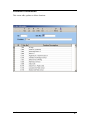
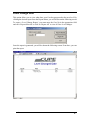
The date format is as follows: mm/dd/yyyy
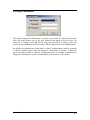
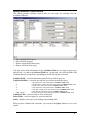
If you made a mistake inputting an invalid date, you will see the following screen:
Click on OK and change the date to the correct format.
User’s Manual
INPUT SCREEN • 21