1
Level change Date
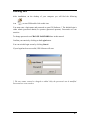
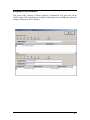
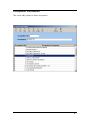
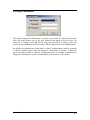
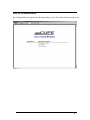
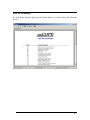
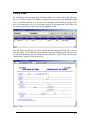
This option allows you to view what dates your Case has progressed to the next level. By
clicking the desired report from the Report Menu, you will be shown the following screen.
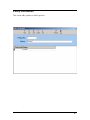
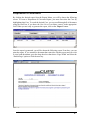
To create a ‘Level Change Report’, you must enter the Case No in the appropriate field
and click ‘Report Selected’ or click on ‘Report All’ to view all Case Level changes.
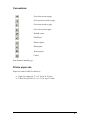
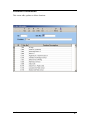
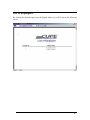
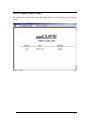
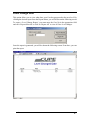
Once the report is generated, you will be shown the following screen. From here, you can
print the report.
User’s Manual
REPORTS • 62