1
NextOffice
Chapter 8 NextOffice HTML Editor
Web Wizard
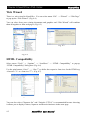
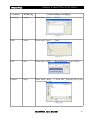
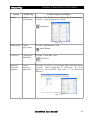
There is a web wizard in NextOffice. You can select menu “File” → “Wizard” → “Web Page”
to pop-up the “Web Wizard”. (Fig. 8-4)
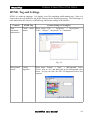
You can select from your existing documents and graphics and “Web Wizard” will combine
them all together to form web pages. (Fig. 8-5)
Fig. 8-5
Fig. 8-4
HTML Compatibility
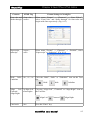
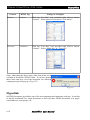
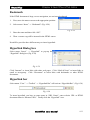
Select menu “Tools” → “Options” → “Load/Save” → “HTML Compatibility” to pop-up
“HTML Compatibility” dialog box. (Fig. 8-6)
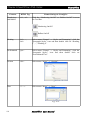
Use the spin buttons “Size 1”, ..., “Size 7” to define the respective font sizes for the HTML tag
<font size="1"> to <font size="7">. (Fig. 8-7)
Fig. 8-7
Fig. 8-6
You can also select “Character Set” and “Unicode (UTF-8)” is recommended because choosing
it allows you to display Chinese, Japanese and Korean characters in the same page.
8-2
NextOffice User Manual