1
NextOffice
Chapter 8 NextOffice HTML Editor
Contents
Numberings
and Bullets
HTML Tag
<ol>, <ul>
Format Settings in NextOffice
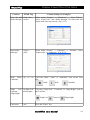
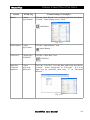
Click the “Numbering On/Off” or “Bullets On/Off” icon on
the Tool Bar.
Numbering On/Off
Bullets On/Off
Heading
<h1>, ...,
<h6>
Select menu “Format” → “Styles and Formatting”, click the
“Paragraph Styles” icon and then double click on “Heading
1”, ..., “Heading 6”.
Preformatted
<pre>
Select menu “Format” → “Styles and Formatting”, click the
“Paragraph Styles” icon and then double click on
“Preformatted Text”.
Section
<div>
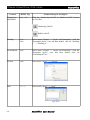
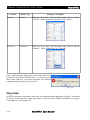
Select menu “Insert” → “Section”.
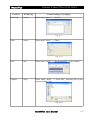
Fig. 8-15
Note
<!-- -->
Select menu “Insert” → “Note”.
Fig. 8-16
8-6
NextOffice User Manual