1
XELLIPMEDIA USER MANUAL
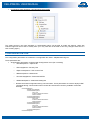
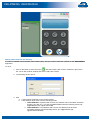
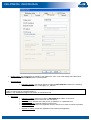
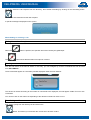
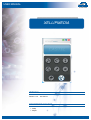
4. The contacts then appear in the list of SIP contacts:
Deleting a SIP contact
To delete a SIP contact:
1. In the contact list, right click on the item you want to delete.
2. Click on “Delete" in the menu.
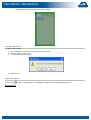
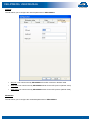
3. A confirmation window pops up:
4. Click on “Yes”
Application options
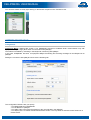
In the menu (
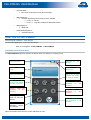
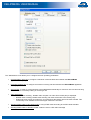
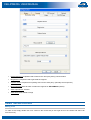
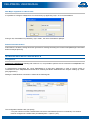
), click on "Configuration". A configuration window with the following tabs pops up:
Miscellaneous
User manual n° 604-0053 A
www.castel.fr
Page 11 / 21