1
AI198 Version 2.2x System Manager/User’s Guide
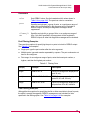
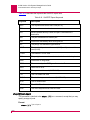
Commands from the AI Prompt: disabl
disabl
This command disables a smart line card, asynchronous port, or a range of ports.
This command automatically executes the stpslc command when it is used on smart
line cards. See the stpslc command for more information.
CAUTION: System integrity cannot be maintained if you remove a card containing a
port which the system firmware considers to be online.
When a port on an asynchronous card is disabled, the AI180 turns the port off and
removes the port number from the online table. All subsequent connections to the
specified port will be denied.
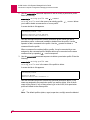
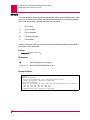
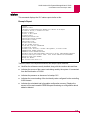
This command will prompt for verification when entered. Type Y to continue with the
command, or N to abort.
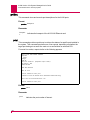
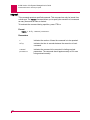
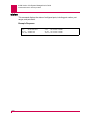
Format
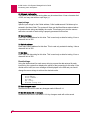
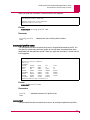
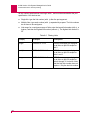
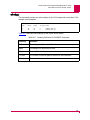
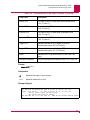
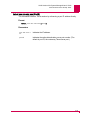
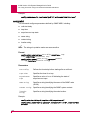
disabl[/c]{* | port | lport-hport}
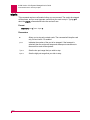
Parameters
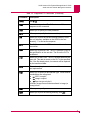
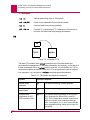
/c
Signifies that all ports on the card specified by the port number should
be disabled.
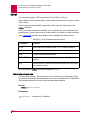
*
Indicates an optional wildcard that allows you to disable only certain
cards. It will only disable a card that has menu item 4.5 enabled. If a
port, if then only a port that has menu item 4.2.2.15 enabled.
port
Indicates the number of the port to disable. If the baseport of a smart
line card is disabled, then the entire card and subsequent connections
to the card will not be accepted.
lport
Indicates the low port value of the range of ports to disable.
hport
Indicates the high port value of the range of ports to disable.
8-47