1
AI198 Version 2.2x System Manager/User’s Guide
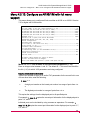
System Configuration by Menu: Navigating Menus
Navigating Menus
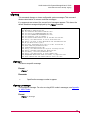
Menu Names
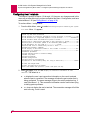
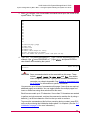
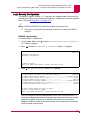
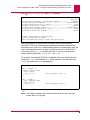
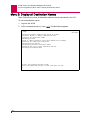
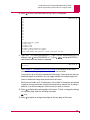
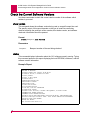
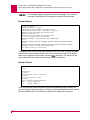
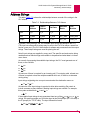
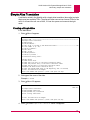
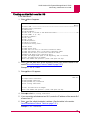
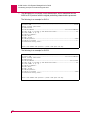
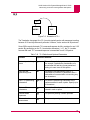
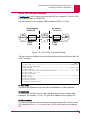
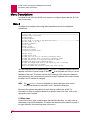
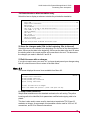
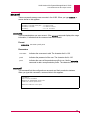
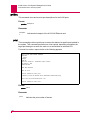
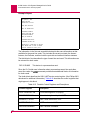
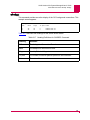
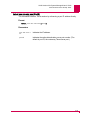
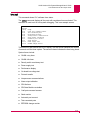
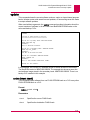
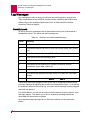
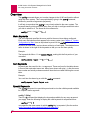
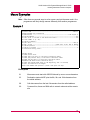
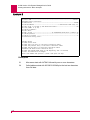
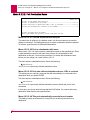
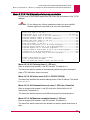
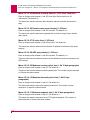
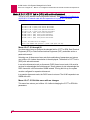
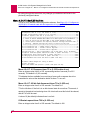
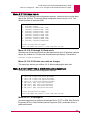
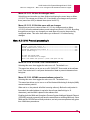
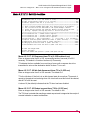
All menus following the Main Menu have a numerical name at the top right corner of
the menu. This numerical name shows your location within the menu hierarchy. Each
digit in the name represents a menu item that was previously selected. For example,
Menu 4.2 indicates that menu item 4 was selected, and then menu item 2 was
selected.
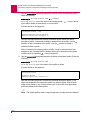
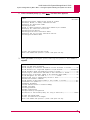
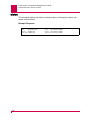
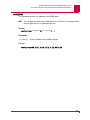
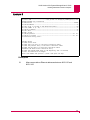
Menu 4.2
Selecting Menu Items
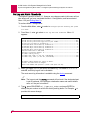
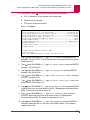
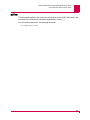
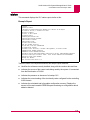
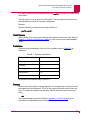
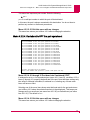
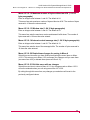
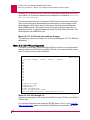
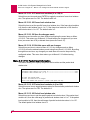
Each menu contains a list of numbered menu items that represent parameters that
the system manager can configure. In general, to make a selection, type the number
of the desired menu item and press ENTER. For some menu items, more data is
required. When entering a menu item number it is not necessary to include leading
zeros. For example, you can type 2 instead of 02; both ways will work.
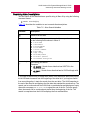
Types of Menu Items
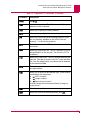
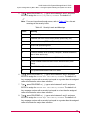
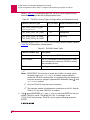
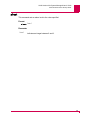
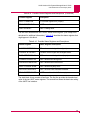
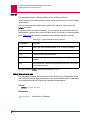
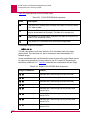
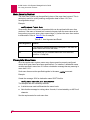
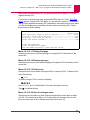
These menu types are used on the AI198:
z
Submenus
z
Toggle Menu Items
z
Data Menu Items
z
Menu Item Functions
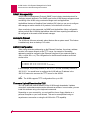
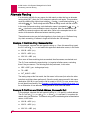
Submenus
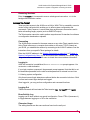
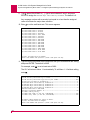
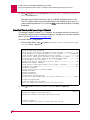
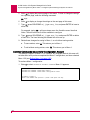
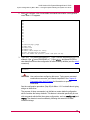
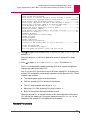
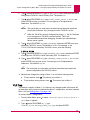
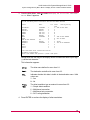
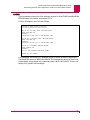
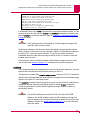
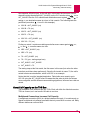
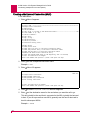
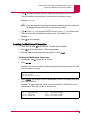
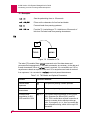
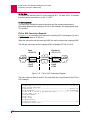
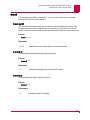
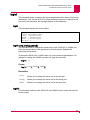
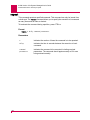
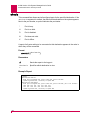
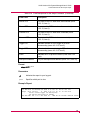
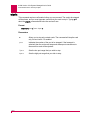
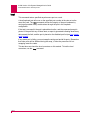
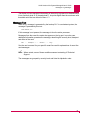
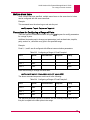
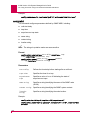
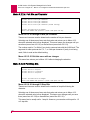
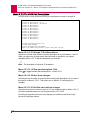
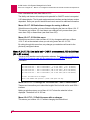
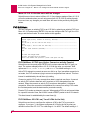
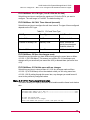
A plus sign (+) next to a menu selection indicates that there is a submenu.
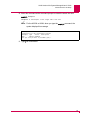
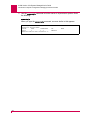
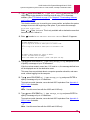
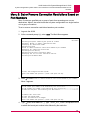
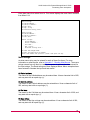
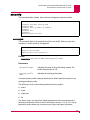
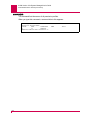
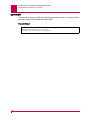
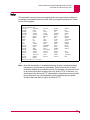
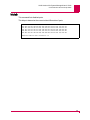
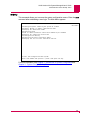
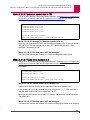
For example, Menu 1.13 reads:
13+Time and Date format is hh:mm:ss mmddyy
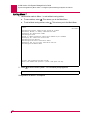
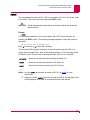
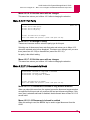
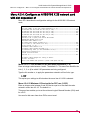
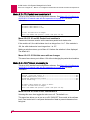
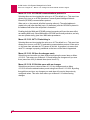
Some submenus ask you to make a selection from a list and then redisplay the
previous menu showing your selection. Other submenus have their own submenus
that request additional information. After saving your entries, the top-level menu
redisplays.
4-3