1
AI198 Version 2.2x System Manager/User’s Guide
Commands from the AI Prompt: tmract
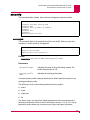
tmract
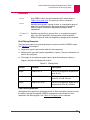
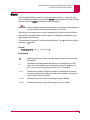
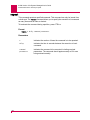
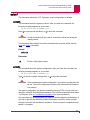
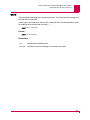
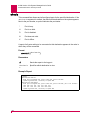
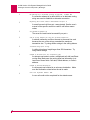
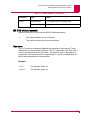
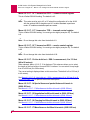
This command shows CLC software timer status.
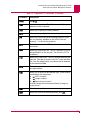
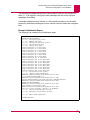
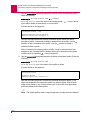
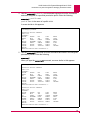
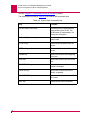
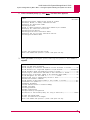
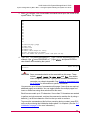
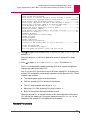
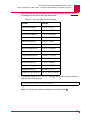
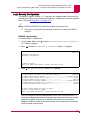
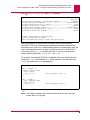
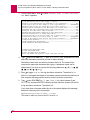
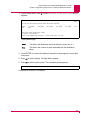
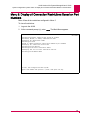
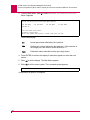
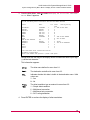
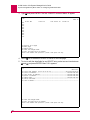
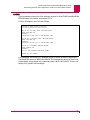
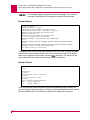
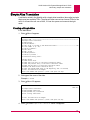
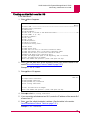
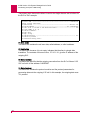
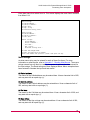
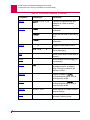
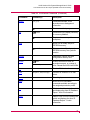
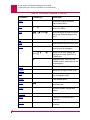
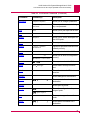
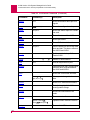
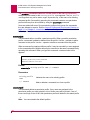
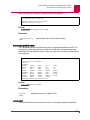
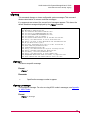
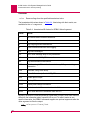
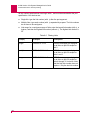
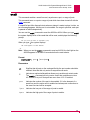
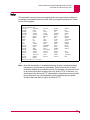
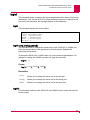
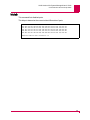
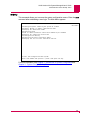
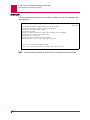
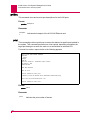
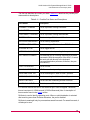
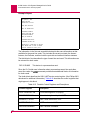
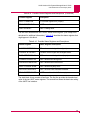
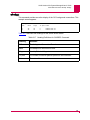
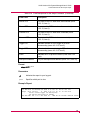
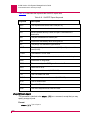
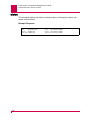
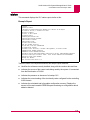
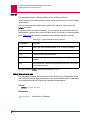
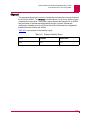
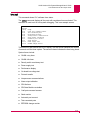
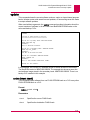
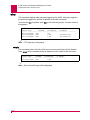
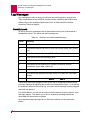
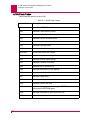
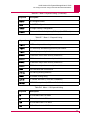
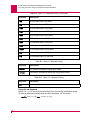
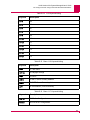
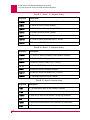
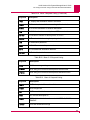
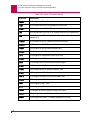
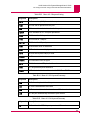
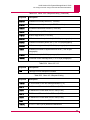
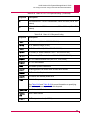
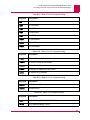
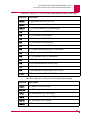
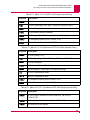
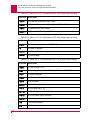
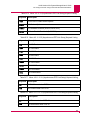
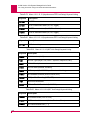
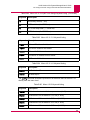
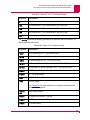
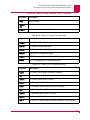
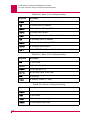
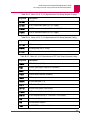
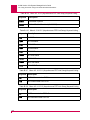
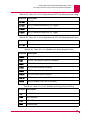
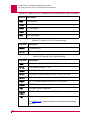
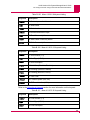
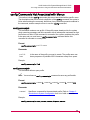
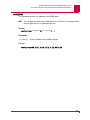
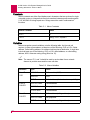
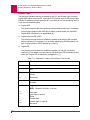
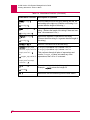
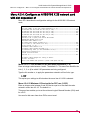
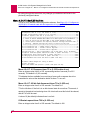
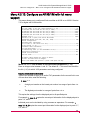
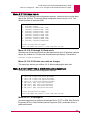
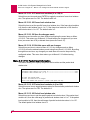
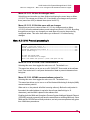
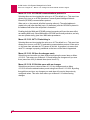
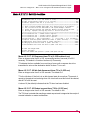
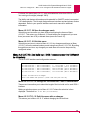
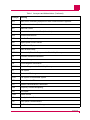
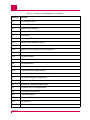
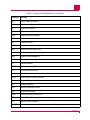
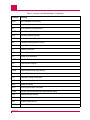
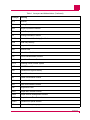
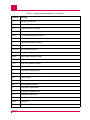
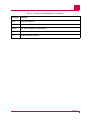
The tmract command displays all the ports with countdown timers activated. This
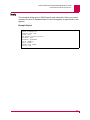
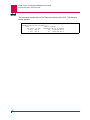
command is used to aid in field system debugging. This is an example screen:
>tmract
Expires
(secs)
0.01
0.00
0.00
0.00
0.03
0.57
0.57
14.35
14.39
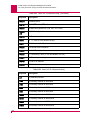
Usage
Craft port command scanner
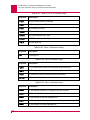
Test connected ports
Performance display
Interprocessor communications
Alarm output validation
Automatic port connect
Stack monitor
Power supply test
EEPROM change monitor
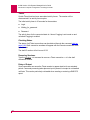
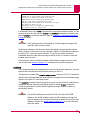
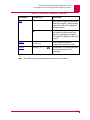
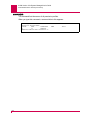
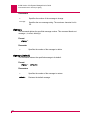
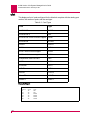
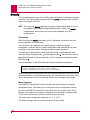
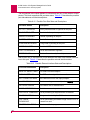
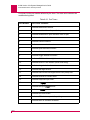
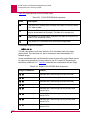
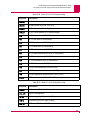
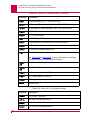
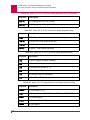
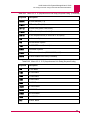
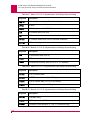
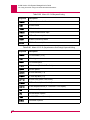
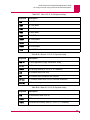
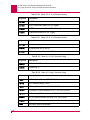
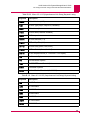
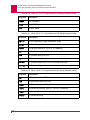
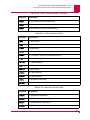
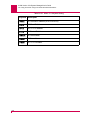
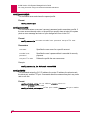
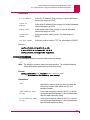
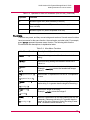
This timer list is also used in the PSTAT display. The first column indicates the number
of seconds until the timer expires. The second column indicates the item being timed.
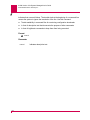
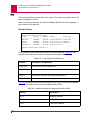
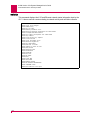
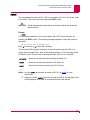
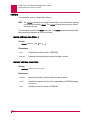
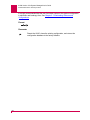
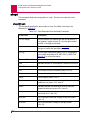
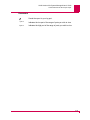
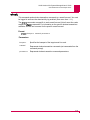
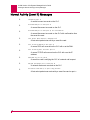
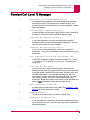
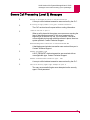
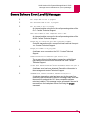
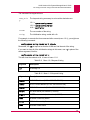
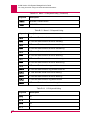
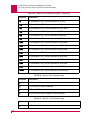
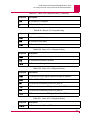
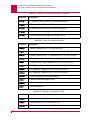
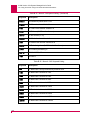
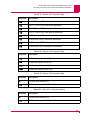
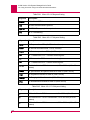
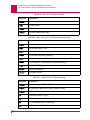
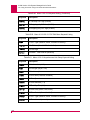
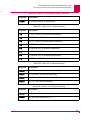
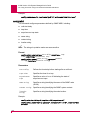
System timers include:
z
CAAML retry timer
z
CAAML idle timer
z
Density switch consistency test
z
Power supply test
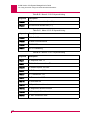
z
Performance display
z
On-board low voltage test
z
Protocol transfer
z
Interprocessor communications
z
Alarm output validation
z
SDI idle timer
z
SDI State Machine custodian
z
Craft port command scanner
z
Stack monitor
z
Automatic port connect
z
Test connected ports
z
EEPROM change monitor
8-117