1
AI198 Version 2.2x System Manager/User’s Guide
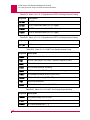
Messages: Severe Software Error (Level 5) Messages
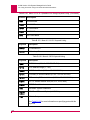
Severe Software Error (Level 5) Messages
5
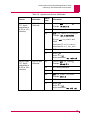
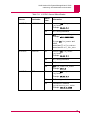
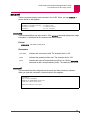
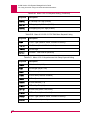
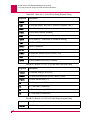
Call accept when no call in progress
5
Call disconnect when no call in progress
5
Call fail when no call in progress
An internal problem occurred in the call processing states of the
CLC. Contact Technical Support.
5
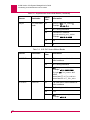
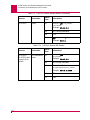
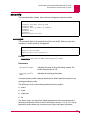
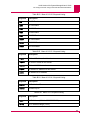
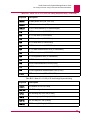
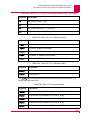
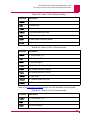
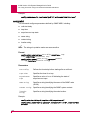
Clear confirm when no clear requested. State =
xxx
An internal problem occurred in the call processing states of the
AI180. Contact Technical Support.
5
Illegal Msg_ctrl field from port
nnn.
Discarding fragment.
A window transaction with a corrupt field was received from port
nnn. Contact Technical Support.
5
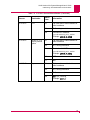
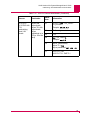
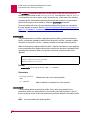
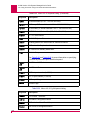
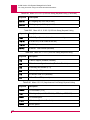
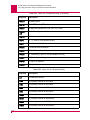
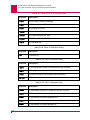
Illegal port number in set_old_timer
A software error occurred on the CLC. Contact Technical
Support.
5
Linked transactions of different types from SLC at
n
Two or more linked unified window transactions with different
type fields were received from the smart line card. Contact
Technical Support.
5
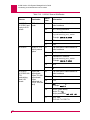
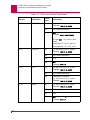
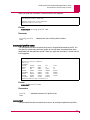
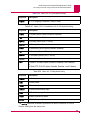
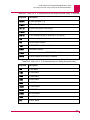
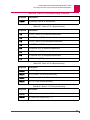
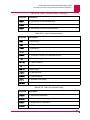
**Timer fault PRTSTA=s PRTFLG=f PRTFL2=e PRTTMS=t PRTSLV=v on port
n
A software error has been detected. Record the information in
the message and contact Technical Support.
5
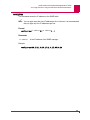
**WINDOW Fault, bad RX trancode=t, SubChnl=s from port
n
A unknown transaction code has been sent by the smart line
card on the port mentioned in the error message. Make sure that
the smart line card and the CLC have compatible software
revisions installed. This message is also generated if the card is
removed from the backplane without first using the disabl
command.
9-11