1
AI198 Version 2.2x System Manager/User’s Guide
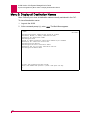
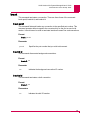
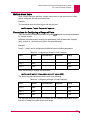
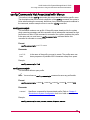
Commands from the AI Prompt: enabl
enabl
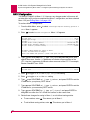
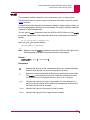
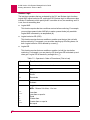
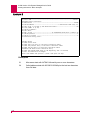
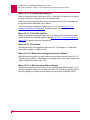
This command enables a smart line card, asynchronous port, or range of ports.
This command turns on a port or range of ports which have been turned off with the
disabl command.
If a specified port fails diagnostic tests when an attempt is made to place it online, an
error message appears, and the port is not enabled. If a range is specified, each port
is passed or failed independently.
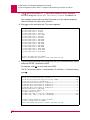
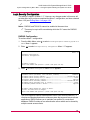
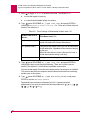
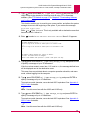
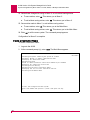
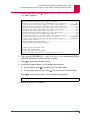
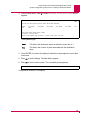
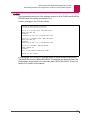
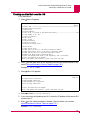
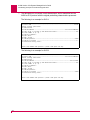
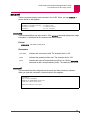
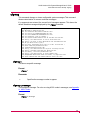
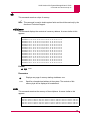
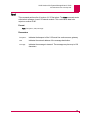
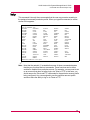
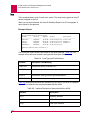
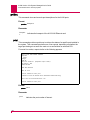
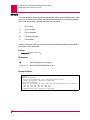
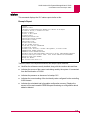
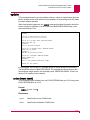
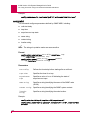
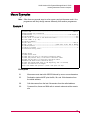
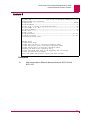
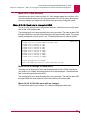
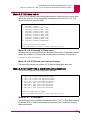
You can use the enabl command to reset the AI2524 or AI294. When you type enabl,
the system displays a list of the cards that will be reset, and displays the following
prompt:
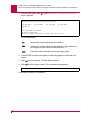
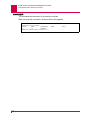
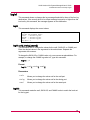
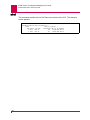
Are you sure you want to proceed? (Y/N)
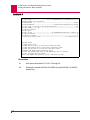
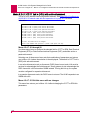
When you type Y, the system displays:
The card appears to have booted
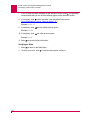
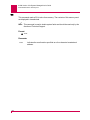
Note: When you use the enable command to reset an AI2524, the fault light on the
AI2524 appears for at least 60 seconds before the card reboots.
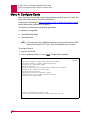
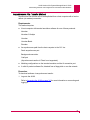
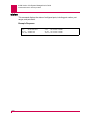
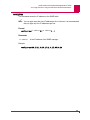
Format
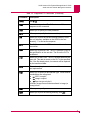
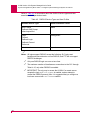
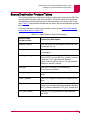
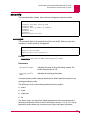
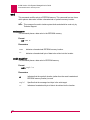
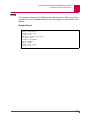
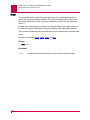
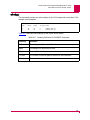
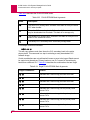
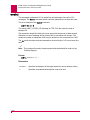
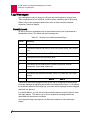
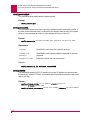
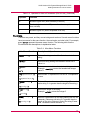
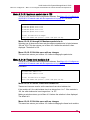
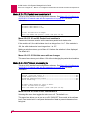
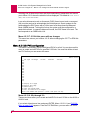
enabl[/c]{* | port | lport-hport}
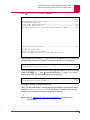
Parameters
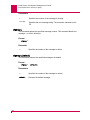
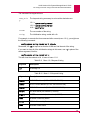
/c
Signifies that all ports on the card specified by the port number should be
enabled. Note that this only works for asynchronous cards.
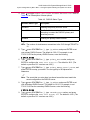
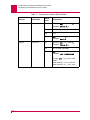
*
Indicates an optional wildcard that allows you to enable only certain cards.
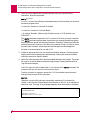
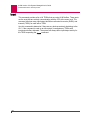
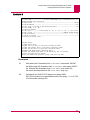
The enabl * command will only reset a card if that card has menu item
4.5 enabled, or a port if that port has menu item 4.2.2.15 enabled.
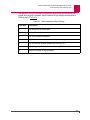
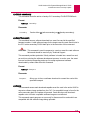
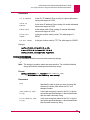
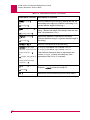
port
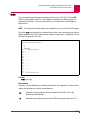
Indicates the number of the port to be enabled. If it is the baseport of a
smart line card, the entire card is enabled and subsequent connections to
the smart line card will be accepted.
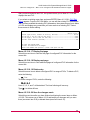
lport
Indicates the low port of the range of ports to enable.
hport
Indicates the high port of the range of ports to enable.
8-57