1
Advanced Tasks
261
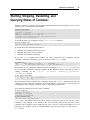
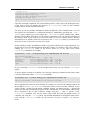
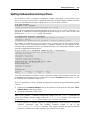
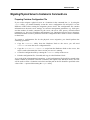
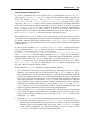
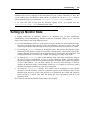
Linux distribution installed on the physical server is supported by Parallels Virtuozzo
Containers. To find out if your Linux distribution can be recognized by Parallels Virtuozzo
Containers, you can check the /etc/vz/conf/dists directory on the Node and look for the
configuration file of your Linux distribution. It should have the name of
Linux_Distribution_Name-version.conf where Linux_Distribution_Name
and version denote the name of the Linux distribution running on your physical server and its
version, respectively (e.g. redhat-5.conf).