1
Mastering Parallels Management Console
331
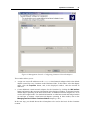
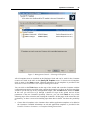
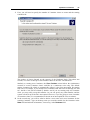
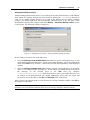
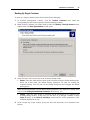
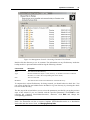
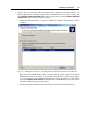
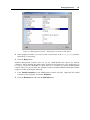
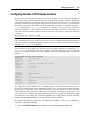
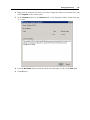
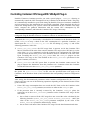
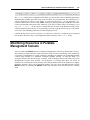
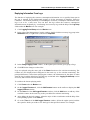
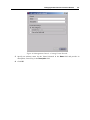
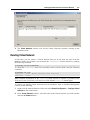
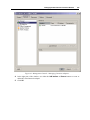
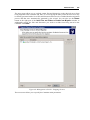
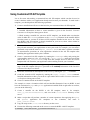
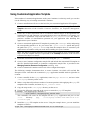
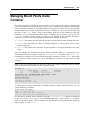
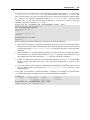
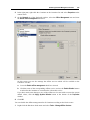
2 On the Parallels Power Panel tab of the Offline Services Configuration window, clear the
Enable Parallels Power Panel and Parallels Infrastructure Manager services check box.
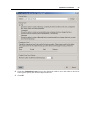
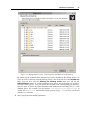
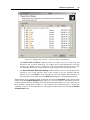
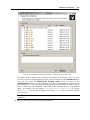
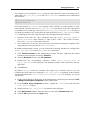
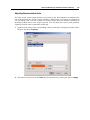
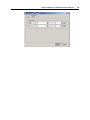
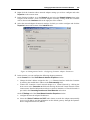
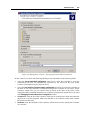
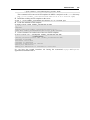
On the Offline Services tab, you can also manage the offline services which will be available
to all Containers on the Hardware Node:
a
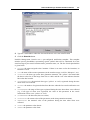
Select the corresponding offline service from the list of available services and use the
Enable/Disable buttons to enable/disable this offline service to the Containers on the
Node.
b
Use the Add/Delete/Edit buttons to add a new offline service, to remove an existing
offline service, or to configure the properties of any offline service in the Offline services
configuration table, respectively.
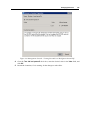
If you have made some changes to any of the offline services and wish to restore the system
default values, click the Restore Defaults button.
3 Click OK.