1
MRS_WebClient_Bedienung.fm
Operating the OpenScape Web Client
Homepage
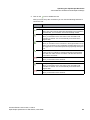
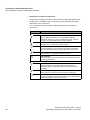
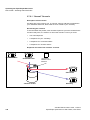
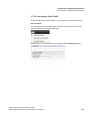
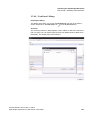
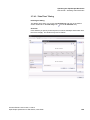
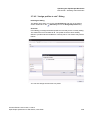
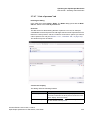
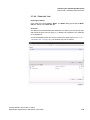
The following features are currently available for integration in the GUI of the
OpenScape Web Client:
You will find detailed information on the operating options in the individual
feature windows in Section 3.5, “Journal Window Features and Workspace
Dialogs”, on page 59.
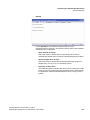
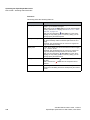
-- Bookmarks -•
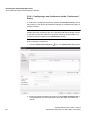
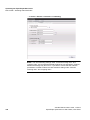
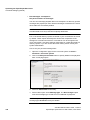
Add New Bookmark
Opens the dialog for specifying bookmarks for internet pages. These
bookmarks can be integrated as feature window in the selected frame via
the Showing Bookmarks feature.
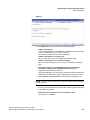
•
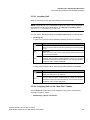
Select bookmark
All internet pages you have predefined via Add new bookmark are
displayed in the combo box of the component selection with the name you
have selected. Thus you can create a pool of frequently required internet
pages that you can directly show in a feature window of your choice. The
internet page you select here is permanently displayed in the frame that
you select for one of the predefined internet pages.
IMPORTANT: Some internet pages are programmed via Javascript in a way
that they automatically occupy the entire browser window when you invoke
them. The invoking user cannot prevent this and the internet page will then
block access to the settings dialogs, so that removing it again is awkward.
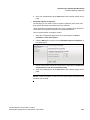
Test this behavior with a click on the Preview button after you have selected
the internet page. If the set internet page occupies the entire window, close
the preview window with a click on the Close icon at the top right margin of
the preview window. Then select another internet page or the bookmark view
for this window.
In case you have selected an internet page that occupies the entire
workspace, you can invoke the OpenScape Web Client with an URL
extension to directly reach the “Edit Hompage” mode. Here you can then
select another internet page or the bookmark view for this window. The
address extension reads:
<URL of the OpenScape Web Client>/tweb/portal
/req?loadOpenScape&edithomepage=true
and must be entered without line break.
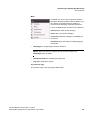
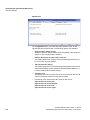
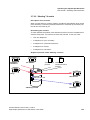
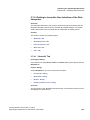
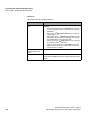
-- Web Client -•
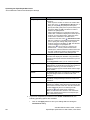
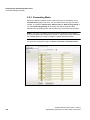
Call Control
Provides in the selected frame the feature for controlling your telephone.
•
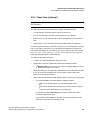
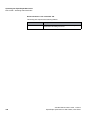
Team View (optional)
Displays the members of your team in the selected frame. It also provides
the team features depending on the assigned privileges.
A31003-S2370-U105-2-7619, 11/2013
OpenScape Xpressions V7 Web Client, User Guide
55