1
MRS_WebClient_Bedienung.fm
Operating the OpenScape Web Client
Rule Profile – Handling Calls with Rules
To be created
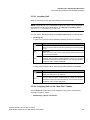
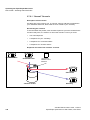
For this scenario you need to create:
•
The ”Normal“ profile
•
An “unwanted callers” list of persons
•
An “unwanted callers” rule
Each rule must be assigned to a profile to take effect. It is therefore useful to first
create the “Normal” profile as container for the “unwanted callers” rule.
The “unwanted callers” list of persons provides a convenient option to link all
unwanted callers to the rule. You could, however, also link each single unwanted
caller to the rule.
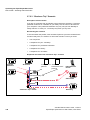
Function
The rule checks whether the caller is an “unwanted caller”. If yes, the call is routed
to the secretary, if no, the call is put through.
Proceedings
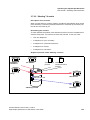
To represent the information for creating the rule as clearly as possible, the
proceedings are divided into single steps. In addition, each step also refers to
section in which the proceedings are described in more detail.
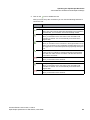
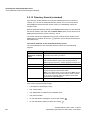
How to create the “Normal” scenario:
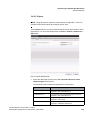
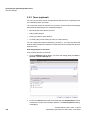
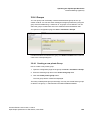
1. Open the Rules dialog.
The detailed proceeding is described in Section 3.7.3.1, “Invoking the
Settings Dialog Boxes for the Rule Interpreter”, on page 151.
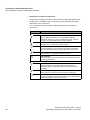
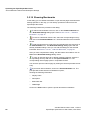
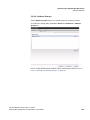
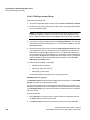
2. Create a new profile called ”Normal”.
The detailed proceeding is described in Section 3.7.3.2, “Creating a new
Profile”, on page 153.
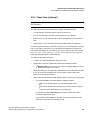
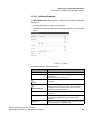
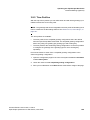
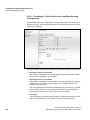
3. Create the following list of persons
–
“Unwanted Callers“
The detailed proceeding is described in Section 3.7.3.3, “Creating a new List
of Persons”, on page 155.
A31003-S2370-U105-2-7619, 11/2013
OpenScape Xpressions V7 Web Client, User Guide
141