1
MAIN PAGE
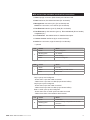
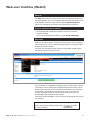
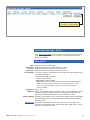
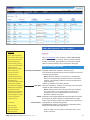
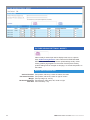
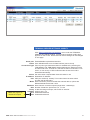
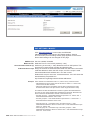
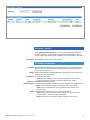
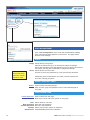
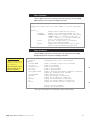
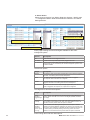
The MAIN PAGE is opened after the WebUI session has been
established to the MPX series video encoder. This page shows device’s
current properties and alerts.
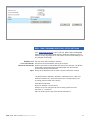
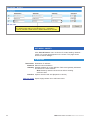
Logged in as: User’s authority class
Host: Alias name for the device (uniquely identifies each device in the network)
and it’s IP address
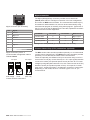
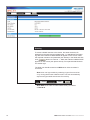
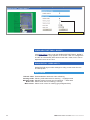
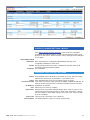
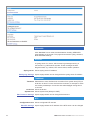
PROPERTIES
Type:
Serial Number:
HW Version:
SW Version:
Uptime:
Current time:
Device type (part number)
Device serial number
Device hardware version
Device firmware version
Device uptime
Device current time
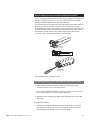
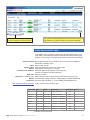
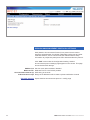
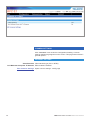
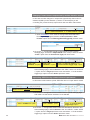
ADDITIONAL INFORMATION
Extra: Timestamp for the release of firmware
Product: Firmware type (e.g. in encoders MPX-E and in decoders MPX-D)
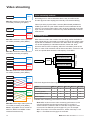
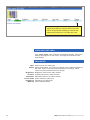
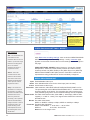
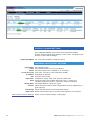
ALERTS
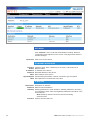
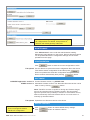
Device Status: Shows device’s current status. The colour bar change color to reflect the
status of the device. Green colour bar with Ok text indicates that there is
no alert(s). Yellow colour bar with text indicates that there is alert(s).
MPX series video encoders WebUI user manual
19