1
TROUBLESHOOTING
9
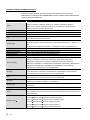
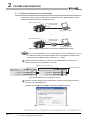
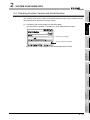
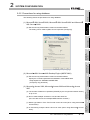
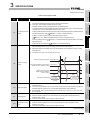
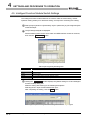
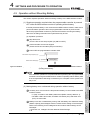
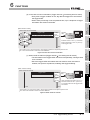
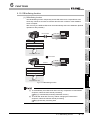
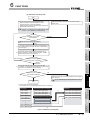
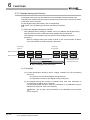
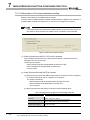
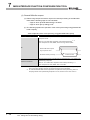
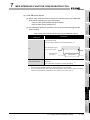
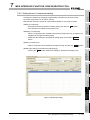
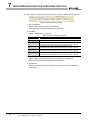
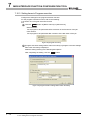
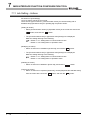
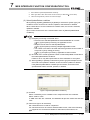
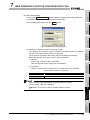
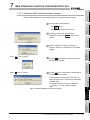
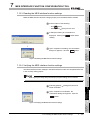
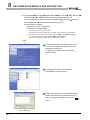
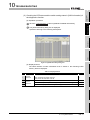
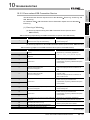
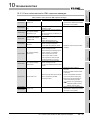
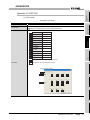
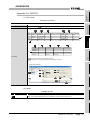
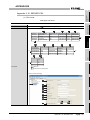
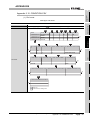
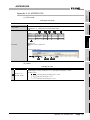
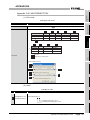
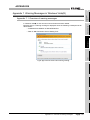
(1) Checking the module status and error code in [Module's Detailed Information]
of the diagnostics function.
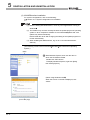
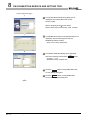
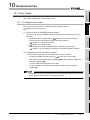
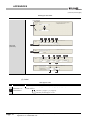
(a) Operation procedure
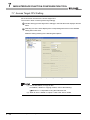
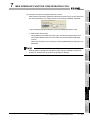
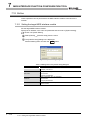
1
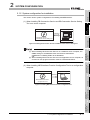
Select [Diagnostics]
[System monitor] from the menu of GX Developer.
2
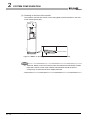
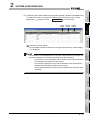
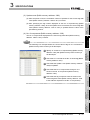
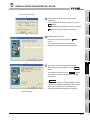
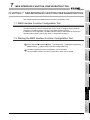
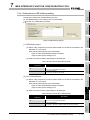
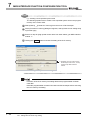
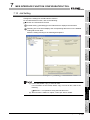
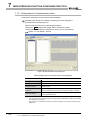
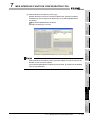
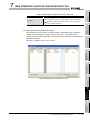
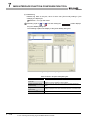
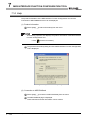
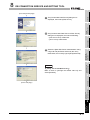
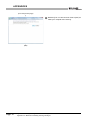
Select "QH71MES96" on [System monitor] dialog box and then click the
10
TROUBLESHOOTING
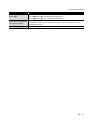
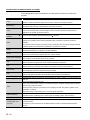
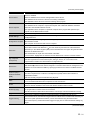
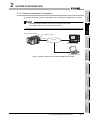
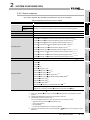
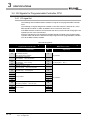
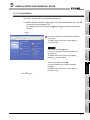
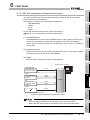
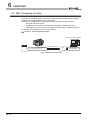
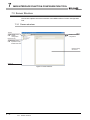
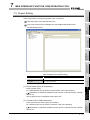
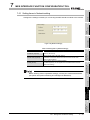
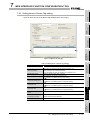
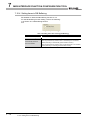
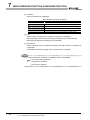
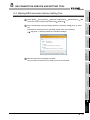
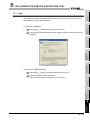
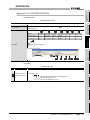
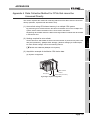
The module status of the MES interface module can be checked from [System monitor].
XML MESSAGE
FORMAT
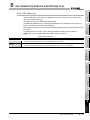
10.1.3 System monitor
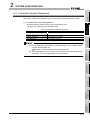
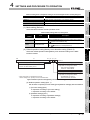
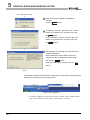
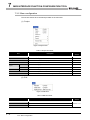
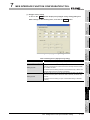
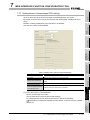
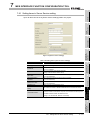
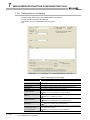
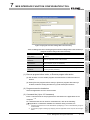
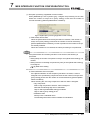
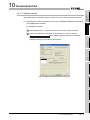
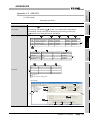
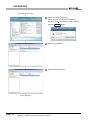
Module's Detailed Information button displays [Module's Dtailed Information]
APPENDICES
dialog box.
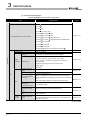
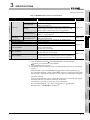
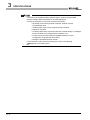
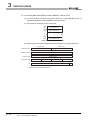
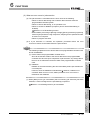
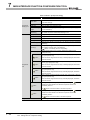
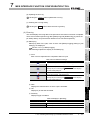
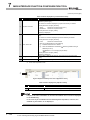
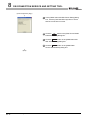
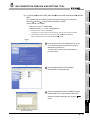
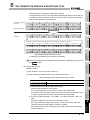
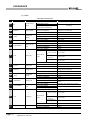
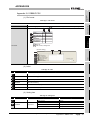
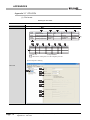
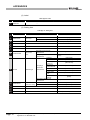
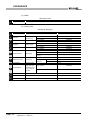
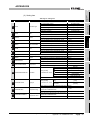
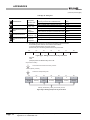
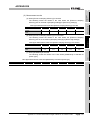
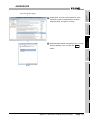
Operate it referring to the following descriptions.
INDEX
10
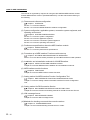
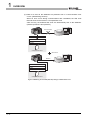
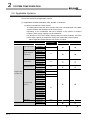
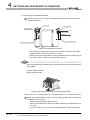
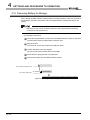
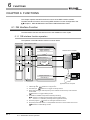
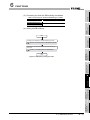
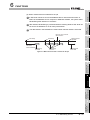
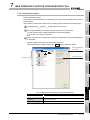
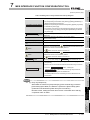
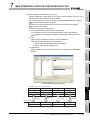
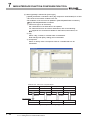
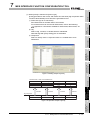
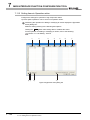
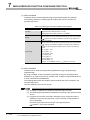
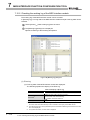
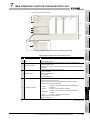
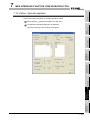
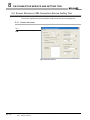
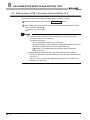
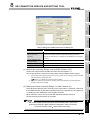
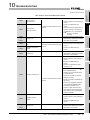
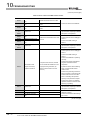
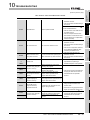
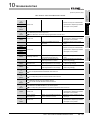
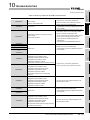
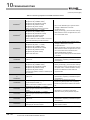
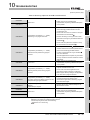
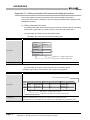
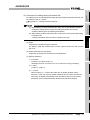
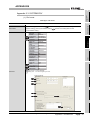
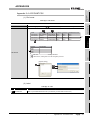
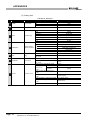
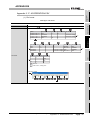
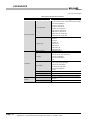
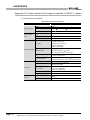
Figure 10.2 [Module's Detailed Information] dialog box
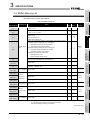
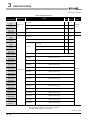
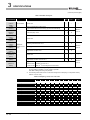
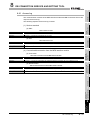
10.1 Error Codes
10.1.3 System monitor
10 - 4