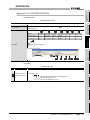
1
APPENDICES
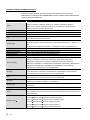
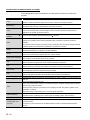
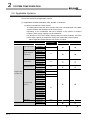
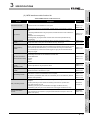
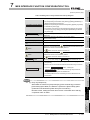
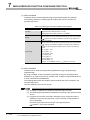
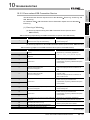
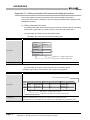
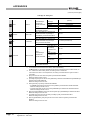
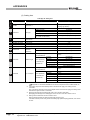
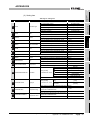
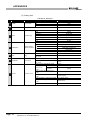
(2) Label
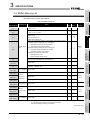
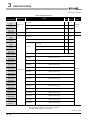
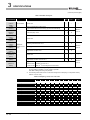
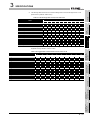
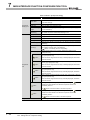
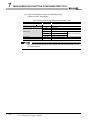
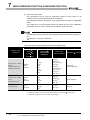
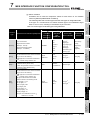
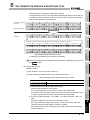
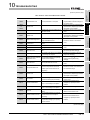
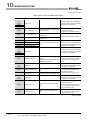
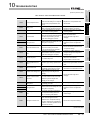
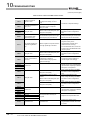
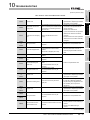
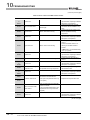
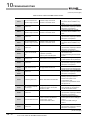
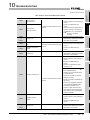
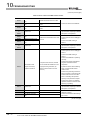
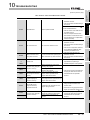
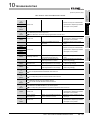
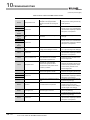
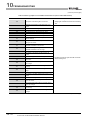
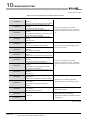
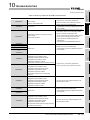
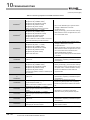
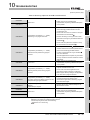
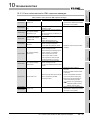
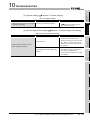
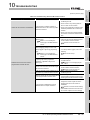
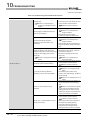
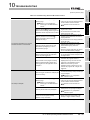
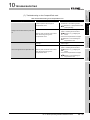
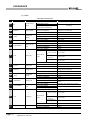
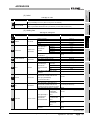
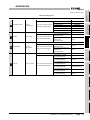
Table App.11 Label
Label
Description
Setting value
—
NWTYPE
(Fixed value)
[LAN]
—
IPTYPE
(Fixed value)
[SPECIFY]
1
IPADDRESS
IP address
IP address (Decimal)
2
3
SUBNET
Subnet mask
Subnet mask (Decimal)
GATEWAY
Default gateway
Default gateway (Decimal) or (Blank)
—
DNSTYPE
(Fixed value)
—
DNS1
(Fixed value)
(Blank)
—
DNS2
(Fixed value)
(Blank)
—
HTTPTYPE
(Fixed value)
—
HTTPPORT
(Fixed value)
—
HTTPNAT
(Fixed value)
[NO]
—
FTPTYPE
(Fixed value)
[DEFAULT]
—
FTPPORT
(Fixed value)
—
FTPNAT
(Fixed value)
[NO]
—
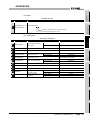
SYSTEMNAME
(Fixed value)
[QJ71MES96]
—
DIAGNOSIS
(Fixed value)
—
INTERVAL
(Fixed value)
[SPECIFY]
[DEFAULT]
(Blank)
(Blank)
[NO]
(Blank)
—
DESTINATION
(Fixed value)
(Blank)
—
EDEVICE
(Fixed value)
(Blank)
—
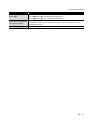
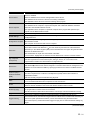
STARTUP
(Fixed value)
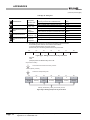
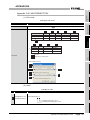
Time
4
SNTP
synchronization
setting
[YES]
Synchronize with PLC CPU time
Synchronize with SNTP
[SNTP]
SNTP server
When [PLC] is selected with SNTP
(Blank)
address
When [SNTP] is selected with SNTP
SNTP server address (Decimal)
When [PLC] is selected with SNTP
(Blank)
When [SNTP] is selected with SNTP
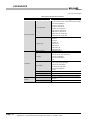
Time zone character strings
5
SNTPADDRESS
6
TIMEZONE
SNTP time zone
7
DB BUFSIZE
DB buffering capacity
App - 13
[PLC]
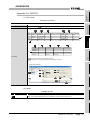
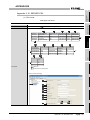
Appendix 3 Setting Information File Format (CSV File Format)
Appendix 3.3 SYSTEM.CSV
16 to 512