1
MES INTERFACE FUNCTION CONFIGURATION TOOL
1
(From the previous page)
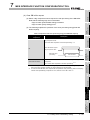
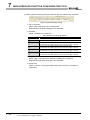
Description
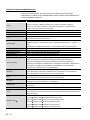
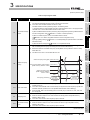
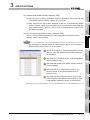
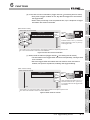
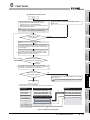
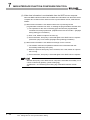
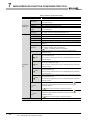
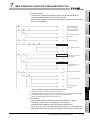
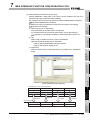
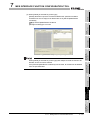
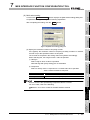
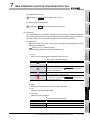
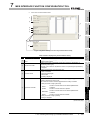
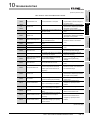
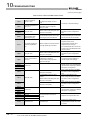
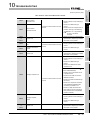
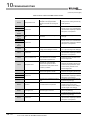
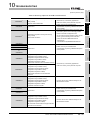
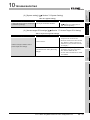
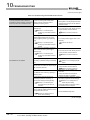
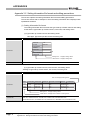
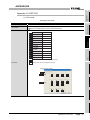
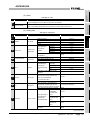
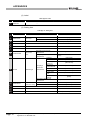
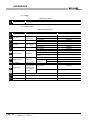
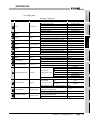
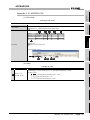
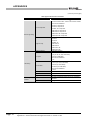
Set the processing to be performed in the following cases:
• No corresponding record exists when [Select], [Update], [MultiSelect], or
[Delete] is selected for [Action type].
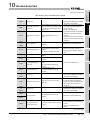
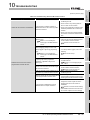
of arrays set in [Array setting] of the tag when [MultiSelect] is selected
for [Action type].
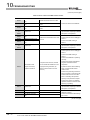
When [MultiSelect] is selected, detailed settings can be configured by
Multi select setting button clicking this.
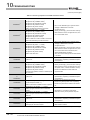
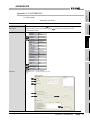
Tag component data length in
job
[Communication action].
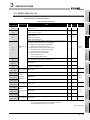
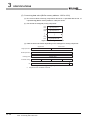
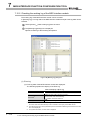
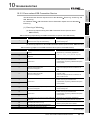
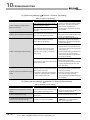
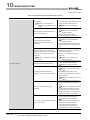
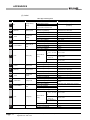
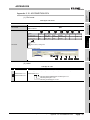
Displays the total number of fields in the project.
Displays the total data length of the tag components in the job.
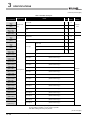
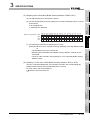
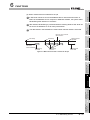
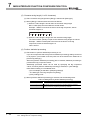
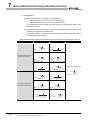
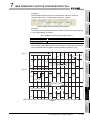
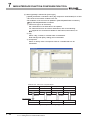
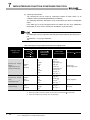
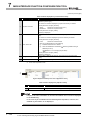
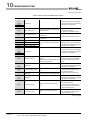
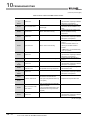
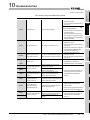
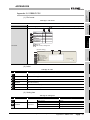
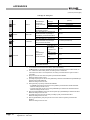
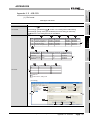
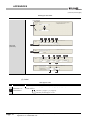
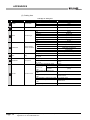
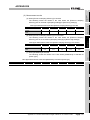
Selecting a row and clicking the
button
4
button cannot be clicked on the first row.
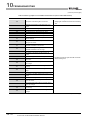
Selecting a row and clicking the
button reverses the order between the
selected row and the one immediately below it.
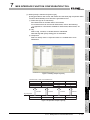
The
Delete row button
button reverses the order between the
selected row and the one immediately above it.
The
button
3
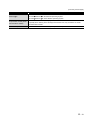
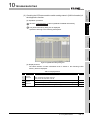
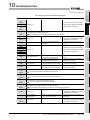
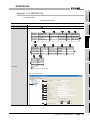
Displays SQL text that is generated in the currently editing
SPECIFICATIONS
No. of fields in project
SYSTEM
CONFIGURATION
is selected for [Action type].
• The number of records to be multi-selected is greater than the number
Generated SQL text
2
button cannot be clicked on the last row.
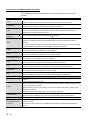
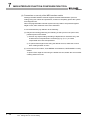
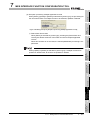
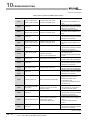
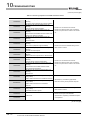
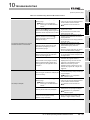
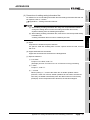
Selecting a row and clicking the Delete row button deletes the row.
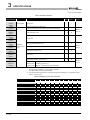
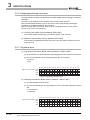
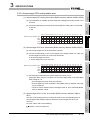
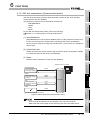
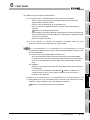
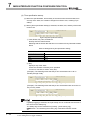
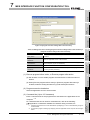
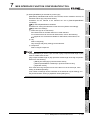
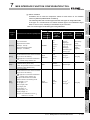
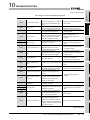
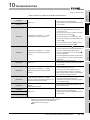
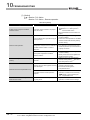
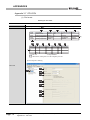
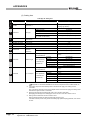
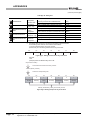
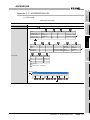
• All of the tag set in [Device tag settings] are inserted into [Tag] and
[Component].
• Select a row into which data are inserted and choose a tag in a list box
next to the Insert a whole tag button. Clicking the
Insert a whole tag button
Insert a whole tag button inserts all of the tag components into
contiguous rows starting from the selected one.
• The existing data set in the rows starting from the selected one are
moved down.
SETTINGS AND
PROCEDURE TO
OPERATION
button
• Multiple corresponding records exist when [Select], [Update], or [Delete]
5
INSTALLATION AND
UNINSTALLATION
Exception process setting
OVERVIEW
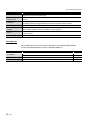
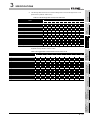
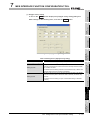
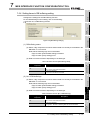
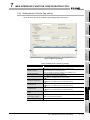
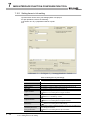
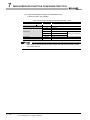
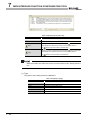
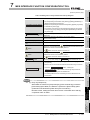
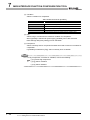
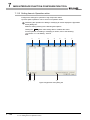
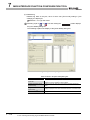
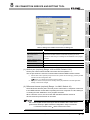
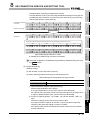
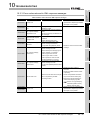
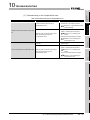
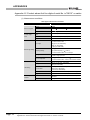
Table 7.64 Setting items in the [Communication action] dialog box
Item
6
7
MES INTERFACE
FUNCTION
CONFIGURATION TOOL
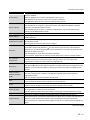
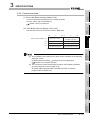
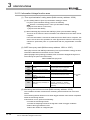
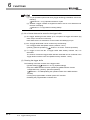
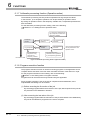
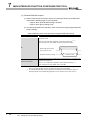
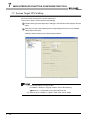
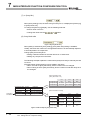
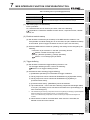
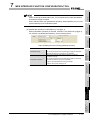
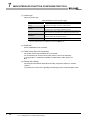
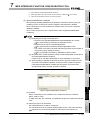
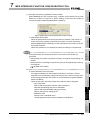
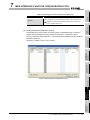
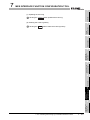
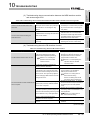
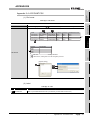
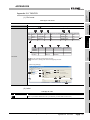
(1) Entry of [Component]
When data are entered in [Component] by [Insert a whole tag] or with the
[Field name] space blank, the data are copied to the [Field name] space.
(Characters not allowed for [Field name] are not entered.)
Because of this, setting the same name to each of the field name and tag
component name is useful.
FUNCTIONS
Remark
8
DB CONNECTION
SERVICE AND
SETTING TOOL
7
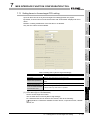
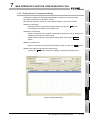
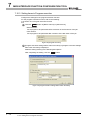
7.11 Job Setting - Actions
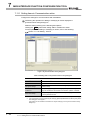
7.11.1 Setting items in Communication action
7 - 83