1
4
SETTINGS AND PROCEDURE TO OPERATION
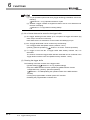
Remark
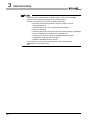
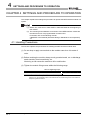
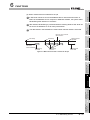
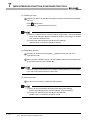
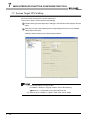
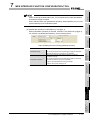
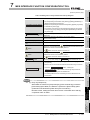
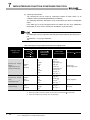
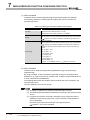
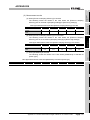
When the power is turned off or the programmable controller CPU is reset during
writing to the CompactFlash card, the write processing may not be completed.
In this case, the MES interface module can be powered off without file access
stop processing because it automatically restores the files when powered on
again.
In some cases, however, it cannot completely restore files.
If a problem may arise by this, stop file access before turning off the power or
resetting the programmable controller CPU.
Also, it is recommended to back up important data in various ways such as saving
them to other media.
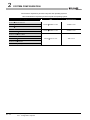
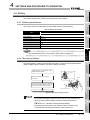
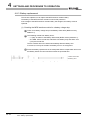
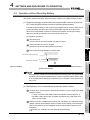
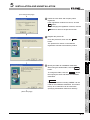
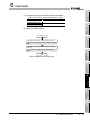
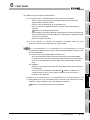
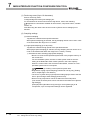
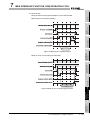
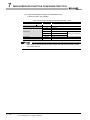
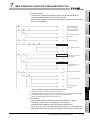
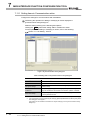
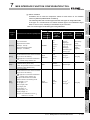
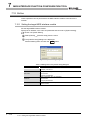
Section 4.7.2 (1) Stopping file access
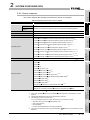
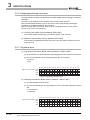
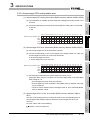
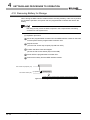
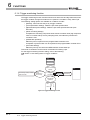
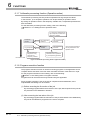
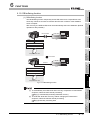
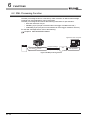
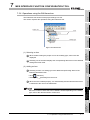
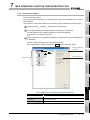
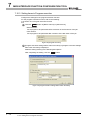
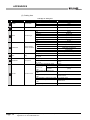
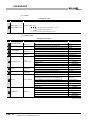
4.7.2 Installation/removing the CompactFlash card
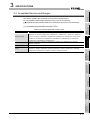
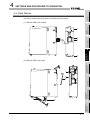
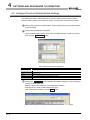
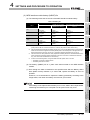
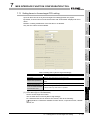
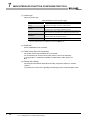
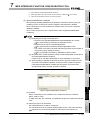
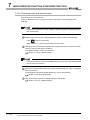
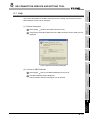
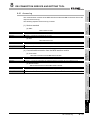
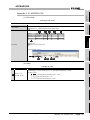
This section explains how to install/remove the CompactFlash card.
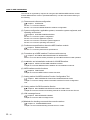
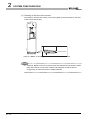
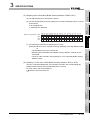
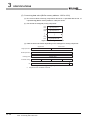
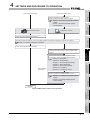
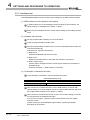
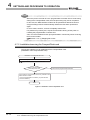
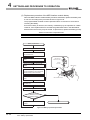
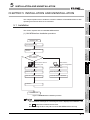
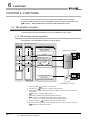
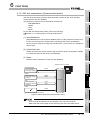
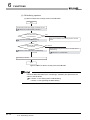
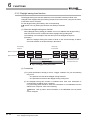
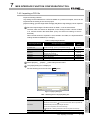
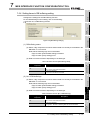
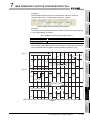
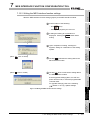
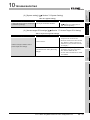
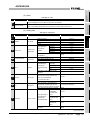
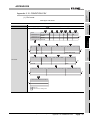
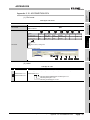
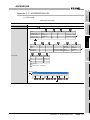
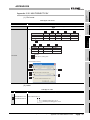
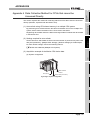
(Installation of the CompactFlash card)
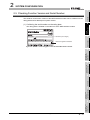
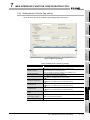
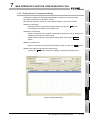
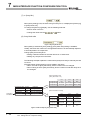
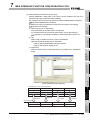
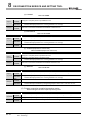
Installation of a CompactFlash card
Install the CompactFlash card.
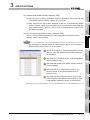
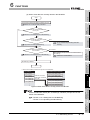
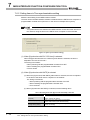
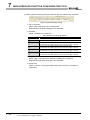
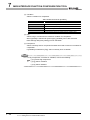
(2) Installation of the CompactFlash card
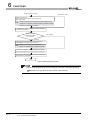
Is the programmable
controller power ON?
NO
Power ON the programmable controller.
YES
Check that the CompactFlash card is fully inserted to the
MES interface module.
(Turning CompactFlash card status (X1) ON indicates
correct installation.)
End
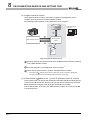
Figure 4.11 Installation of the CompactFlash card
4 - 15
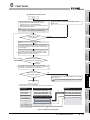
4.7 CompactFlash Card
4.7.2 Installation/removing the CompactFlash card