1
GOT-F900 SERIES (CONNECTION)
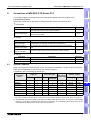
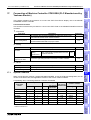
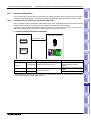
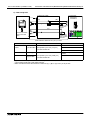
Connection of SLC500/MicroLogix Series PLC (Manufactured by Allen-Bradley) 19
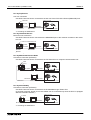
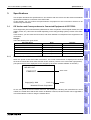
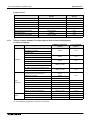
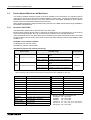
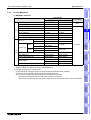
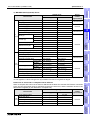
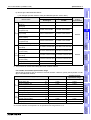
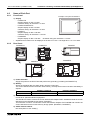
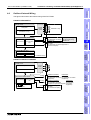
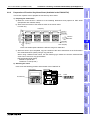
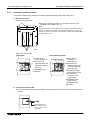
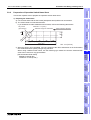
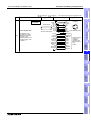
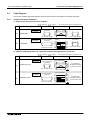
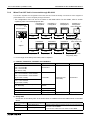
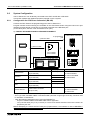
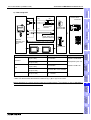
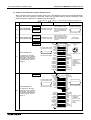
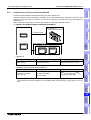
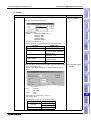
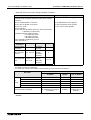
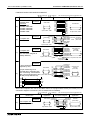
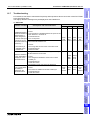
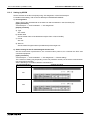
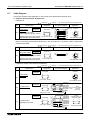
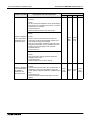
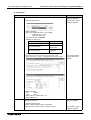
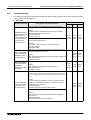
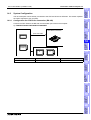
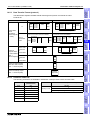
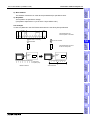
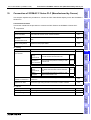
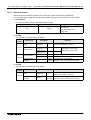
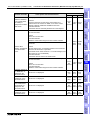
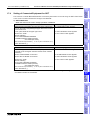
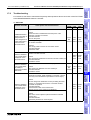
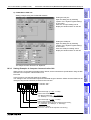
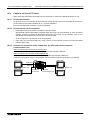
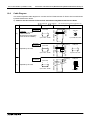
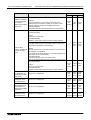
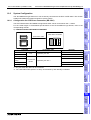
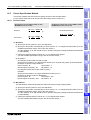
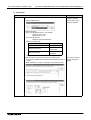
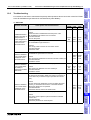
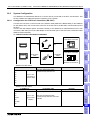
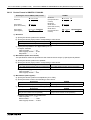
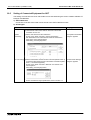
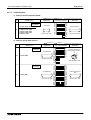
1) GOT-F900 Series
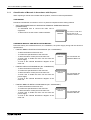
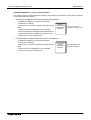
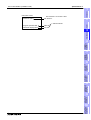
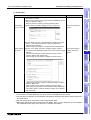
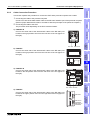
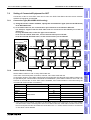
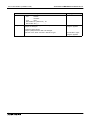
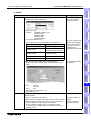
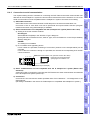
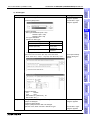
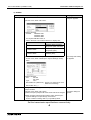
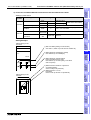
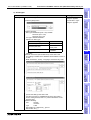
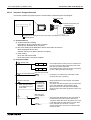
When the main menu screen change operation is disabled.
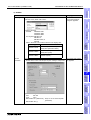
Operation
Display (screen name)
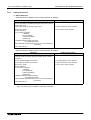
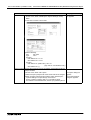
a)While pressing and holding the upper left corner of the screen, The "LANGUAGE" screen appears.
turn on the power. Keep holding the upper left corner for about
25 seconds more.
Then, press "END" at the upper right corner.
The "SET-UP MODE" screen appears.
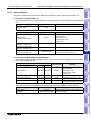
b)Press "PLC TYPE".
c) Set the following.
PLC TYPE: AB SLC500
AB Micrologix
CONNECTION:CPU PORT (RS-232C)
DST STATION # (STATION #): 00 to 31
GOT STATION # (−)
:−
The "PLC TYPE" screen appears.
12
Connection of
FX Series
Positioning
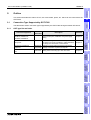
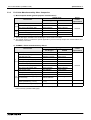
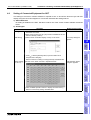
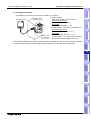
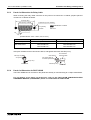
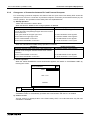
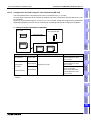
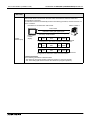
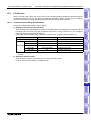
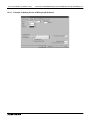
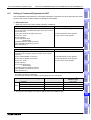
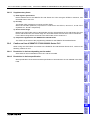
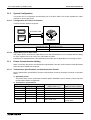
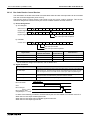
The SLC500/MicroLogix Series PLC connection parameters connection can be set using the GOT-F900
Series or the screen creation software GT Designer and DU/WIN.
13
Connection of
FREQROL
Inverter
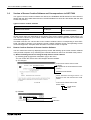
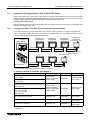
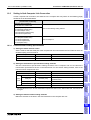
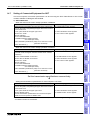
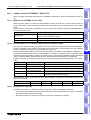
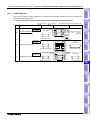
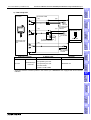
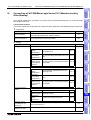
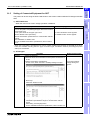
Setting of Connected Equipment for GOT
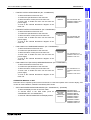
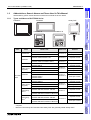
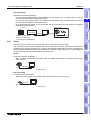
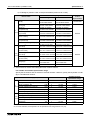
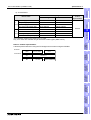
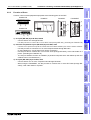
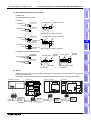
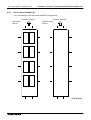
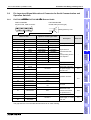
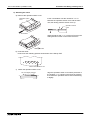
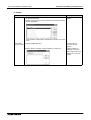
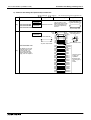
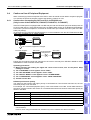
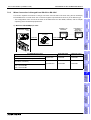
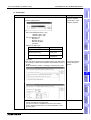
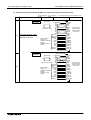
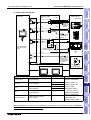
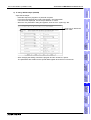
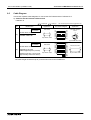
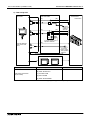
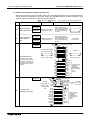
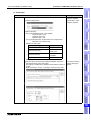
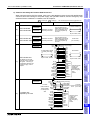
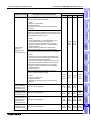
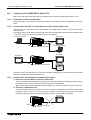
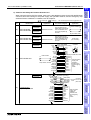
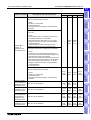
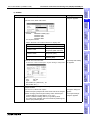
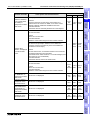
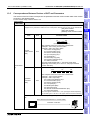
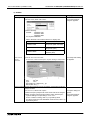
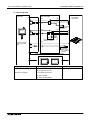
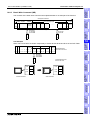
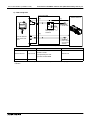
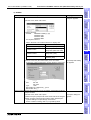
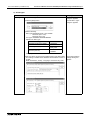
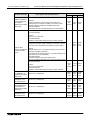
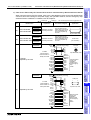
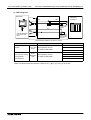
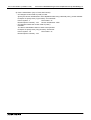
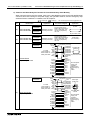
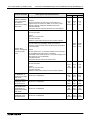
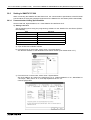
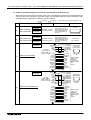
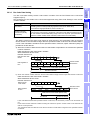
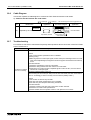
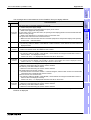
When the main menu screen change operation is enabled.
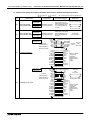
Display (screen name)
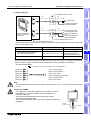
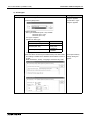
a)Press the upper left corner of the screen. (The position to be
pressed can be changed in the GOT and the screen creation
software.)
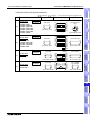
The "SELECT MODE" screen appears.
15
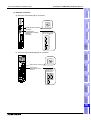
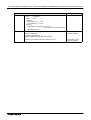
b)Press "OTHER MODE" on the menu.
The "OTHER MODE" screen appears.
c) Press "SET-UP MODE" on the menu.
The "SET-UP MODE" screen appears.
Connection of
SYSMAC C
Series PLC
Operation
Connection of
Microcomputer
14
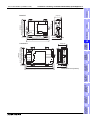
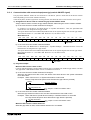
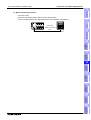
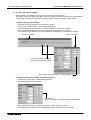
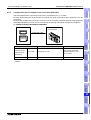
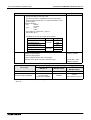
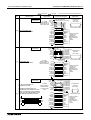
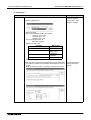
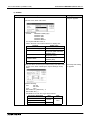
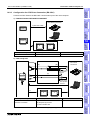
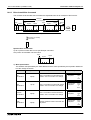
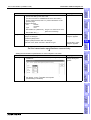
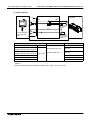
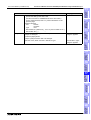
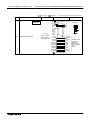
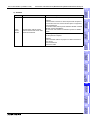
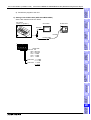
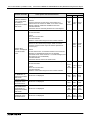
d)Press "PLC TYPE".
e)Set the following.
PLC TYPE: AB SLC500
AB Micrologix
CONNECTION:CPU PORT (RS-232C)
DST STATION # (STATION #): 00 to 31
GOT STATION # (−)
:−
The "PLC TYPE" screen appears.
Connection of
FLEX-PC N
Series PLC
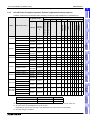
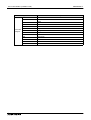
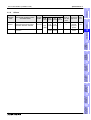
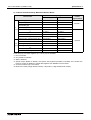
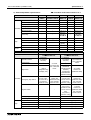
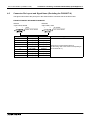
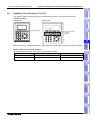
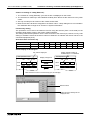
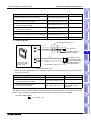
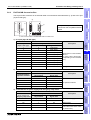
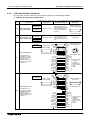
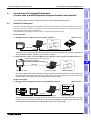
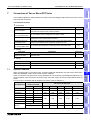
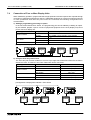
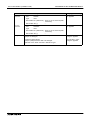
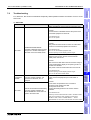
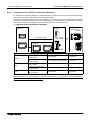
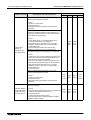
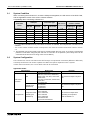
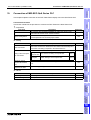
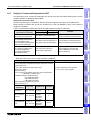
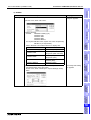
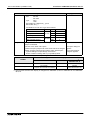
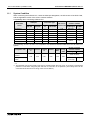
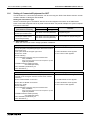
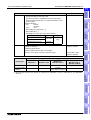
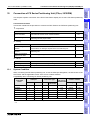
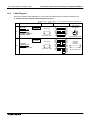
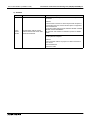
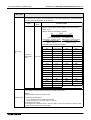
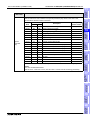
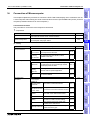
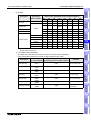
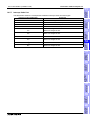
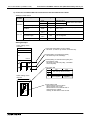
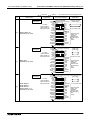
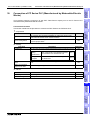
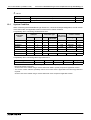
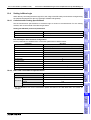
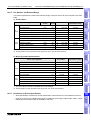
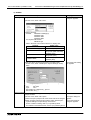
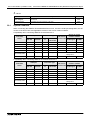
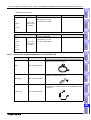
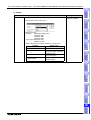
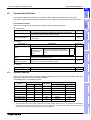
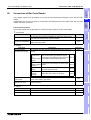
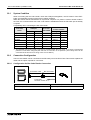
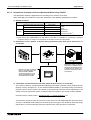
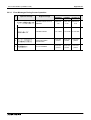
AB SLC500*1
AB MicroLogix
−
1.00 or later
F940GOT, Handy GOT
2.00 or later
6.00 or later
F930GOT
2.00 or later
6.00 or later
F930GOT-K
4.60 or later
4.60 or later
F940WGOT
Version
*1 The selection item display is changed to "AB SLC500" and "AB MicroLogix".
Connection of
Machine Controller
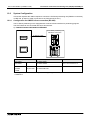
AB SLC500
17
18
Connection of
FP Series PLC
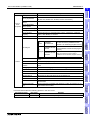
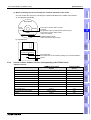
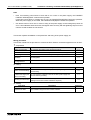
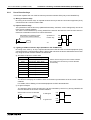
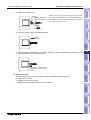
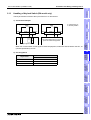
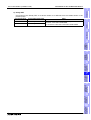
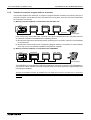
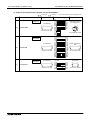
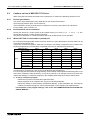
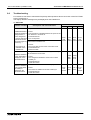
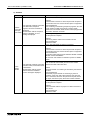
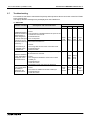
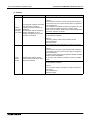
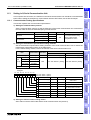
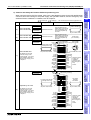
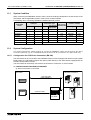
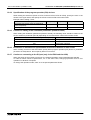
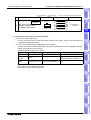
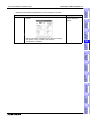
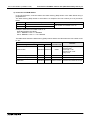
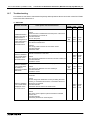
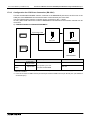
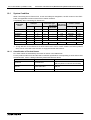
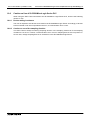
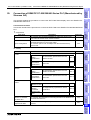
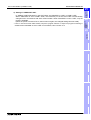
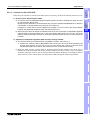
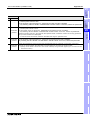
- When the screen data is transferred to the GOT-F900, the old data including the PLC type, connection type,
and station number are overwritten.
- The "PLC type" selection item display varies depending on the OS version.
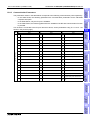
"PLC TYPE" selection item display
16
Connection of
SLC500
Series PLC
19
20
19-13
Connection of
SIMATIC S7
Series PLC
19.7
Connection of
MELSEC-Q
Series PLC
11