1
GOT-F900 SERIES (CONNECTION)
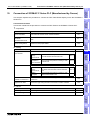
Connection of SYSMAC C Series PLC (Manufactured by Omron) 15
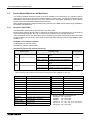
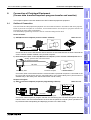
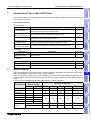
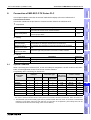
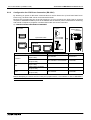
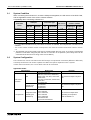
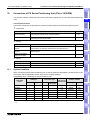
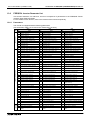
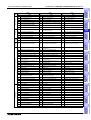
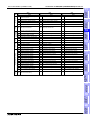
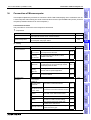
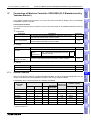
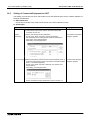
In the SYSMAC C Series PLC manufactured by Omron, using either RS-422 connection or RS-232C
connection in host link units (including serial communication units/boards) is available. This section
explains the cables and options required to connect the SYSMAC C Series PLC.
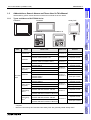
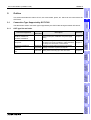
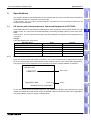
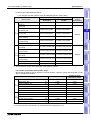
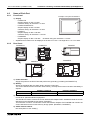
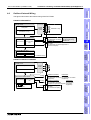
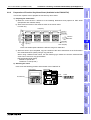
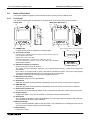
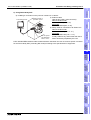
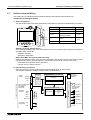
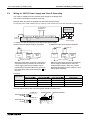
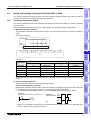
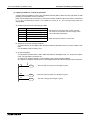
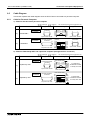
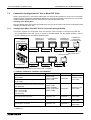
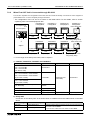
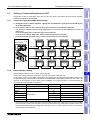
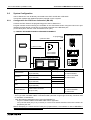
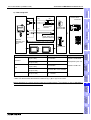
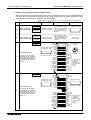
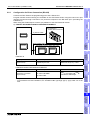
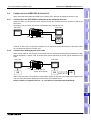
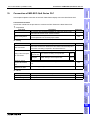
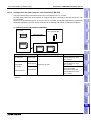
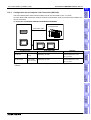
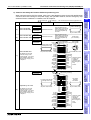
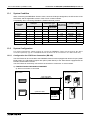
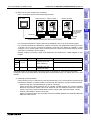
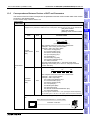
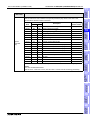
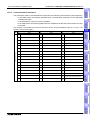
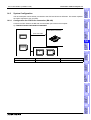
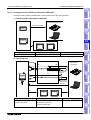
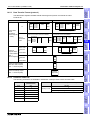
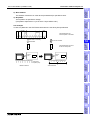
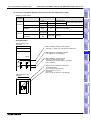
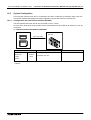
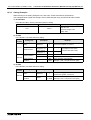
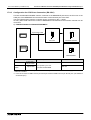
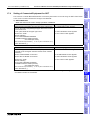
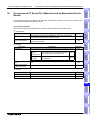
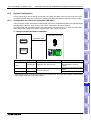
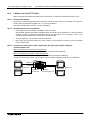
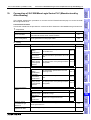
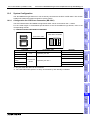
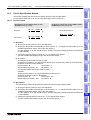
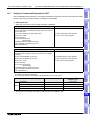
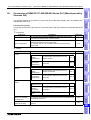
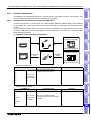
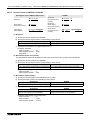
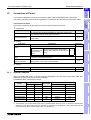
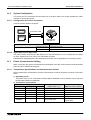
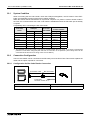
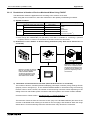
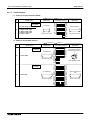
Configuration for SYSMAC C Host Link Connection (RS-422)
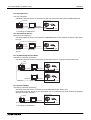
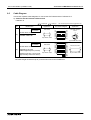
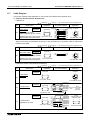
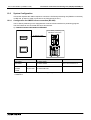
The GOT-F900 and the host link unit can be connected on the 1:1 basis. As many GOT-F900 units as
the number of host link units attached to the C200H/CS1 can be connected.
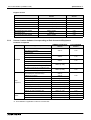
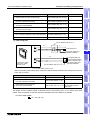
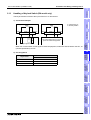
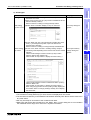
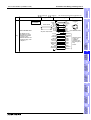
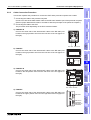
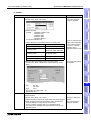
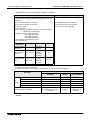
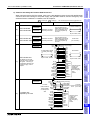
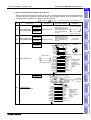
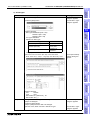
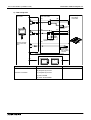
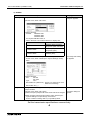
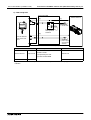
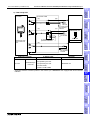
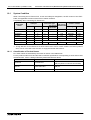
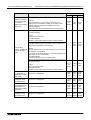
1) F930GOT/F930GOT-K/F940GOT/F940WGOT
13
Connection of
FREQROL
Inverter
GOT-F900
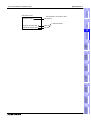
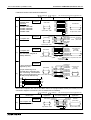
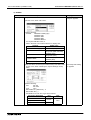
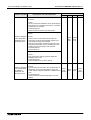
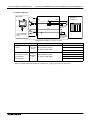
a) SYSMAC C Series
Host link
b) RS-422 cable
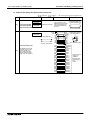
F930GOT
Connection of
Microcomputer
14
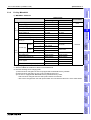
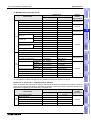
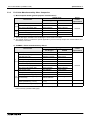
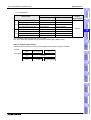
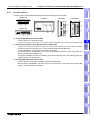
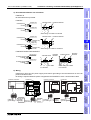
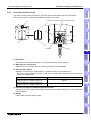
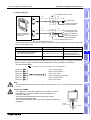
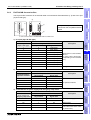
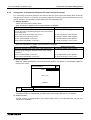
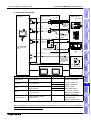
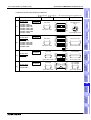
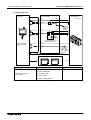
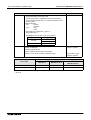
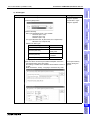
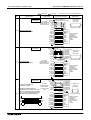
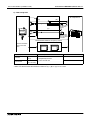
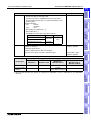
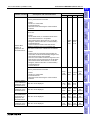
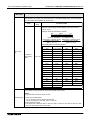
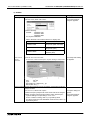
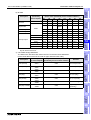
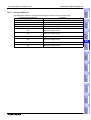
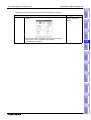
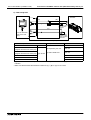
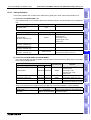
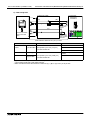
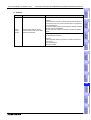
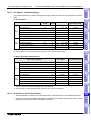
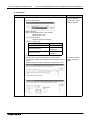
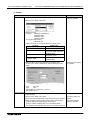
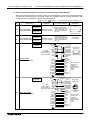
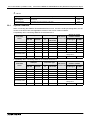
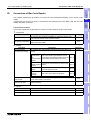
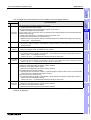
a) SYSMAC C Series
b) RS-422 cable
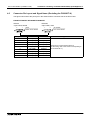
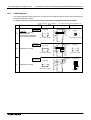
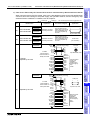
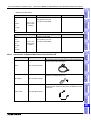
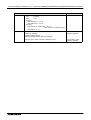
Remarks
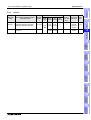
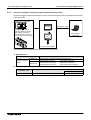
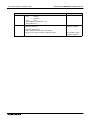
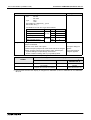
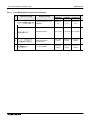
C200H-LK202-V1
9-pin D-Sub Prepared by the user
Host link unit
CS1W-SCB41
9-pin D-Sub Prepared by the user
Serial communication unit
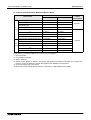
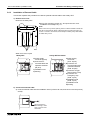
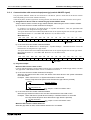
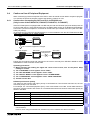
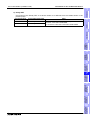
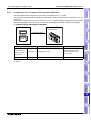
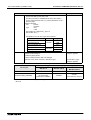
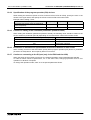
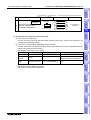
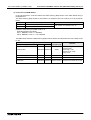
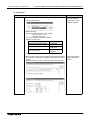
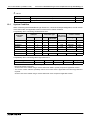
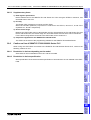
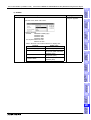
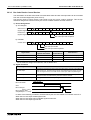
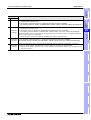
- Applicable SYSMAC C Series products in the column a) are host link units equipped with built-in RS-422
interface.
15
Connection of
SYSMAC C
Series PLC
F940GOT
Connection of
FLEX-PC N
Series PLC
16
Connection of
Machine Controller
17
Connection of
FP Series PLC
18
19
Connection of
SLC500
Series PLC
15.2.1
12
Connection of
FX Series
Positioning
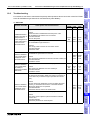
System Configuration
20
15-3
Connection of
SIMATIC S7
Series PLC
15.2
Connection of
MELSEC-Q
Series PLC
11