1
GOT-F900 SERIES (CONNECTION)
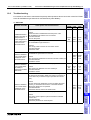
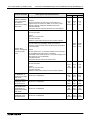
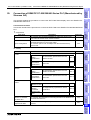
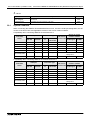
Installation and Wiring of Handy GOT 5
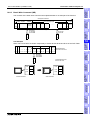
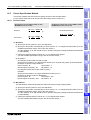
5.3.3
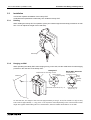
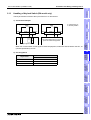
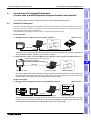
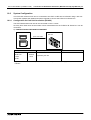
Flat Surface Mounting
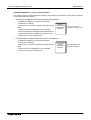
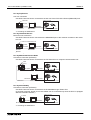
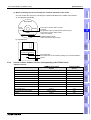
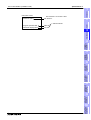
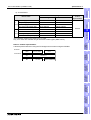
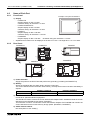
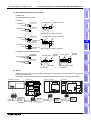
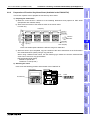
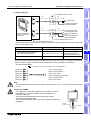
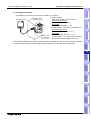
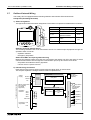
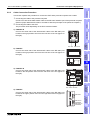
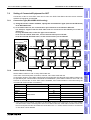
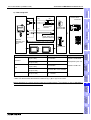
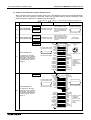
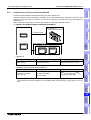
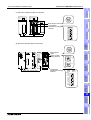
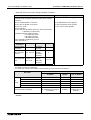
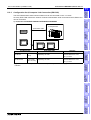
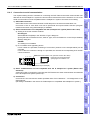
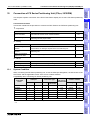
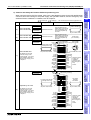
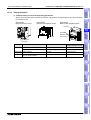
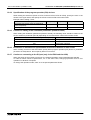
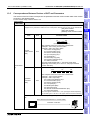
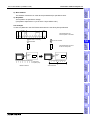
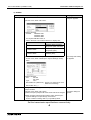
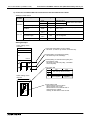
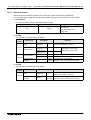
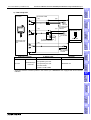
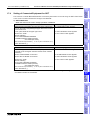
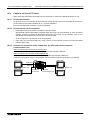
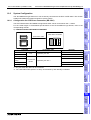
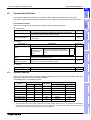
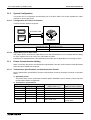
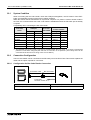
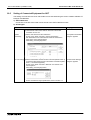
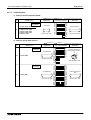
When using the Handy GOT on a flat surface, such as a desk or shelf, keep the Handy GOT parallel to
the surface so that it does not drop and, fix the communication cable to the desk.
Introduction
1
Outline
2
P O
W E
R
3
S W
Specifications
G R
IP
installation
and Wiring of
F940GOT
4
It is r e c o m m e n d e d to fix
th e c a b le .
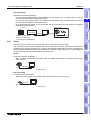
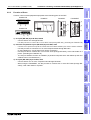
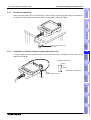
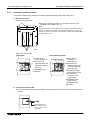
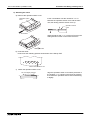
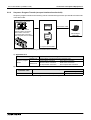
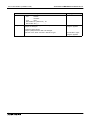
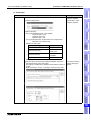
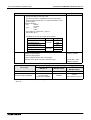
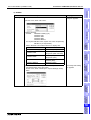
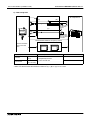
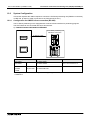
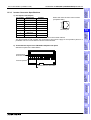
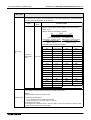
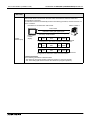
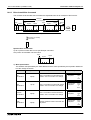
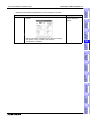
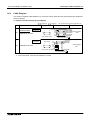
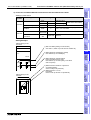
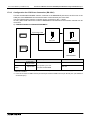
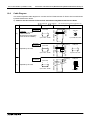
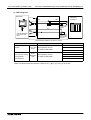
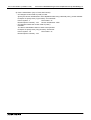
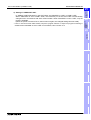
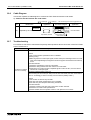
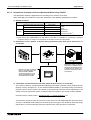
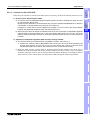
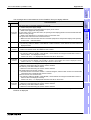
A strap to help prevent accidental drops or for shoulder/hand carry (prepared by the user) can be
attached to the loops.
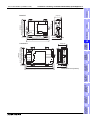
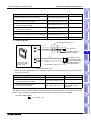
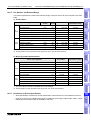
Dimension of the loop
installation
and Wiring of
Handy GOT
5
Installation of Strap for Drop Prevention (RH model only)
14(0.55")
Dimensions: mm(inches)
S tra p
(p re p a re d b y th e u s e r)
Connection of
Peripheral
Equipment
6
5(0.2")
Connection of
Two or More
GOT Units
7
L o o p s
Connection of
MELSEC-F FX
Series PLC
8
Connection of
MELSEC-A
Series PLC
9
10
5-9
Connection of
MELSEC-QnA
Series PLC
5.3.4