1
GOT-F900 SERIES (CONNECTION)
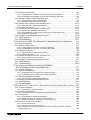
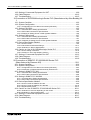
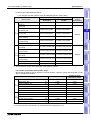
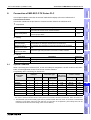
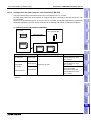
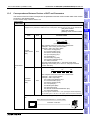
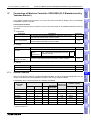
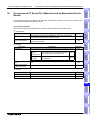
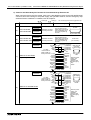
Connection of SLC500/MicroLogix Series PLC (Manufactured by Allen-Bradley) 19
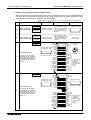
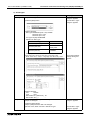
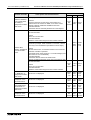
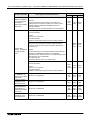
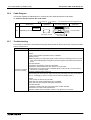
3. Others
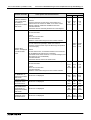
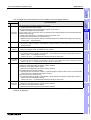
Item name
19.1
Description
Reference
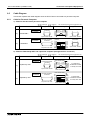
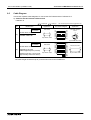
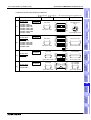
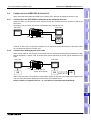
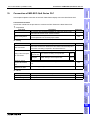
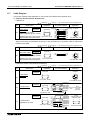
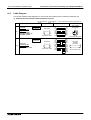
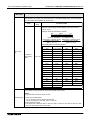
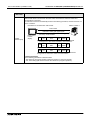
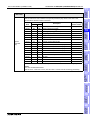
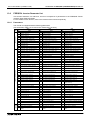
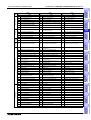
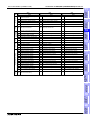
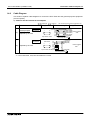
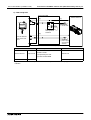
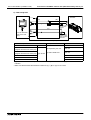
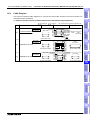
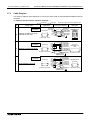
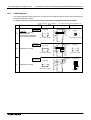
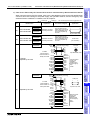
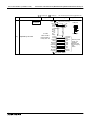
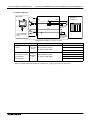
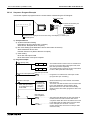
Cable Diagram
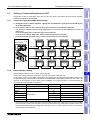
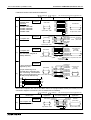
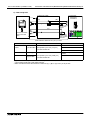
Cable diagrams for SLC500/MicroLogix Series PLC and GOT connection
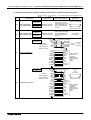
19.8
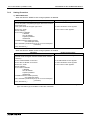
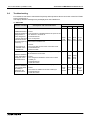
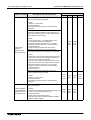
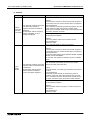
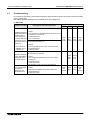
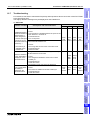
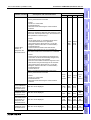
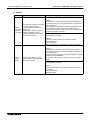
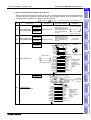
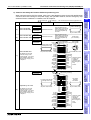
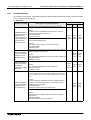
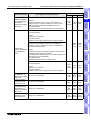
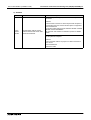
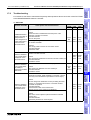
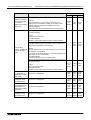
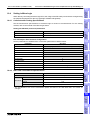
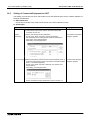
Troubleshooting
Description of errors and how to fix them
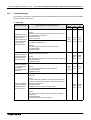
19.9
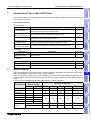
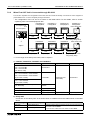
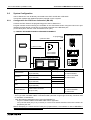
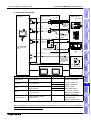
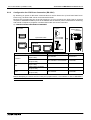
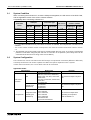
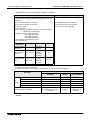
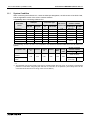
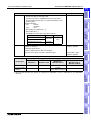
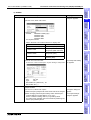
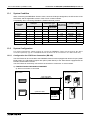
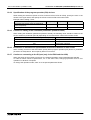
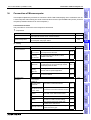
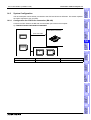
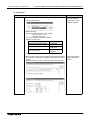
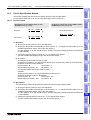
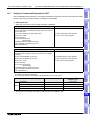
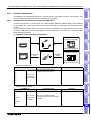
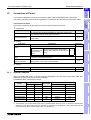
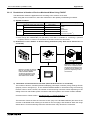
System Condition
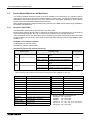
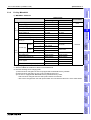
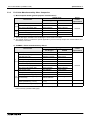
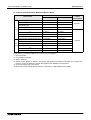
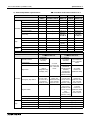
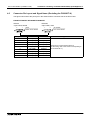
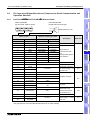
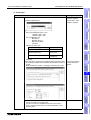
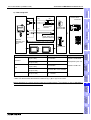
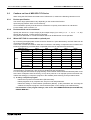
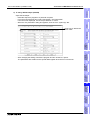
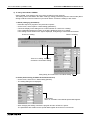
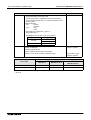
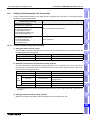
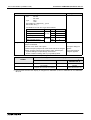
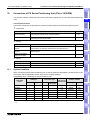
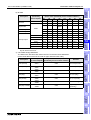
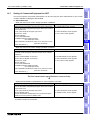
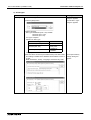
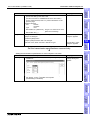
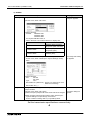
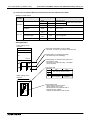
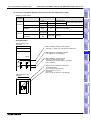
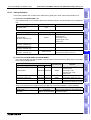
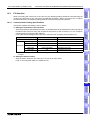
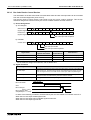
When connecting the SLC500/MicroLogix Series PLC, check the COM port designation, the OS version
of the GOT-F900, and applicable versions of the screen creation software.
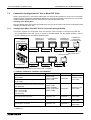
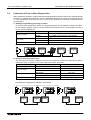
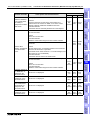
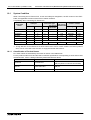
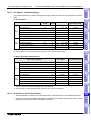
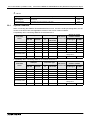
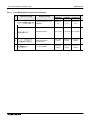
Compatibility when connecting SLC500 Series PLC
GOT-F900
Series
COM port
RS-422
Version of screen
creation software
OS version
Two or more of GOT-F900
GT Designer DU/WIN
GOT units
Connection type
RS-232C
1:1
F920GOT-K
−
−
−
−
−
−
−
F930GOT
−
✓
✓
−
2.00
SW1-H
2.30
F930GOT-K
−
✓
✓
−
4.60
SW5-26C
2.70
F940GOT
−
✓
✓
−
2.00
SW1-A
2.30
F940WGOT
−
✓
✓
−
1.00
SW5-F
2.50
F940 Handy GOT
−
−
F943 Handy GOT
−
✓
It cannot be connected. Select the F943 Handy GOT.
✓
−
2.00
SW1-D
2.30
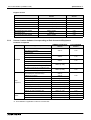
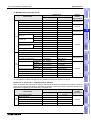
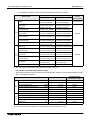
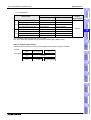
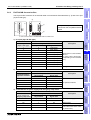
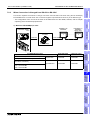
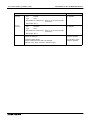
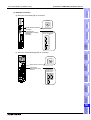
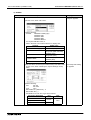
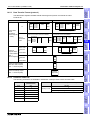
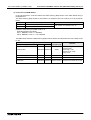
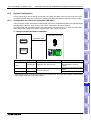
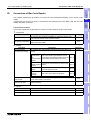
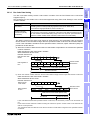
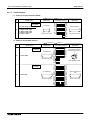
Compatibility when connecting MicroLogix Series PLC
Type
GOT-F900 OS version
F930GOT
F930GOT-K
F940GOT
F940WGOT
Handy GOT
4.00
4.60
6.00
1.00
6.00
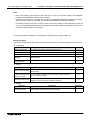
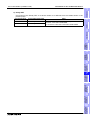
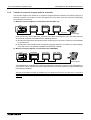
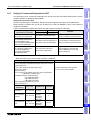
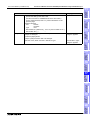
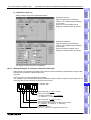
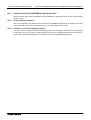
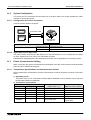
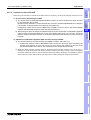
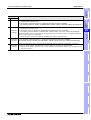
- The screen creation software (GT Designer) Version SW5-F (5.05F) or later which is applicable to the
MicroLogix Series is required.
Screens cannot be created using a version earlier than SW5-F (5.05F). Prepare an applicable version.
- The screen creation software (DU/WIN) version 2.50 or later which is applicable to the MicroLogix Series is
required.
Screens cannot be created using a version earlier than 2.50. Prepare an applicable version.
19-2