1
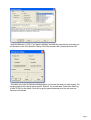
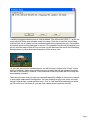
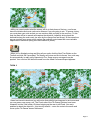
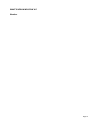
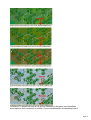
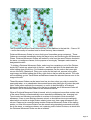
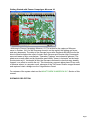
A dialog will appear showing any air units available. You will see the II./StG 1 – an air unit
made up of 28 Stuka dive bombers ready for orders. Click the air unit line in the dialog
and then OK. An air mission will be conducted against the selected hex and, if successful,
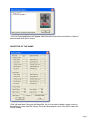
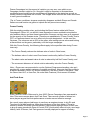
its combat results will be displayed on screen. First possible Anti-Aircraft fire against your
air unit, with the result of that AA fire, and then you will be shown the result of the bombing.
Results shown in yellow letters are disruptions of the enemy units.
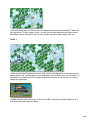
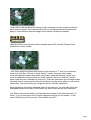
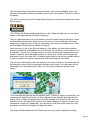
As you look around your remaining units, you will find most of them to be "Fixed". In this
state of readiness, these units cannot move yet, normally they will be released for player
use later in the scenario. However, Fixed units that come into contact with the enemy are
automatically released.
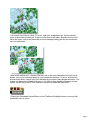
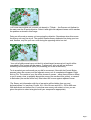
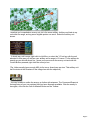
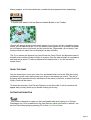
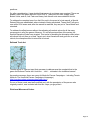
There are two more units you can move forward toward the village so that you can assault
it, and maybe capture this first objective. You can continue to move your recon unit even
though it has already moved and fired once. That is, it still has MPs remaining and while
you do not have to use them all, you may find a better place to position this unit.
Page 9