1
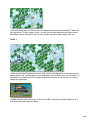
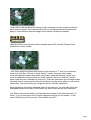
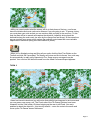
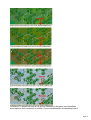
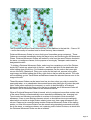
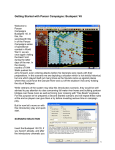
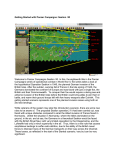
Let’s now move a third unit, a recon unit already in T Mode – the German unit farthest to
the east near the 50 point objective. Select it and right click adjacent hexes until it reaches
the position as shown in this image.
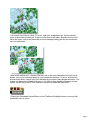
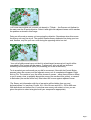
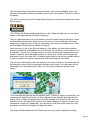
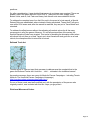
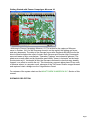
Doing so will reveal an enemy unit occupying the objective. Sometimes when this occurs
the enemy unit may fire at you. The system handles enemy defensive fire during your turn
and, likewise, may fire your own units during the opposing side’s turn too!
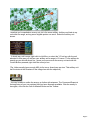
Your unit is lightly armed recon unit but it is a hard target (armoured unit) and it will be
unscathed in this contact with the enemy. Furthermore, your unit still has sufficient
remaining movement points (MPs) left, enabling you to fire at the enemy.
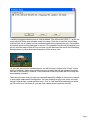
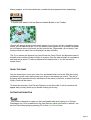
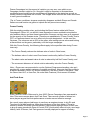
To do so select your unit exactly as you did for movement. Now with the Control Button
pressed, place the mouse over the adjacent enemy unit. A crosshairs will appear. Right
click to Fire. The results of your fire will be shown on screen – either there will be no effect,
or you’ll cause a loss, or possibly disrupt the enemy (the results will be yellow), or cause it
to be broken (the results will be red). Most direct fire occurs against adjacent hexes.
(Tip: Enemy unit information with fog of war active will be hidden from you and
summarized as X = less than 10 men, XX= 10 to 99 men and XXX = 100 to 999 men.
With both direct and indirect fire, if more than one enemy unit exists in a hex, you are
given the option to select a target should your weapons be appropriate).
Page 7