1
Software installation and commissioning
7.
Installation procedure
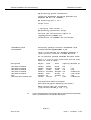
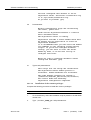
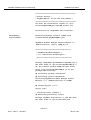
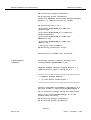
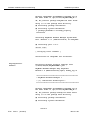
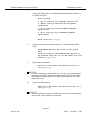
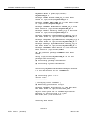
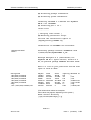
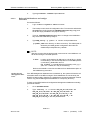
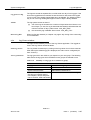
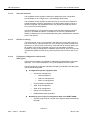
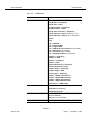
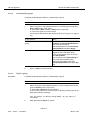
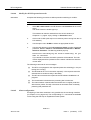
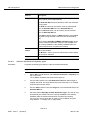
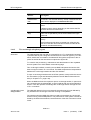
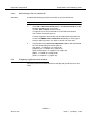
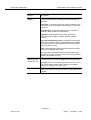
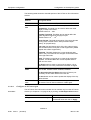
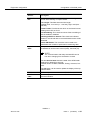
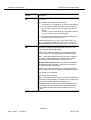
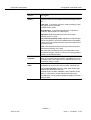
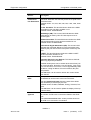
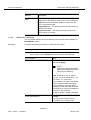
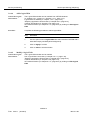
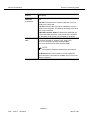
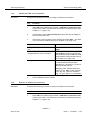
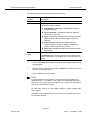
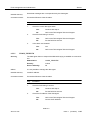
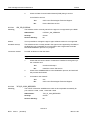
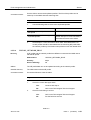
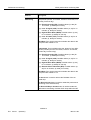
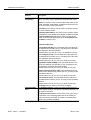
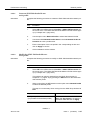
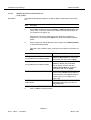
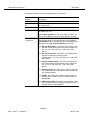
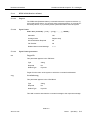
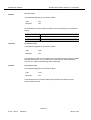
Type y and press Return to define that the NAM starts at boot time.
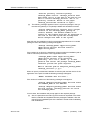
An option list pops up.
Start-up MODE
1
ALL to start-up all AnyMedia applications
2 ADM to start-up Administration AnyMedia
aplications
3 NB to start-up only NarrowBand AnyMedia
applications
4 BB to start-up only BroadBand AnyMedia
applications
Enter selection [?,??,q]:
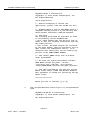
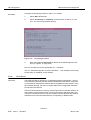
8.
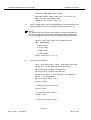
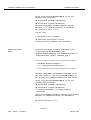
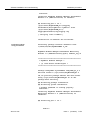
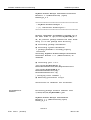
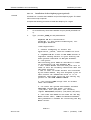
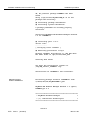
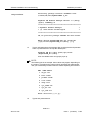
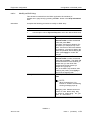
Type the number for the desired option (e.g. 1 for ALL) and press Return.
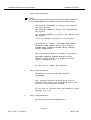
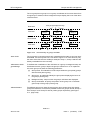
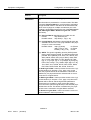
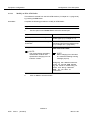
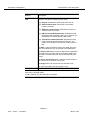
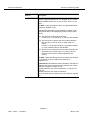
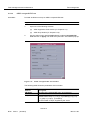
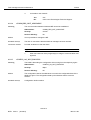
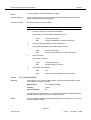
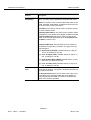
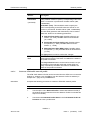
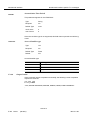
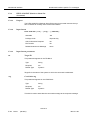
SystemAdmin ALL will be placed on the system
boot
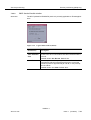
Clean-up tasks for the AnyMedia-EM system will
be executed every day at 2.00 AM. Would you like
change it [y,n,?,q]
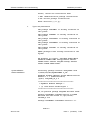
9.
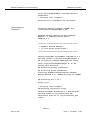
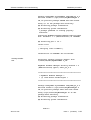
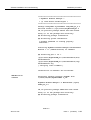
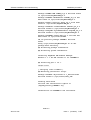
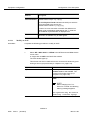
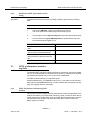
Type n and press Return.
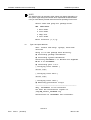
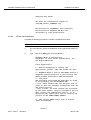
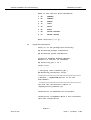
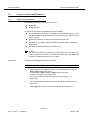
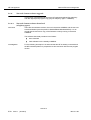
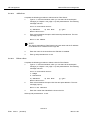
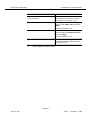
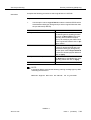
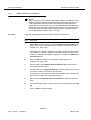
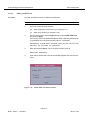
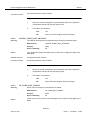
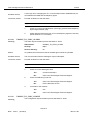
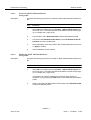
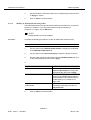
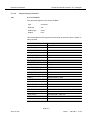
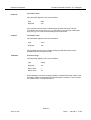
Would you like install the Backup process as a
cron [y,n,?,q]
NOTE:
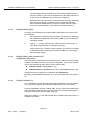
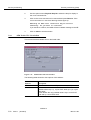
In order to install the backup process as a cron, type y and press Return.
Then follow the system responses to define the date and time of the automatic backup procedure (refer to your SUN documentation for more information about cron).
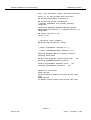
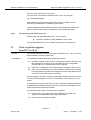
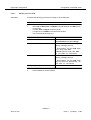
10.
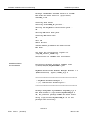
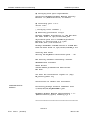
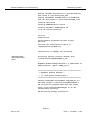
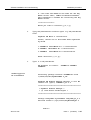
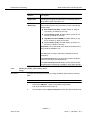
Type n and press Return.
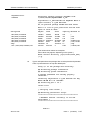
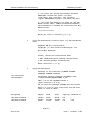
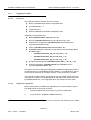
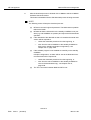
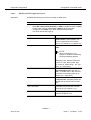
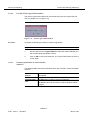
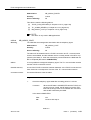
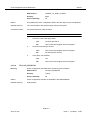
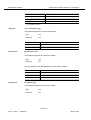
Would you like install the Archive process as a
cron [y,n,?,q]
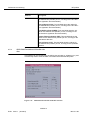
NOTE:
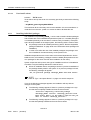
The archive process can also be installed as a cron but it is recommended
not to do this, since log files will be removed.
NAM R1.9
363-211-497
Issue 1
(02.2001)
2-43