1
About this document
General safety information
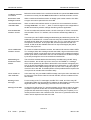
Lucent Technologies trademarks
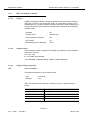
Lucent Technologies trademarks are identified with the registered mark (®) or
trademark (™) symbol the first time the trademarks are used in a chapter.
Trademarks of
other companies
The trademarks of other companies are identified with a footnote reference the
first time the trademarks are used in a chapter.
Typographical conventions
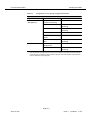
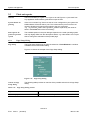
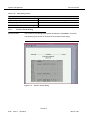
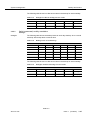
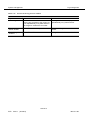
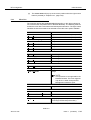
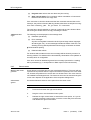
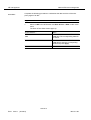
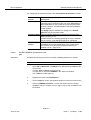
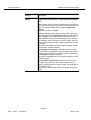
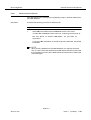
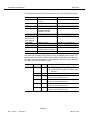
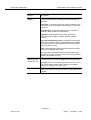
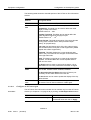
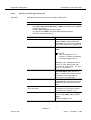
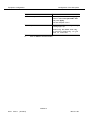
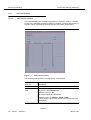
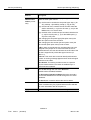
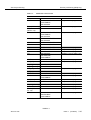
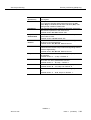
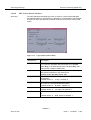
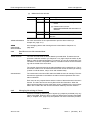
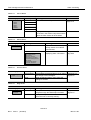
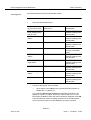
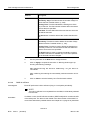
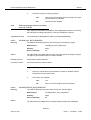
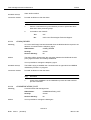
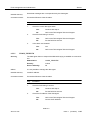
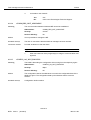
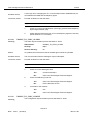
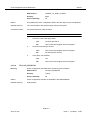
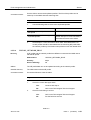
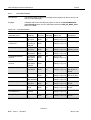
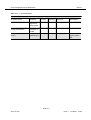
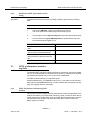
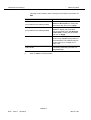
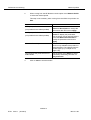
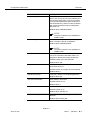
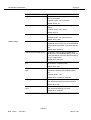
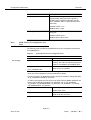
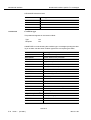
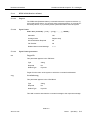
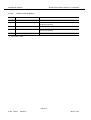
The following table gives examples of the typographical conventions used in this
chapter.
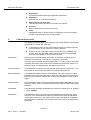
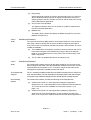
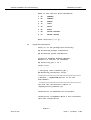
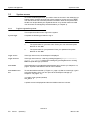
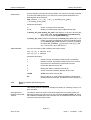
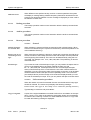
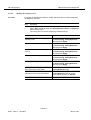
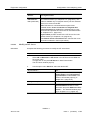
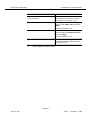
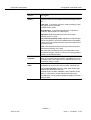
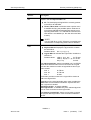
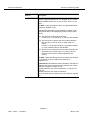
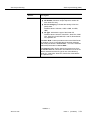
Table 0-5
Typographical conventions
Object
Example
Meaning
Keyboard
Return or A
Return or A key on the keyboard
Shift-Ctrl-B Shift, Ctrl and B key pressed simultaneously
6
Esc A B
Esc, A and B key pressed one after the other
Push button
Apply
Apply push button in a window
Menu
File -> Exit
Menu option Exit in File menu
Objects in
windows
Date
Designates the object Date in a window (e.g.
text field, check box, spin box etc.)
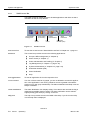
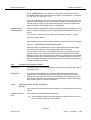
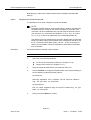
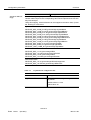
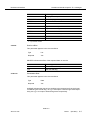
General safety information
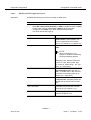
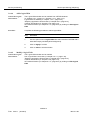
This section lists the safety information needed for the AnyMedia Access System
for system turn-up after installation has been completed, operating, provisioning
and maintaining the system.
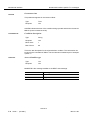
6.1
General notes on safety
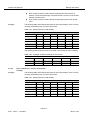
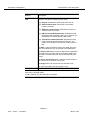
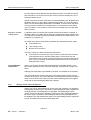
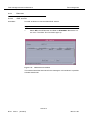
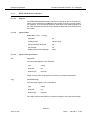
This system has been developed in line with the present state-of-the-art and fulfils
the current national and international safety requirements. It is provided with a
high degree of operational safety resulting from many years of development experience and continuous stringent quality checks in our company.
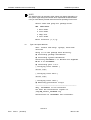
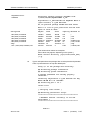
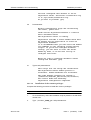
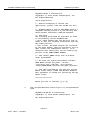
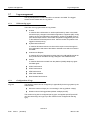
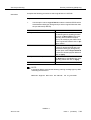
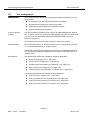
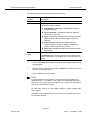
The system is safe in normal operation. There are, however, some potential
sources of danger that cannot be completely eliminated. In particular, these arise
during the
■
opening of housings or equipment covers
■
manipulation of any kind within the equipment, even if it has been disconnected from the power supply
■
disconnection of optical or electrical connections
through possible contact with
■
live parts
■
laser light
NAM R1.9
363-211-497
Issue 1
(02.2001)
XVII