1
NE management
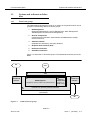
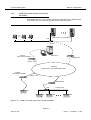
Network Element management
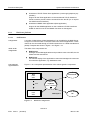
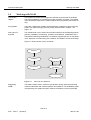
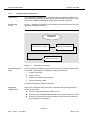
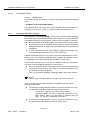
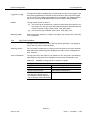
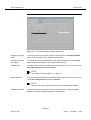
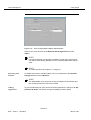
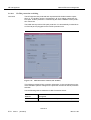
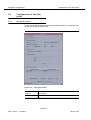
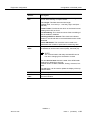
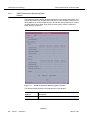
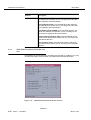
To open a remote session with an ITM-SNC the operator must provide the connection information (Login and Password) as for the login into an ITM-SNC session (for more information, cf. ITM-SNC User Manual).
Fiber Reach / GUI
independence
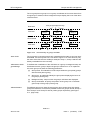
The NAM GUI behavior (but not necessarily the performance) is not affected by
any simultaneous Fiber Reach connection running on the platform.
The operator using the NAM GUI does not need to know about any Fiber Reach sessions running on the NAM platform. The performance of the system could be affected
by the load of the hardware, but the behavior of the GUI is the same in both cases.
5.6.16.1
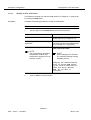
Start a Fiber Reach session
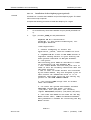
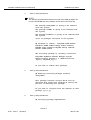
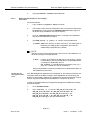
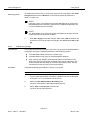
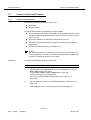
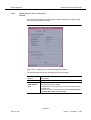
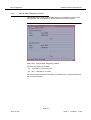
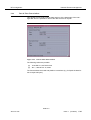
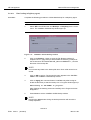
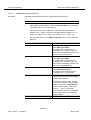
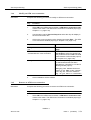
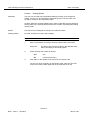
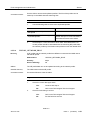
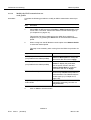
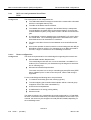
Complete the following procedure to start a Fiber Reach session:
1.
Type fr in a terminal window, which you can start via the workspace
manager (cf. Chapter 3.3.8, page 3-11) and press Return.The following
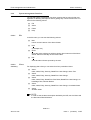
message is shown:
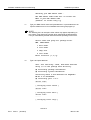
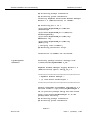
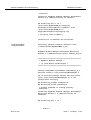
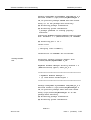
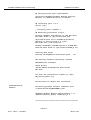
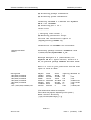
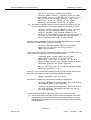
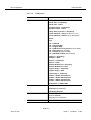
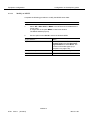
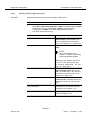
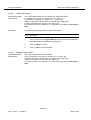
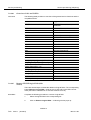
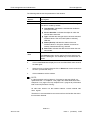
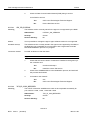
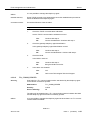
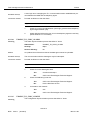
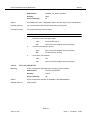
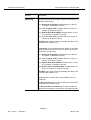
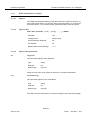
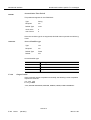
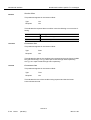
List of available hosts:
1.-mahp1
2.-mascusa14
a) Add Host
d) Del Host
Enter Selection:
q) Quit
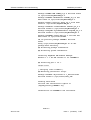
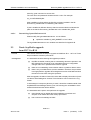
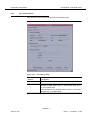
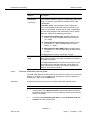
2.
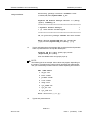
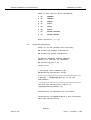
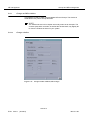
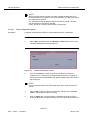
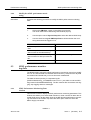
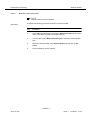
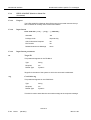
Enter the host number where the ITM-SNC is installed from the list of
available hosts or enter a for include a new one (cf. Chapter 5.6.16.2,
page 5-98).
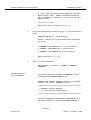
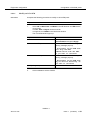
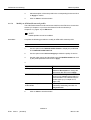
3.
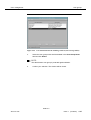
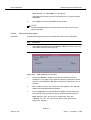
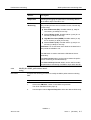
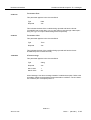
Enter the Login and Password defined on the ITM-SNC documentation.
Now you are able to use the ITM-SNC application.
NAM R1.9
363-211-497
Issue 1
(02.2001)
5-97