1
System management
Log management
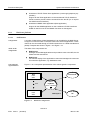
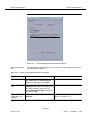
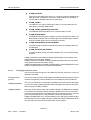
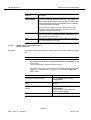
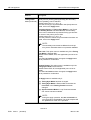
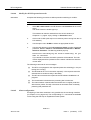
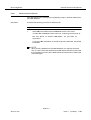
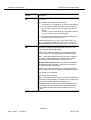
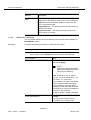
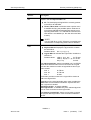
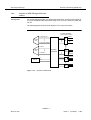
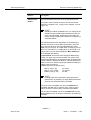
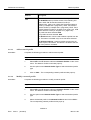
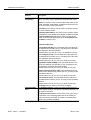
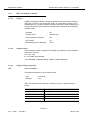
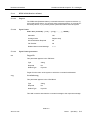
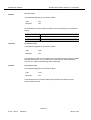
Log grows too big
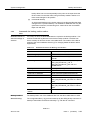
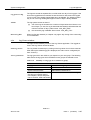
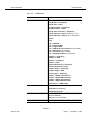
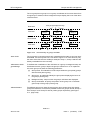
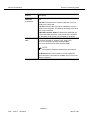
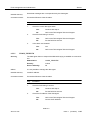
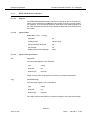
The logs are stored as separate files, one file holds one day of one log type. If the
size of the logged data has reached the size limit and a new event to be logged
occurs, some of the already logged data has to be deleted. The oldest recorded
day of one of the logs holding the largest number of days is always deleted.
Alarms
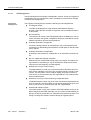
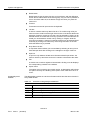
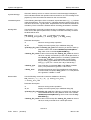
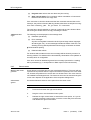
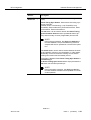
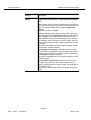
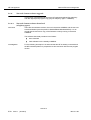
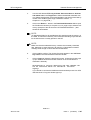
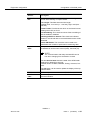
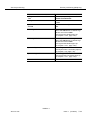
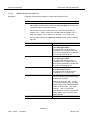
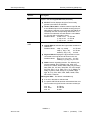
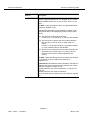
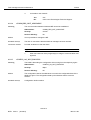
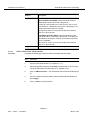
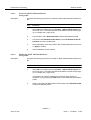
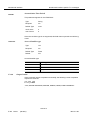
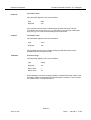
The log system issues an alarm if
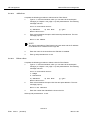
Restore log files
3.7.3
■
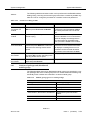
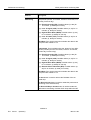
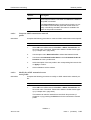
one of the logs is shortened to a number of days below the minimum number of days. (I.e. also, if a log is shortened that already holds fewer than the
minimum number of days.) Alarm name: LOG_DEL_PART.
■
the current day log is deleted. Alarm name: LOG_DEL_FULL.
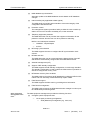
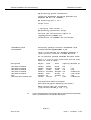
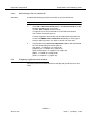
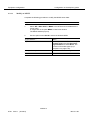
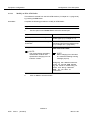
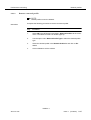
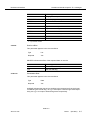
When log files are restored (cf. Chapter 3.6, page 3-38), the log of the current day
is not overwritten.
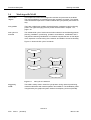
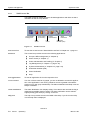
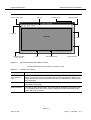
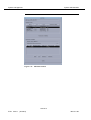
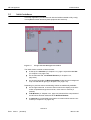
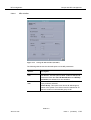
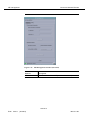
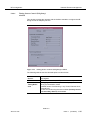
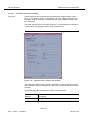
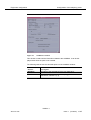
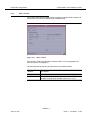
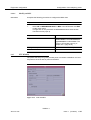
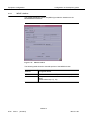
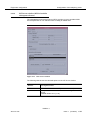
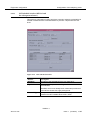
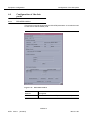
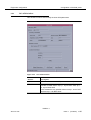
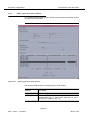
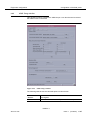
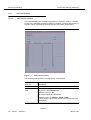
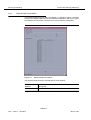
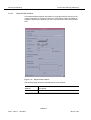
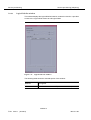
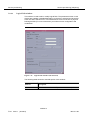
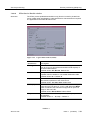
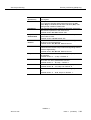
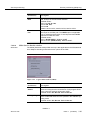
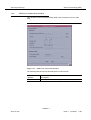
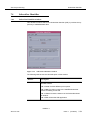
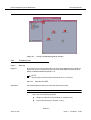
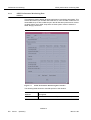
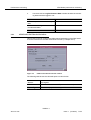
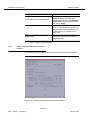
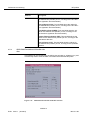
Log Viewer window
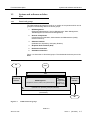
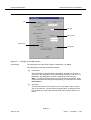
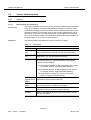
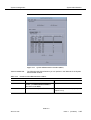
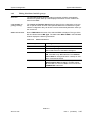
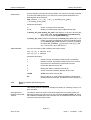
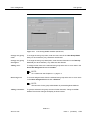
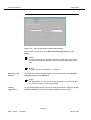
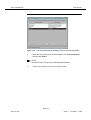
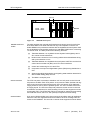
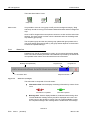
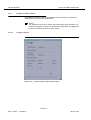
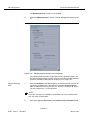
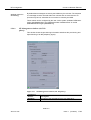
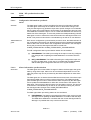
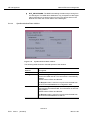
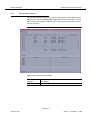
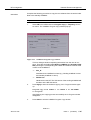
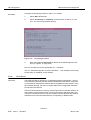
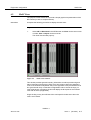
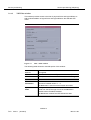
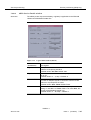
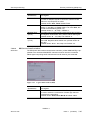
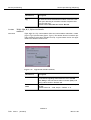
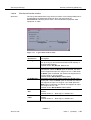
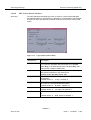
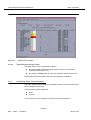
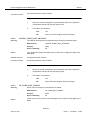
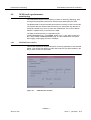
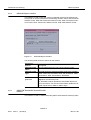
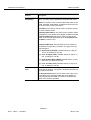
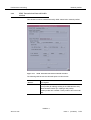
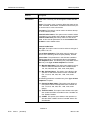
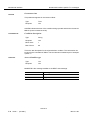
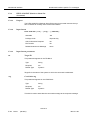
The logs can be viewed by means of the Log Viewer application. The logged entries in the Log Viewer cannot be edited.
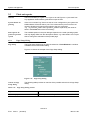
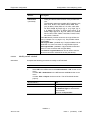
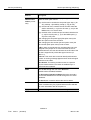
Start Log Viewer
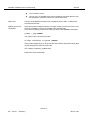
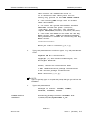
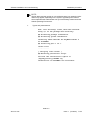
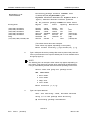
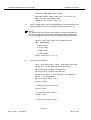
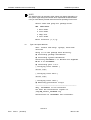
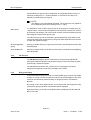
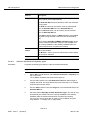
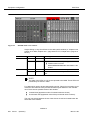
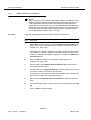
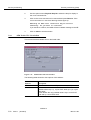
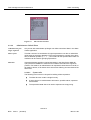
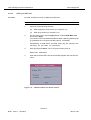
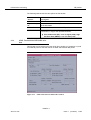
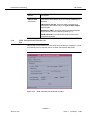
The Log Viewer is started-up by clicking on the log viewer icon in the access bar.
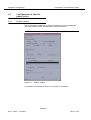
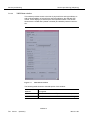
After start-up the default log type is displayed, this value can be configured (default: "Actions").
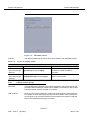
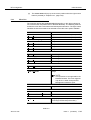
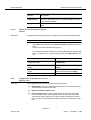
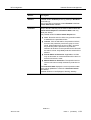
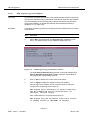
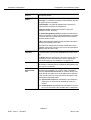
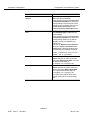
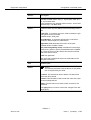
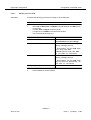
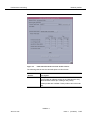
Access permission
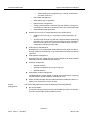
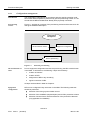
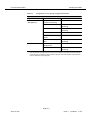
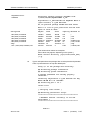
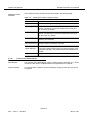
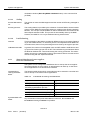
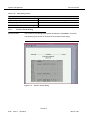
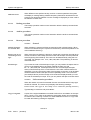
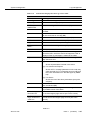
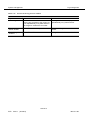
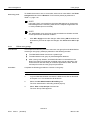
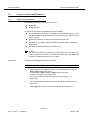
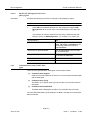
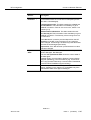
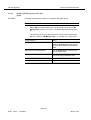
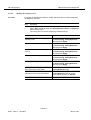
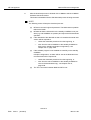
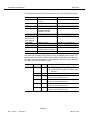
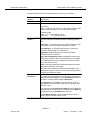
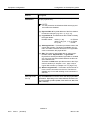
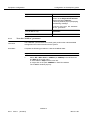
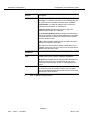
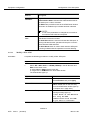
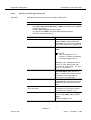
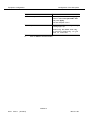
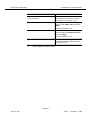
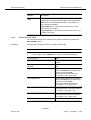
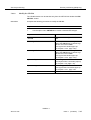
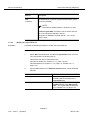
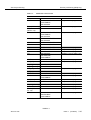
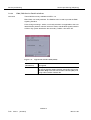
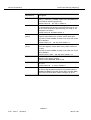
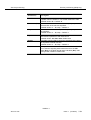
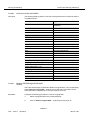
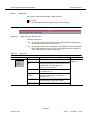
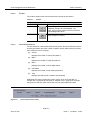
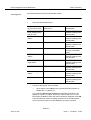
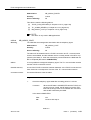
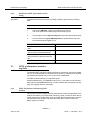
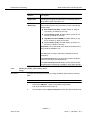
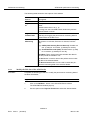
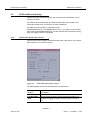
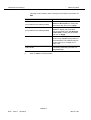
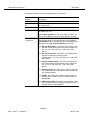
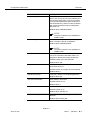
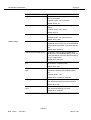
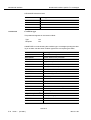
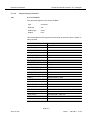
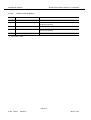
The log types which are visible to you depend on your user group. The following
table shows the log types which the different user groups are allowed to see.
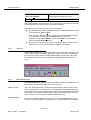
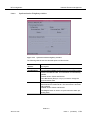
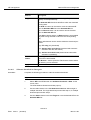
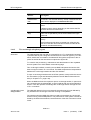
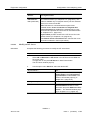
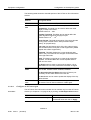
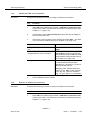
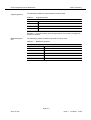
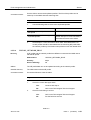
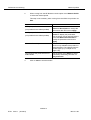
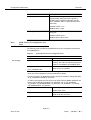
Table 3-34
Visibility of a log type for a certain user group
Log type
Visible for user group
Actions
Administrator, Maintenance
System Internal Events
Administrator, Maintenance
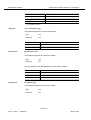
Autonomous Reports
Administrator, Maintenance, Monitoring
(this log type includes autonomous reports, alarms and performance of ADSL, ATM and Feeder)
NAM R1.9
363-211-497
Issue 1
(02.2001)
3-47