1
NE management
Groups and NEs management
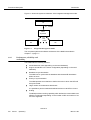
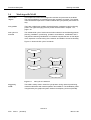
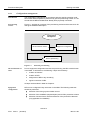
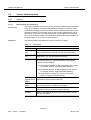
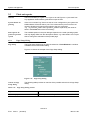
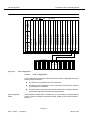
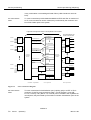
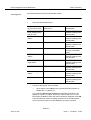
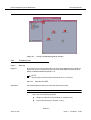
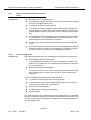
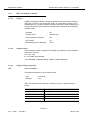
The root group has no group icon nor group coordinates as it is never shown from
an upper layer. Instead, it has a background map to display the icons of the items
of the first level.
Root level
First level
Second level
Third level
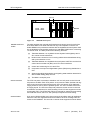
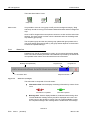
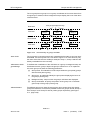
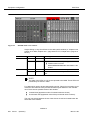
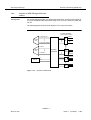
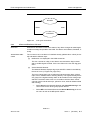
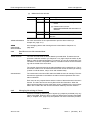
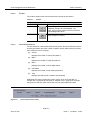
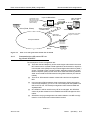
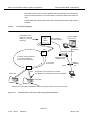
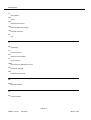
Figure 5-10
Root group (background map)
Group 1
NE 1
Group 2
Group 1.1
Group 1.2
Group 2.1
Group 1.2.1
Group 1.2.2
NE 2
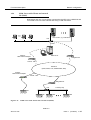
Tree hierarchy of groups and NEs
View levels
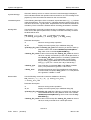
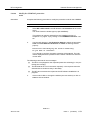
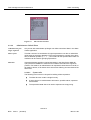
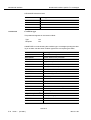
The root group is a special group that is created at the first start-up and can never
be deleted. It is the only item in the root level of Figure 5-10. From this level, only
the items of the first level are visible (for example: Group 1, Group 2 and NE1 are
directly reachable from the root level).
Allocation to background maps
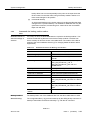
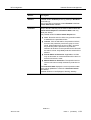
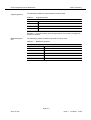
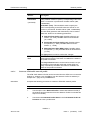
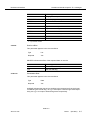
To facilitate the visualization of the child items of a group, a background map can
be allocated to each group to depict the group’s child items on it. To implement
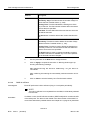
this, each group must have the following parameters:
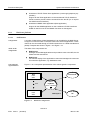
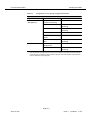
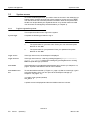
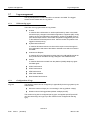
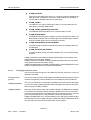
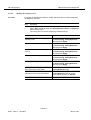
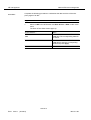
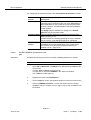
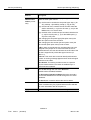
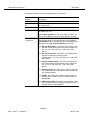
Allowed names
■
Group name: This identifier must be unique within the group level (groups
with the same parent group).
■
Group icon: to graphically identify the group when displaying the items of
the group’s parent group.
■
Background map: map on which the group’s child items are displayed.
■
Group coordinates: to specify the position of the group icon on the background map of the group’s parent group.
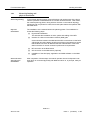
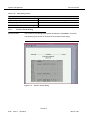
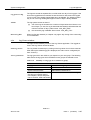
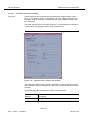
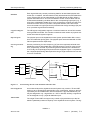
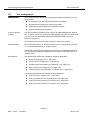
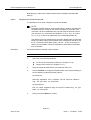
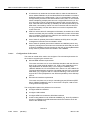
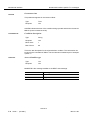
Two different groups can have the same group name except when their parent
groups are the same. It is therefore possible to have two groups named "Group C"
with "Group A" and "Group B" as their parent groups respectively (see Figure
5-11, page 5-28).
NAM R1.9
363-211-497
Issue 1
(02.2001)
5-27