1
Software installation and commissioning
Installation procedure
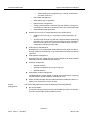
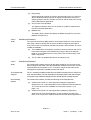
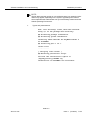
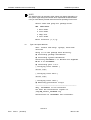
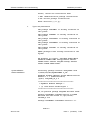
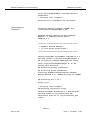
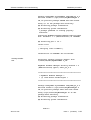
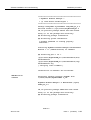
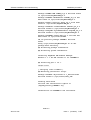
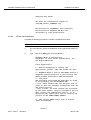
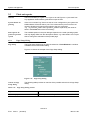
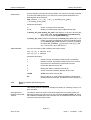
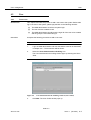
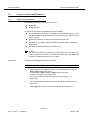
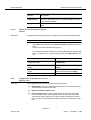
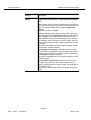
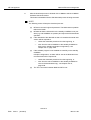
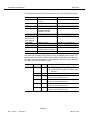
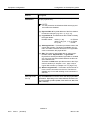
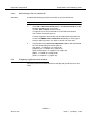
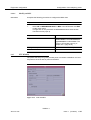
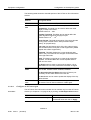
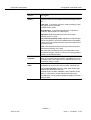
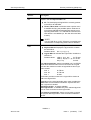
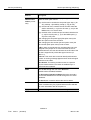
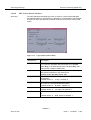
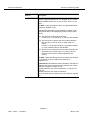
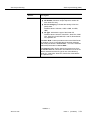
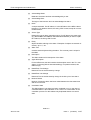
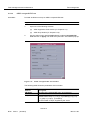
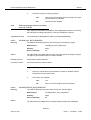
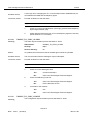
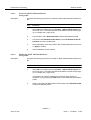
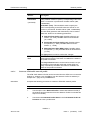
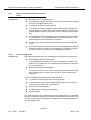
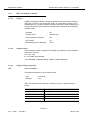
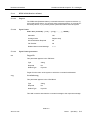
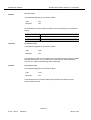
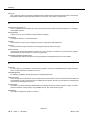
## Processing system information.
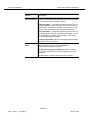
Installing RogueWave Libraries Runtimes for
AnyMedia EM R1.9 as <LuRWRT>
## Installing part 1 of 1.
<files list>
............
[ verifying class <none> ]
## Executing postinstall script.
You have the installation logfile in
/tmp/EM_Install_LuRWRT.log
Installation of <LuRWRT> was successful.
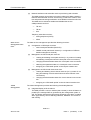
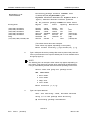
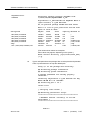
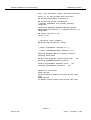
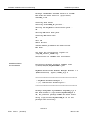
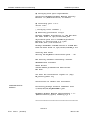
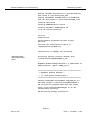
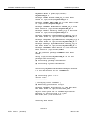
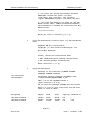
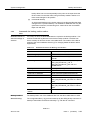
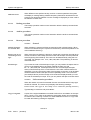
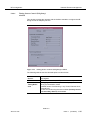
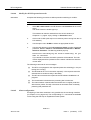
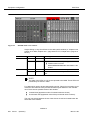
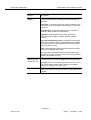
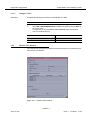
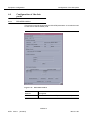
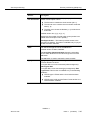
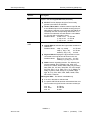
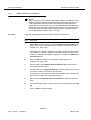
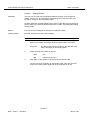
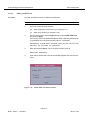
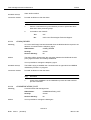
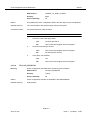
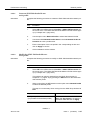
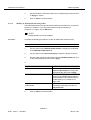
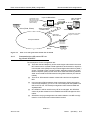
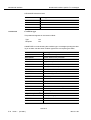
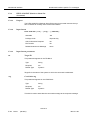
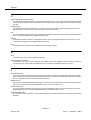
OrbixMT 2.3c patch
02 installation
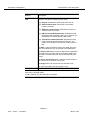
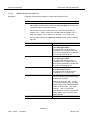
Processing package instance <LuOX23RT> from
</cdrom/cd1/CD1/AnyMediaEMR1.9_24>
Orbix 2.3c02 Runtime for AnyMedia NB-EM R1.9
(sparc-solaris) Version 2.3c02MT Run-Time
OK, No previous package LuOX23RT has been found.
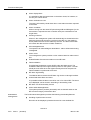
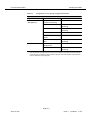
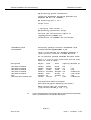
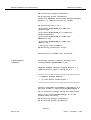
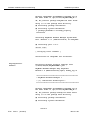
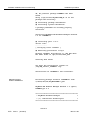
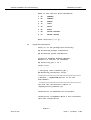
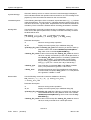
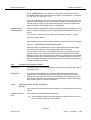
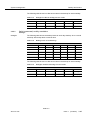
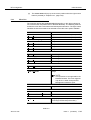
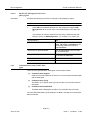
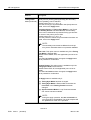
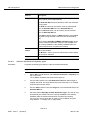
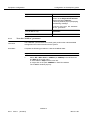
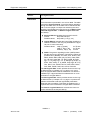
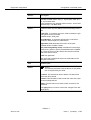
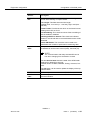
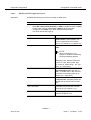
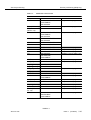
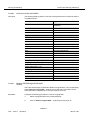
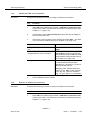
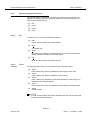
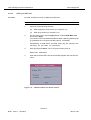
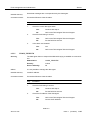
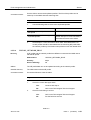
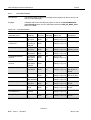
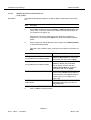
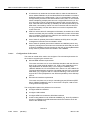
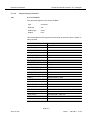
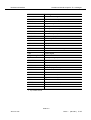
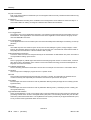
Here is a list of your partitions and the free
space in each of them:
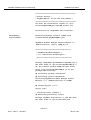
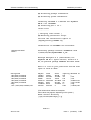
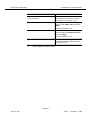
Filesystem
kbytes
used
avail
capacity Mounted on
/dev/dsk/c0t0d0s0
/dev/dsk/c0t0d0s4
/dev/dsk/c0t0d0s3
/dev/dsk/c0t0d0s6
/dev/dsk/c0t0d0s5
swap
/vol/dev/dsk/c0t2d0/cd1
143927
625262
96455
6591133
240399
1201856
500736
36990
401569
11285
4313833
8597
56
500736
92545
167420
75525
2211389
207763
1201800
0
29%
71%
13%
67%
4%
1%
100%
/
/usr
/var
/homelocal
/var/cache
/tmp
/cdrom/cd1
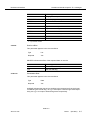
(The values shown above are examples.
Other values may appear, depending on the system.)
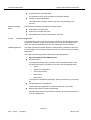
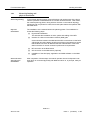
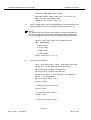
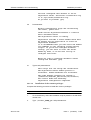
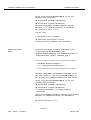
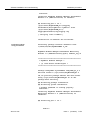
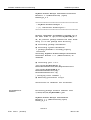
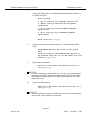
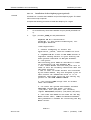
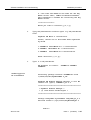
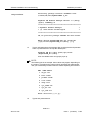
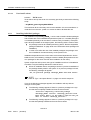
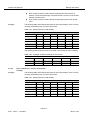
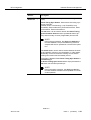
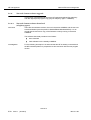
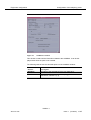
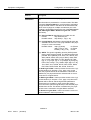
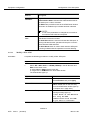
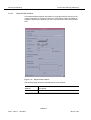
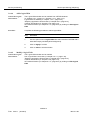
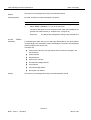
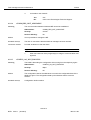
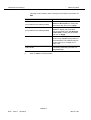
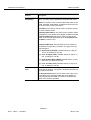
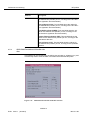
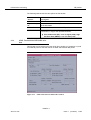
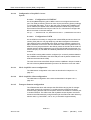
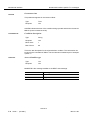
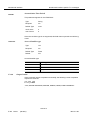
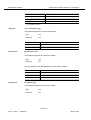
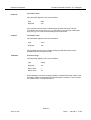
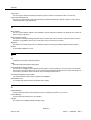
Where should Orbix be installed?
[/opt/lucent/OrbixMT_2.3c2] [?,q]
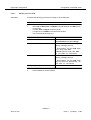
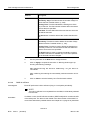
10.
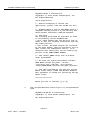
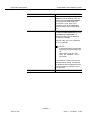
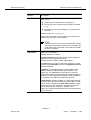
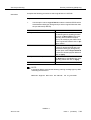
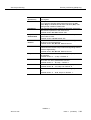
Type a valid path where the package files must be placed and press Return or press Return to accept the default path.
NAM R1.9
363-211-497
Issue 1
(02.2001)
2-13