1
ArahPaint
User Guide
www.arahne.si
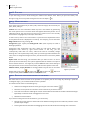
10.2.3 DRAWING FILLED SHAPES
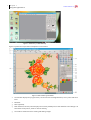
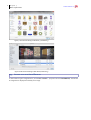
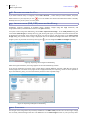
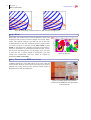
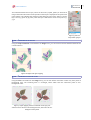
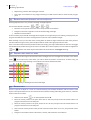
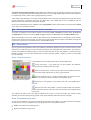
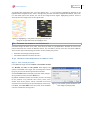
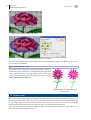
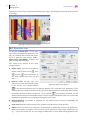
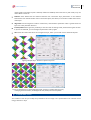
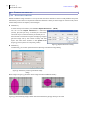
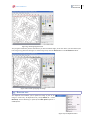
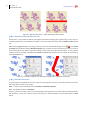
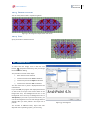
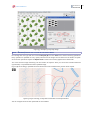
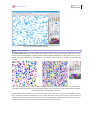
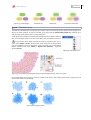
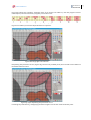
You can easily draw motifs in repeat using brush.
Figure 131: Rectangle and ellipse drawn with brush
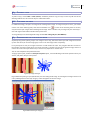
10.2.4 SPRAY
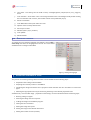
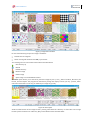
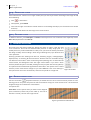
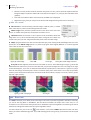
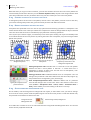
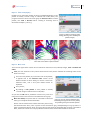
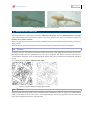
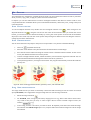
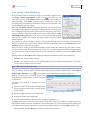
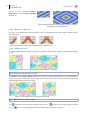
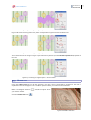
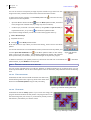
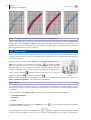
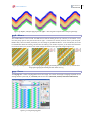
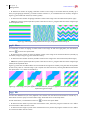
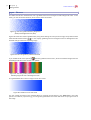
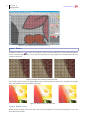
Spray can be also used with a brush.
Figure 132: Brush used with spray
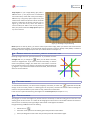
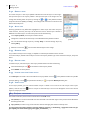
11 INSERTING TEXT
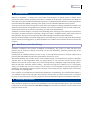
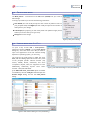
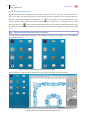
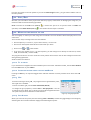
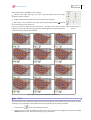
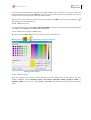
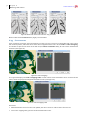
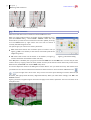
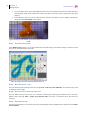
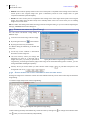
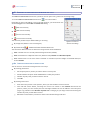
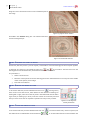
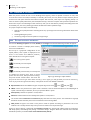
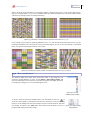
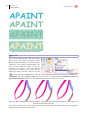
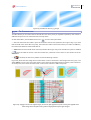
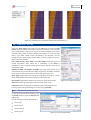
To insert text into image, click on the text icon
button
(keyboard shortcut T), and you will get
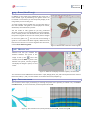
the font selection dialog.
The procedure consists of four steps:
1.
Enter the text to be inserted
2.
Choose a font from the Font scrolled list
3.
Choose a style from the Style scrolled list
4.
Choose a size from the Size scrolled list
The size of the text in pixels is displayed above the
inserted text.
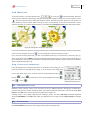
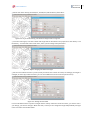
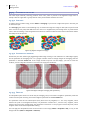
If you click OK, the program will display desired text
on the screen as a layer. Text will be drawn in the
foreground color, and background will be in the
background color. You may set background color to
Transparent, if you wish. If you have more lines, you
can set the alignment. You can still change all these
settings after you have placed a text layer into a
picture.
The number of different fonts, styles and sizes
depends on the operating system, you are using.
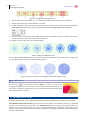
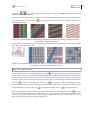
Figure 133: Inserting text
59