1
SMART System
OVERVIEW
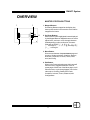
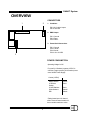
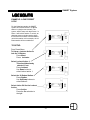
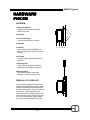
MASTER STATION BUTTONS
1
1
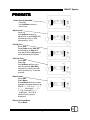
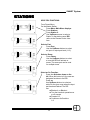
1. Mapped Buttons:
Illuminating Buttons mapped to the display. Any
button press results in the execution of the feature
mapped to the button.
2
4
3
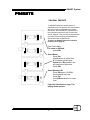
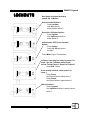
2. Up/ Down Buttons:
Allows user to control highlighted feature displayed
by the Mapped Buttons. Mapped buttons are ued to
adjust levels, set time or curse through character
fieldsdepending on thier set function. Character
fields will go SPACE, ! ,” , #, $, %, &, ’, (, ), *, +, ,,
-, ., 0 through 9, :, ;, <, =, >, ?, @, A through Z, [,
], ^, _, ’, a through z.
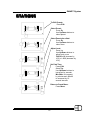
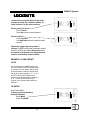
3. Menu Button:
Gives access between the preset menu page and
a menu of 8 other selections: ClearSys, Stations,
DimPatch, Combines, Lockouts, Timers, Password, and Config.
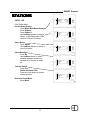
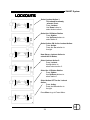
4. Edit Button:
When in the Preset activation page this button will
allow the user to toggle between the 3 sets of
preset pages. Within one of the Menu pages, it will
allow the user to cycle through pages of one of the
other topics: ClearSys, Stations,Dim Patch,
Combines, Lockouts, Timers, Password, and
Configurations.
2