1
SMART System
STATIONS
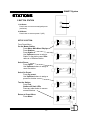
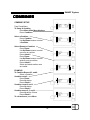
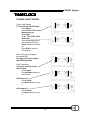
SEUP RDI FUNCTIONS:
Lockouts
Timers
Password
Config
Clear Sys
Stations
Dim Patch
Combines
Station 0
Room1
Test
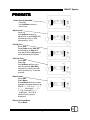
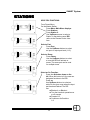
From Preset Menu,
On the Master Station,
Press Menu. Main Menu displays.
Press Stations.
Press Station 0.
Use Up/Down arrows to select a
Station. In the station name, RDI
refers to the Remote Device Interface.
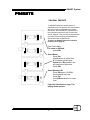
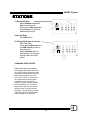
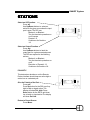
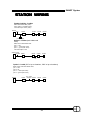
Select a Port:
Press Port.
Use the Up/Down buttons to select
an input or output port latch (1-12).
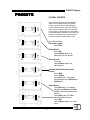
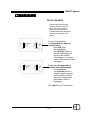
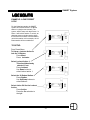
Station 1
Port 1
Room 1
On: none
RDI
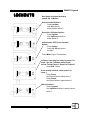
Station 1
Port 1
Room 1
On: none
RDI
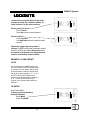
Station 1
Port 1
Room 1
On: none
RDI
on
off
out
pol
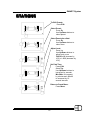
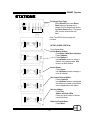
Select a Room:
Press Room.
Use the Up/Down buttons to select
a room that RDI will activate or
sense. The same port can be used
for multiple rooms.
on
off
out
pol
on
off
out
pol
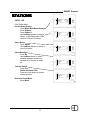
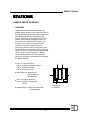
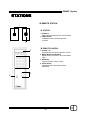
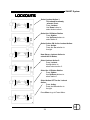
Select an On Function:
Press the 4th button down on the
left. When this button is lit, the user can
designate functions to the RDI
Press on
Use Up/Down buttons to select an
action for the given room when the input
port has been latched. The RDI
can:
z Blackout/ un-Blackout
z Turn the timeclock operations on
or off execute
z Presets1-13
z Combine or UnCombine
1-8.
18