1
Receiving Tally 2 Items or
Items Not On the PO
1
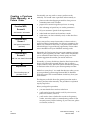
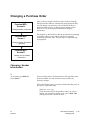
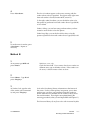
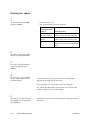
Press <Clear>.
A vendor may occasionally ship substitute items. Those must be
received properly and added to the inventory, too.
Contractor Package Users:
If this shipment includes any Tally 2 component items, you
must add them to the purchase order using this procedure.
In a previous step, you made a note of the quantities you
received of each component length. In another step, you also
rejected the Tally 2 header SKUs that were on the original
order.
Now you are ready to add the component SKUs to this
order, and receive the correct quantity of each one.
For example, suppose you ordered 10000 bf of Douglas Fir
2x4s, using the tally header SKU. When the shipment
arrived you find you've received 4000 bf of 2x4x8s, 4000 bf of
2x4x10s, and so on. You rejected the tally header SKU. Now
you're ready to receive the component SKUs.
2
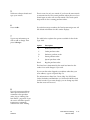
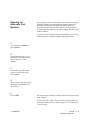
Under Item Number, type the
item's SKU number.
If the item does not have an SKU number, you can identify it
temporarily by typing a description under Description. If you
identify it only by description, you should add it as a new item
to your inventory record. Please see the Inventory Loading
manual.
Contractor Package Users:
Type the SKU number of the first tally component SKU you
are receiving—the SKU for the Douglas Fir 2x4x8s, for
example.
3
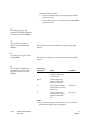
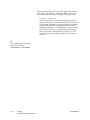
Under Recv, type the quantity
you are receiving.
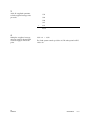
12
1030072
You can enter up to two decimal places.
Order Point Purchasing
Receiving
4 - 85