1
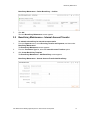
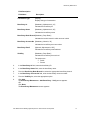
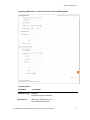
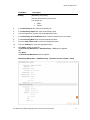
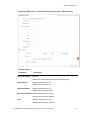
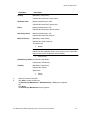
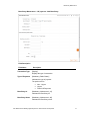
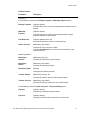
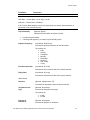
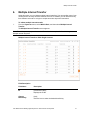
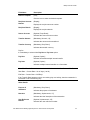
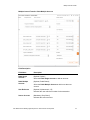
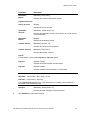
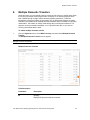
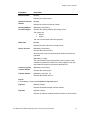
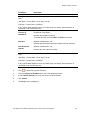
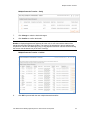
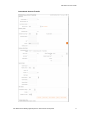
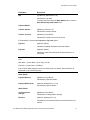
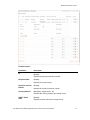
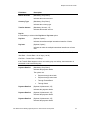
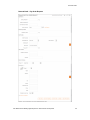
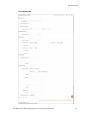
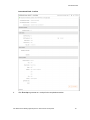
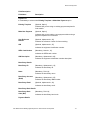
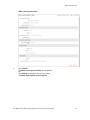
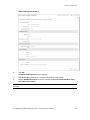
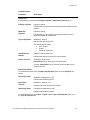
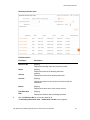
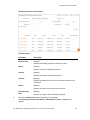
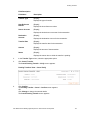
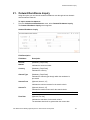
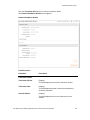
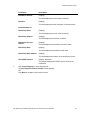
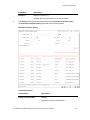
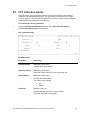
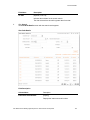
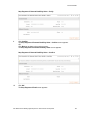
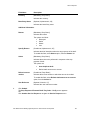
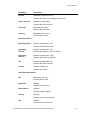
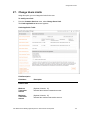
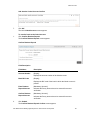
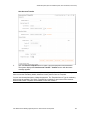
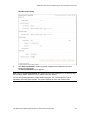
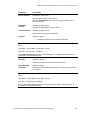
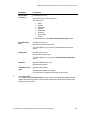
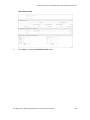
Domestic Collection Inquiry
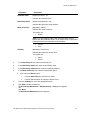
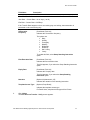
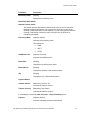
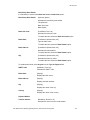
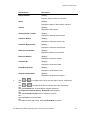
Column Name
Description
Cheque Number
[Display]
Displays cheque number for collection.
Status
[Display]
Displays the status of the domestic collection.
Amount
[Display]
Displays the paid amount.
Clearing House Location
[Display]
Displays the clearing house location.
Collection Branch
[Display]
Displays the collection branch code.
Collection Branch Name
[Display]
Displays the collection branch name.
Debit Account Number
[Display]
Displays the debit account number.
Reference Number
[Display]
Displays the reference number.
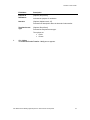
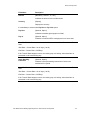
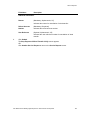
Customer No
[Display]
Displays the customer number.
Credit Branch Name
[Display]
Displays the credit branch name.
Credit Account Number
[Display]
Displays the credit account number.
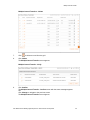
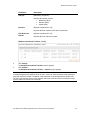
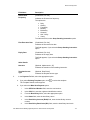
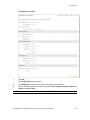
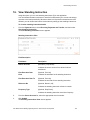
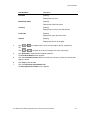
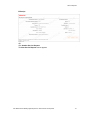
3.
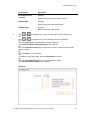
Click
OR
or
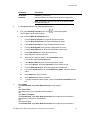
to navigate to the next or previous page in the list, respectively.
Click
or
to navigate to the first or last page in the list, respectively.
OR
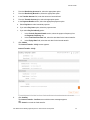
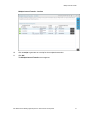
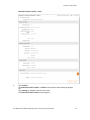
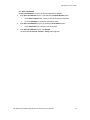
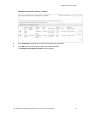
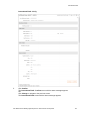
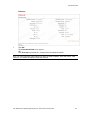
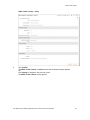
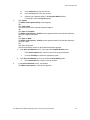
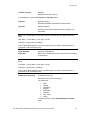
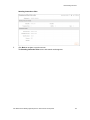
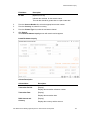
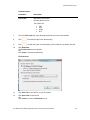
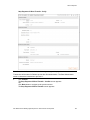
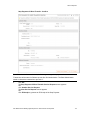
Click the Download link, to download the complete statement.
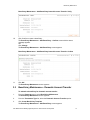
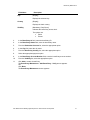
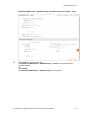
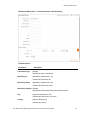
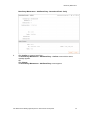
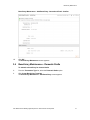
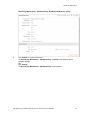
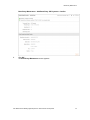
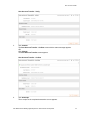
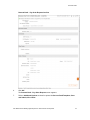
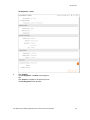
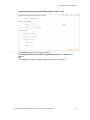
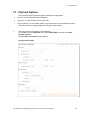
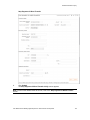
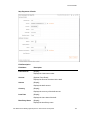
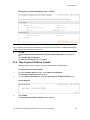
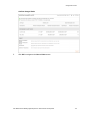
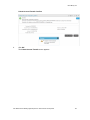
The Domestic Collection Inquiry - Download screen appears.
OR
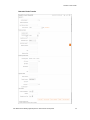
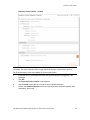
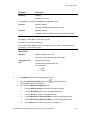
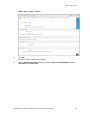
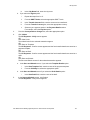
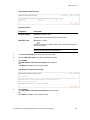
Click the Customize Columns link to reorder the columns.
OR
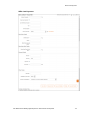
Click the Print link to print the data.
OR
To enable the word wrap facility, select the Word Wrap check box.
User Manual Oracle Banking Digital Experience Retail Transfer and Payments
151