1
Domestic Drafts
11. Domestic Drafts
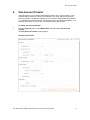
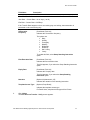
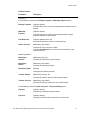
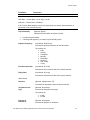
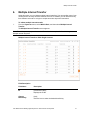
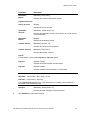
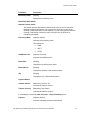
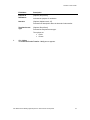
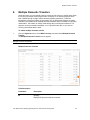
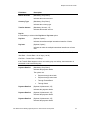
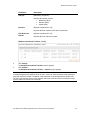
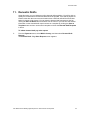
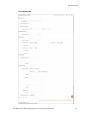
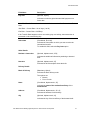
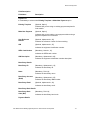
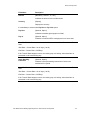
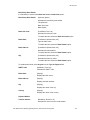
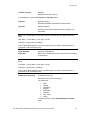
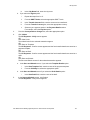
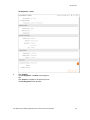
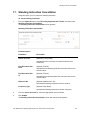
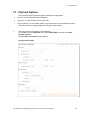
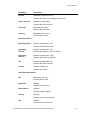
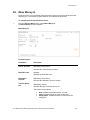
Using this option, you can initiate an online demand draft requisition. You will be able to
specify the location where the demand draft should be payable. If the draft is payable at
location other than the source account location then a demand draft will be issued else
banker’s cheque will be issued. You can save the demand draft request as a draft by
clicking the Save as Draft button and submit it in the future or you can save the entered
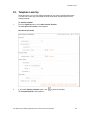
information on the demand draft request screen as a template by clicking the Save as
Template button and can use the same template to initiate the Demand Draft Requests
in future.
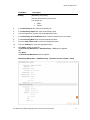
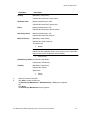
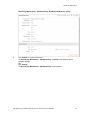
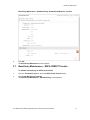
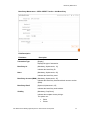
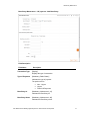
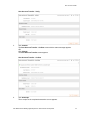
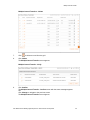
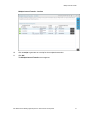
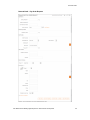
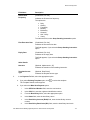
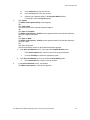
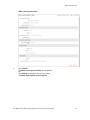
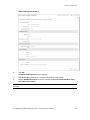
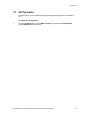
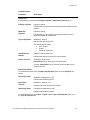
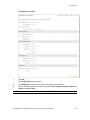
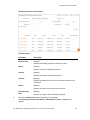
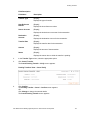
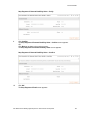
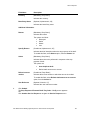
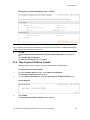
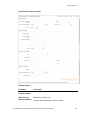
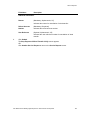
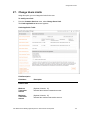
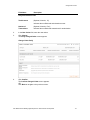
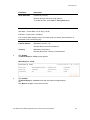
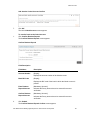
To initiate demand draft pay order request
1.
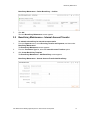
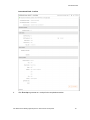
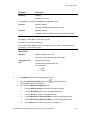
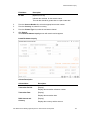
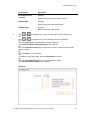
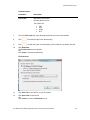
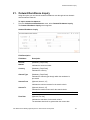
From the Payments menu, select Within Country, and then select Demand Draft
Request.
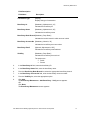
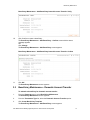
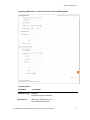
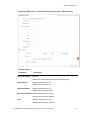
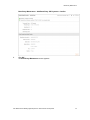
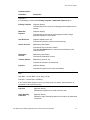
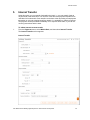
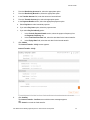
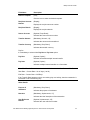
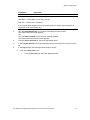
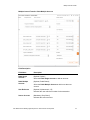
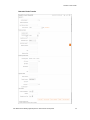
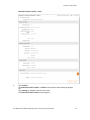
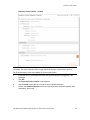
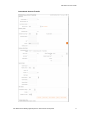
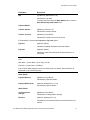
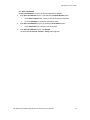
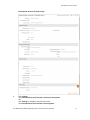
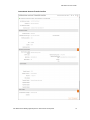
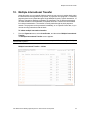
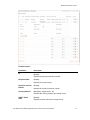
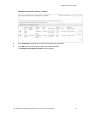
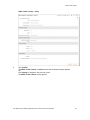
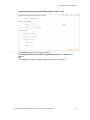
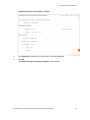
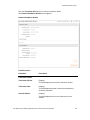
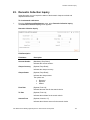
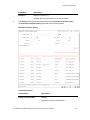
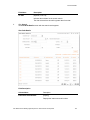
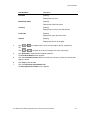
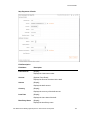
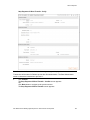
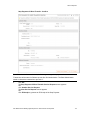
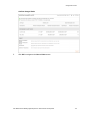
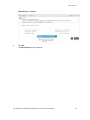
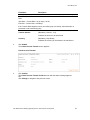
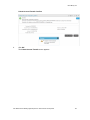
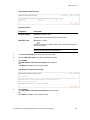
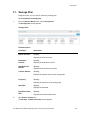
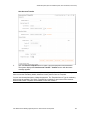
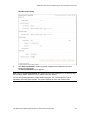
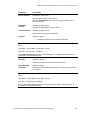
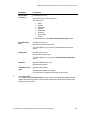
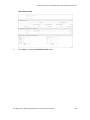
The Demand Draft – Pay Order Request screen appears.
User Manual Oracle Banking Digital Experience Retail Transfer and Payments
85