1
Fadal
User Manual
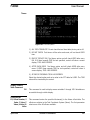
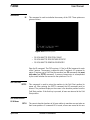
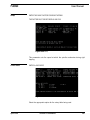
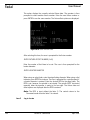
EXAMPLE:
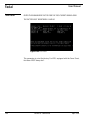
FO,2,-2.0,-2.0,2.0,100.0,205.7
Enters for offset number 2 a value of X-2.0, Y-2.0, Z+2.0, A100.0, and B207.5
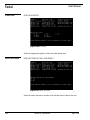
FO,2,,,-2.0
This command will not change the X,Y,A and B values. The Z parameter will be
changed to a value of -2.0 (see Section 11, FIXTURE OFFSETS).
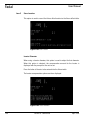
Home Axis
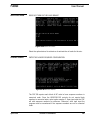
HO
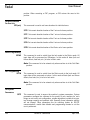
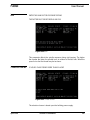
Automatic return to zero position of the Tooling Coordinate System. Note that
this command operates the same as G28 in Format 1. The HO command acts
as a reset button when in Format 2. R values are not reset with the HO
command. This command is accomplished in one of two ways, according to
the current position of the Z axis.
•
•
If the current Z axis position is above (+) the Z0 position, the X and Y
axes will move to zero first, then the Z axis will move in the negative
direction to zero.
If the current Z axis position is below (-) the Z0 position, the Z axis will
move in a positive direction, to zero first, then the X and Y axes will
move to zero.
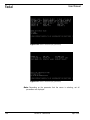
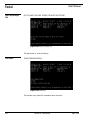
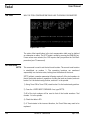
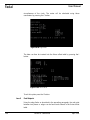
After the moves are computed, the CNC enters the WAITING state. The
operator can command the execution of the moves by pressing the START key
or abort the moves by pressing the MANUAL key.
152
Section 8: Commands
April 2003