1
Fadal
User Manual
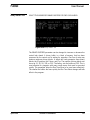
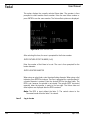
Press the plus key if the locator touched the part on the axes positive side. The
control subtracts the locator compensation amount to the current location, and
stores that value in the fixture table. Press the minus key if the locator touched
the axes negative side of the part. The control adds the locator compensation
amount to the current location, and stores that value in the fixture table. Press
0 if the current location is desired. The current axis location is stored in the
fixture table. The operator is returned to the axis selection display to select the
next axis to set. Press any other key to return to the offset options. Repeat this
process for each axis to set.
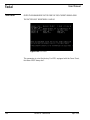
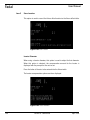
Dial Indicator
The procedure for the dial indicator is the same; however, the compensation
options are not displayed. When the axis is selected the current location is
entered into the fixture offset table.
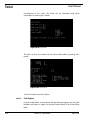
Item 4
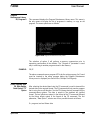
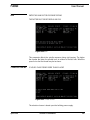
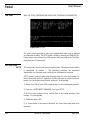
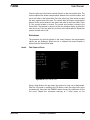
Find Center of Circle
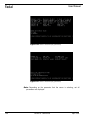
Figure 8-57 Find Center of Circle
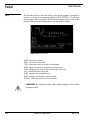
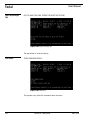
Using a edge finder in the jog mode, the center of a circle can be determined.
Enter the Jog mode by pressing the JOG button, touch the edge finder to the
circumference, then press the MANUAL button to enter the coordinates for the
first point. Repeat this procedure touching at 2 other points on the
April 2003
Section 8: Commands
197