1
Fadal
User Manual
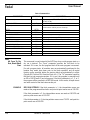
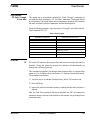
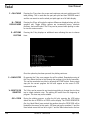
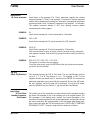
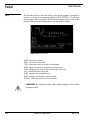
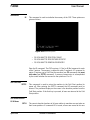
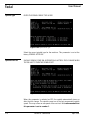
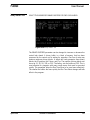
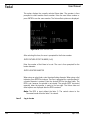
P key Program selection
N key Number lines
F key Function (Function) menu: move (cursor to position first)
G key Graphics menu (see Draw command)
AUTO key Begin program from beginning, from cursor line or search models
and begin from cursor
Editing is addressed in the same manner as the CH command. Inserting new
data blocks is addressed by the I key and it functions in the same manner as
the IN command (see CH and IN commands). Press MANUAL to exit the listing.
Function Menu
Using the Function
Menus
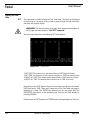
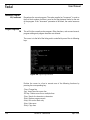
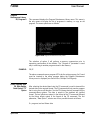
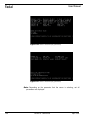
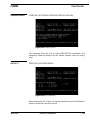
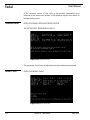
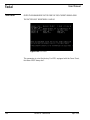
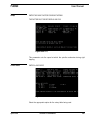
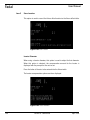
The Function menus are accessed through the Page Editor by pressing the F
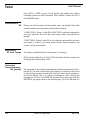
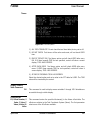
key. The screen will display 9 different function titles and function numbers.
This menu consists of many independent functions that solve various
geometric problems. Each is designed to help the user calculate items such as
ANGLE, LINES, INTERSECTIONS, TANGENT, BLEND RADIUS, CIRCLE, and
TRIANGLE. It is also designed for creating TOOL CALL or END OF PROGRAM
coding and for defining FIXED CYCLES or SUBROUTINES.
Cursor Movement
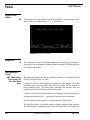
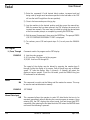
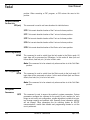
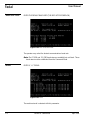
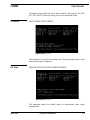
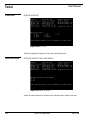
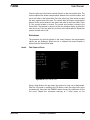
Once in the Function menus, move the cursor up or down in the menu and
describe the items by filling the values in. To move the cursor down press the
ENTER button. To move the cursor UP press the U key.
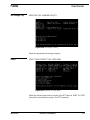
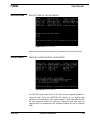
If the value has been entered incorrectly, move the cursor to where the error is.
Then press the backspace key until it has the incorrect data is removed. When
all the data has been entered, press the C key to compute the geometry.
Getting Started
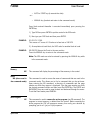
The user should always be aware of what position in the current program the
cursor is. The user should place the cursor on a line of the current program
before entering the Function menu. This line should be above the area where
the calculated information needs to be inserted. When the Function menu
inserts information into the Page editor, a comment is also inserted to indicate
which function was used.
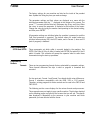
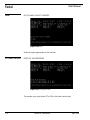
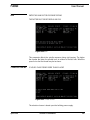
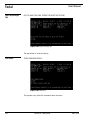
The Menus
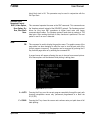
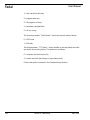
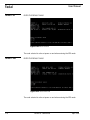
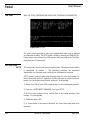
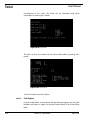
Once in the function title listing, select the number of the function titles until
you arrive at the individual Function menu. The cursor is located at a specific
geometric question. Fill in the blank, and then press the ENTER button to move
the cursor down to the next question. If the data has been entered incorrectly
press the U key to move the cursor upward to the data and use the Backspace
key to back over the information. Retype the data.
April 2003
Section 8: Commands
157