1
Synergy Manager Operating Instructions Rev S
9/15/2008
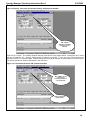
VersaTenn 3 Controller setup for RS232 using Synergy488 Module
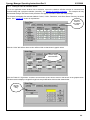
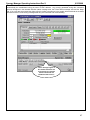
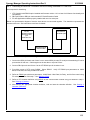
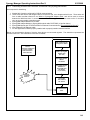
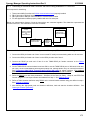
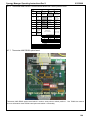
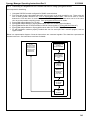
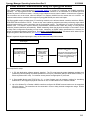
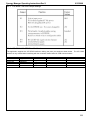
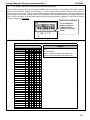
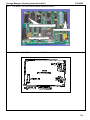
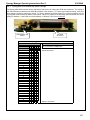
1. Check installation of communications board for RS232 communications setup, see VT3 Communications
Board Setup. Program the VT3’s serial port parameters to these values: Baud to 9600, Data to 7O (7 bits
data, Odd parity), COM to XON (Protocol = Xon/Xoff), and Log to NO. Data logging will disrupt
communications with VT3 controller.
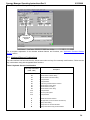
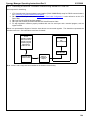
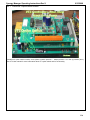
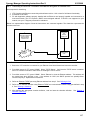
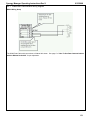
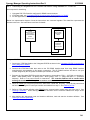
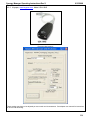
2. Connect the Synergy488 module adapter DB-15 male connector to the VT3 communications board DB-15
female connector. Refer to the ‘Synergy488 User Manual’ for instructions on how to connect Synergy488 to a
VT3 controller using items 2 thru 5.
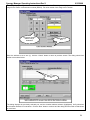
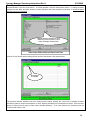
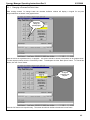
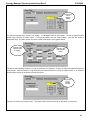
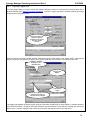
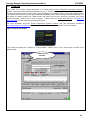
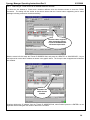
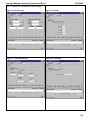
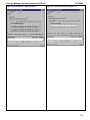
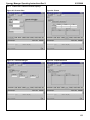
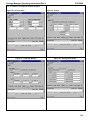
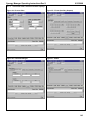
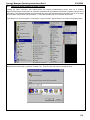
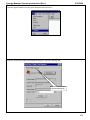
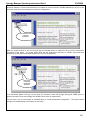
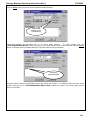
3. Define a SYNERGY488-RS232 port with these parameters, 19200 Baud, 8 bits Data, No Parity, and 1 Stop
bit using an available PC serial port. See ‘Defining A Port’. Using this PC serial port refer to the ‘Synergy488
User Manual’ for instructions on how to connect the Synergy488 for RS232 Communications with a VT3
controller.
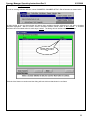
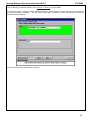
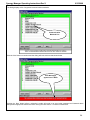
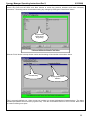
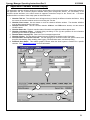
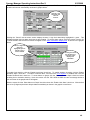
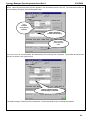
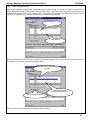
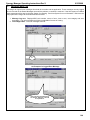
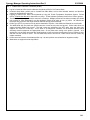
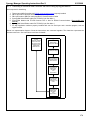
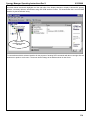
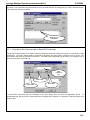
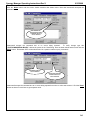
4. Define a VT3 chamber definiton using SYNERGY488-RS232 as the communication method and the port
defined in step 3. See ‘Defining A Chamber’.
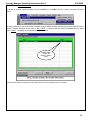
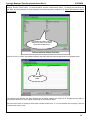
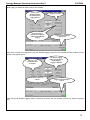
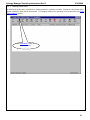
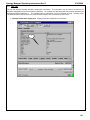
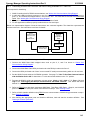
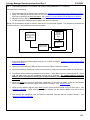
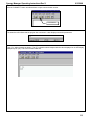
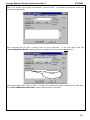
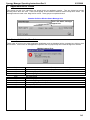
5. After defining the appropriate ports and chamber definition, load and start the chamber definition.
‘Starting A Chamber (Definition).
See
111