1
Synergy Manager Operating Instructions Rev S
9/15/2008
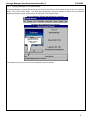
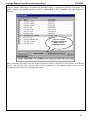
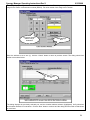
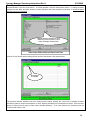
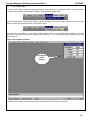
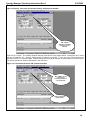
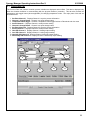
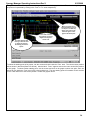
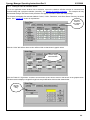
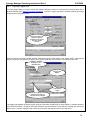
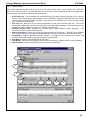
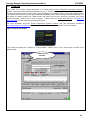
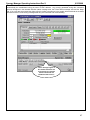
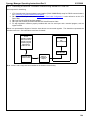
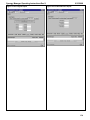
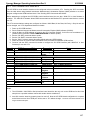
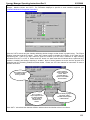
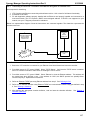
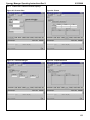
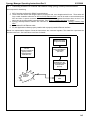
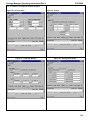
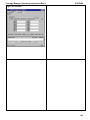
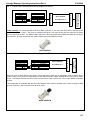
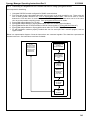
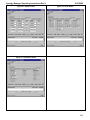
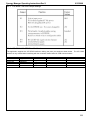
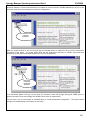
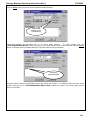
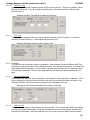
Clicking the ‘Resume’ button sends a command to the controller to restart the profile at the step paused where the
current step and puts the profile control dialog in state below.
25
26
27
28
25.
26.
27.
28.
29.
30.
31.
32.
29
30
31
32
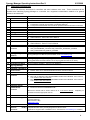
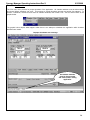
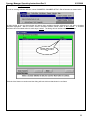
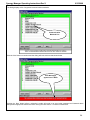
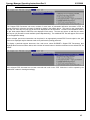
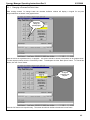
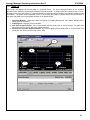
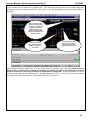
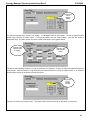
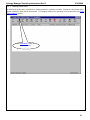
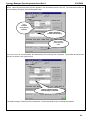
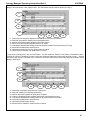
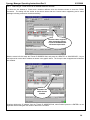
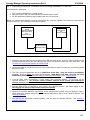
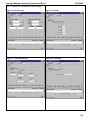
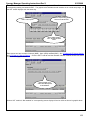
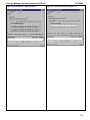
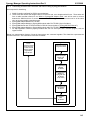
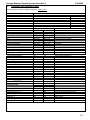
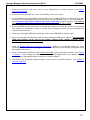
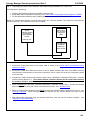
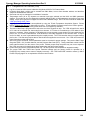
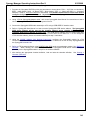
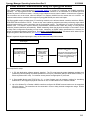
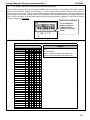
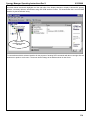
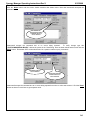
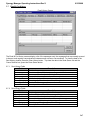
Profile step list displays step controller currently executing.
Step Info list updates to display current step parameters.
Monitor information updates to show current step condition.
'Return to Download' button disabled while profile is running.
Load button disabled after loading profile into physical controller’s program buffer.
Start button disabled after initial first click.
Hold button enabled after clicking ‘Resume’ button.
Resume button disabled after clicking.
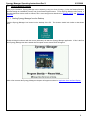
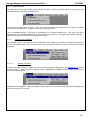
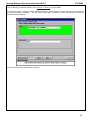
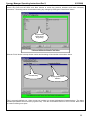
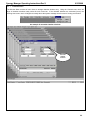
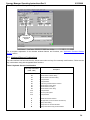
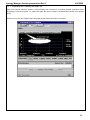
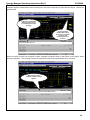
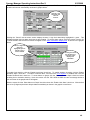
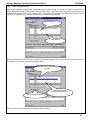
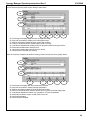
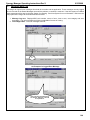
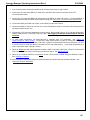
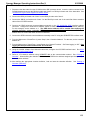
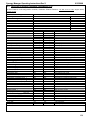
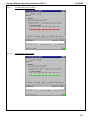
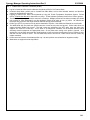
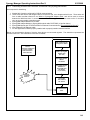
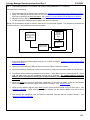
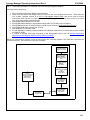
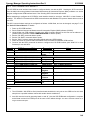
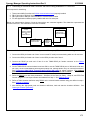
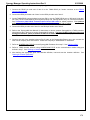
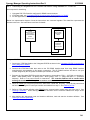
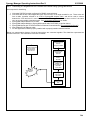
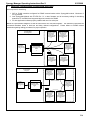
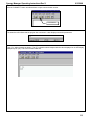
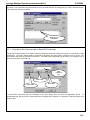
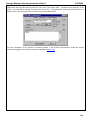
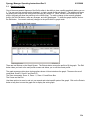
After the controller completes the profile the dialog resets to that shown in the graphic below.
33
34
35
36
33.
34.
35.
36.
37.
38.
39.
40.
37
38
39
40
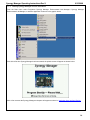
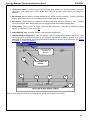
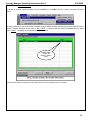
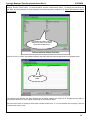
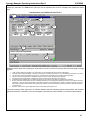
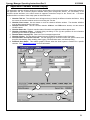
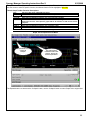
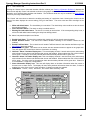
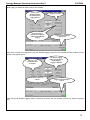
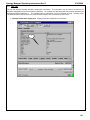
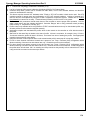
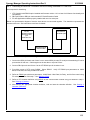
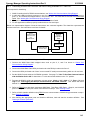
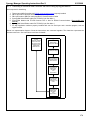
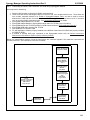
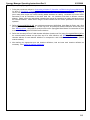
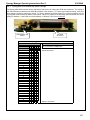
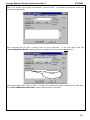
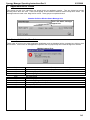
Profile step list displays last step executed by controller.
Step Info list updates to display last step parameters.
Monitor information updates to show last step information.
Return to download button enabled, allows return to profile download dialog page.
Load button disabled this button only activates for VT5 and compatibles.
Start button enabled, ready to restart profile if need be.
Hold button disabled.
Resume button disabled.
88