1
Synergy Manager Operating Instructions Rev S
9/15/2008
8. Profile Editor Features
The Profiler Editor is a simple tool with graphical interface that creates generic controller profiles that can be
downloaded to any controller supported by the application. With the Profile Editor you can create and edit
complex profiles and then view them graphically to check your work.
The Profile Editor (ProEd) is designed to simplify the task of running profiles across many different controller
types. ProEd supports the most common features found on the supported controllers.
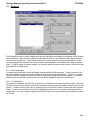
8.1 ProEd Editor Screen
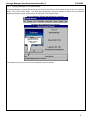
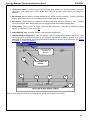
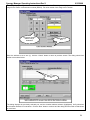
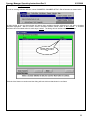
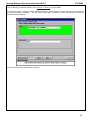
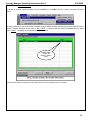
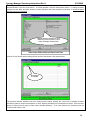
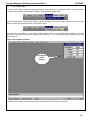
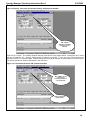
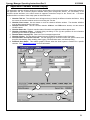
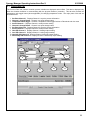
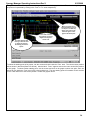
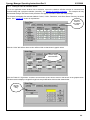
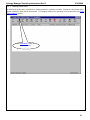
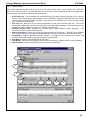
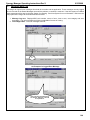
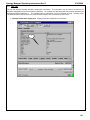
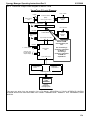
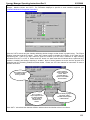
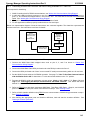
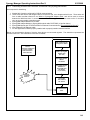
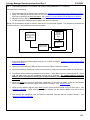
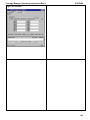
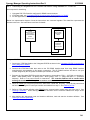
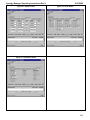
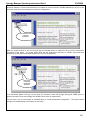
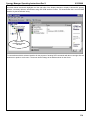
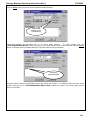
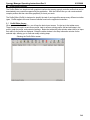
When you start the Profile Editor, you will see the basic layout screen. On the top is the toolbar menu.
These menus are used to create a new profile, load or save an existing profile, add and edit steps in the
profile, graph the profile, and customize settings. Below the toolbar the editor window where the list of steps
that make up the profile are displayed. Below the editor window is the Step Information window for the
selected step, allowing you to view and modify existing steps.
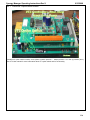
Showing the Profile Editor screen
249