1
4. DISPLAY FEATURES
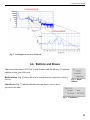
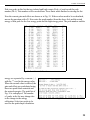
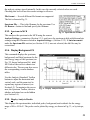
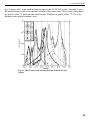
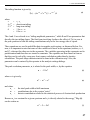
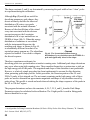
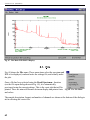
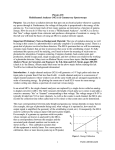
Fig. 5. Zooming In on an Area of Interest.
4.4. Buttons and Boxes
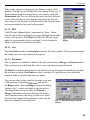
This section describes U235View’s radio buttons and checkboxes. To activate
a button or box, just click on it.
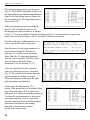
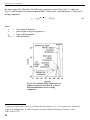
Radio buttons (Fig. 6) allow the user to switch between mutually exclusive
choices.
Fig. 6. Radio
Buttons.
Checkboxes (Fig. 7) indicate that the user can choose one or more
options at one time.
Fig. 7. Checkboxes.
13