1
MONTHLY CLOSING
MONTHLY CLOSING - AUTOMATIC
The automatic closing function will automatically identify the modules that your company
uses and all the relevant journals and reports will be generated without stopping between
the selected options.
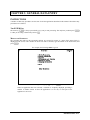
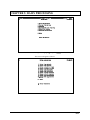
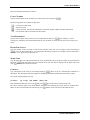
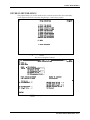
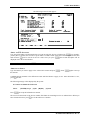
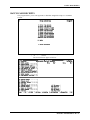
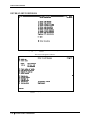
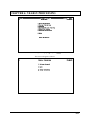
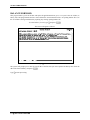
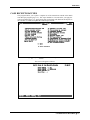
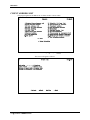
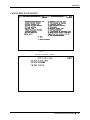
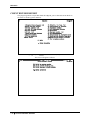
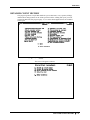
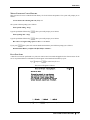
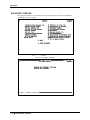
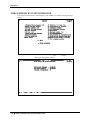
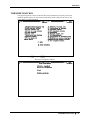
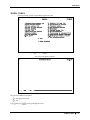
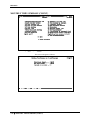
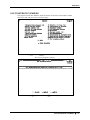
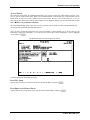
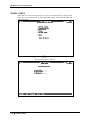
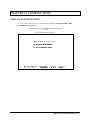
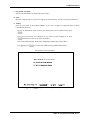
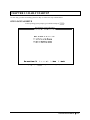
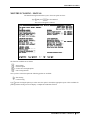
Type A and press E to select Auto.
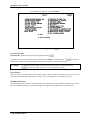
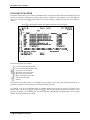
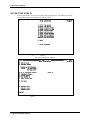
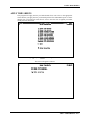
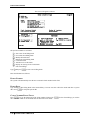
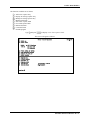
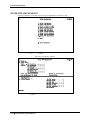
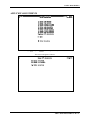
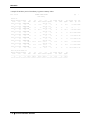
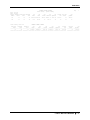
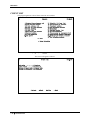
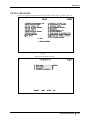
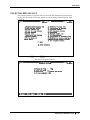
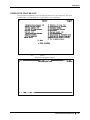
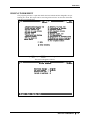
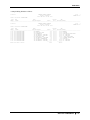
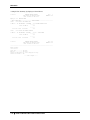
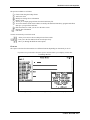
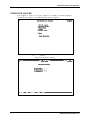
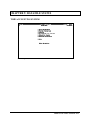
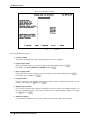
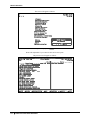
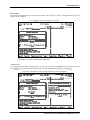
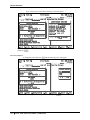
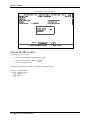
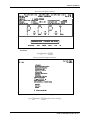
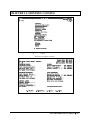
The screen will appear as follows:
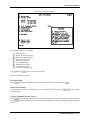
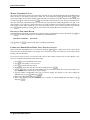
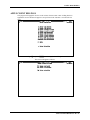
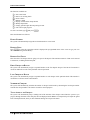
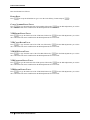
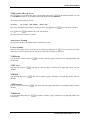
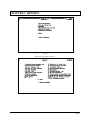
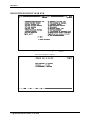
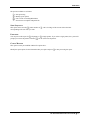
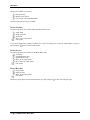
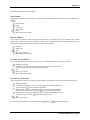
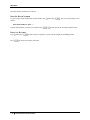
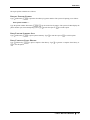
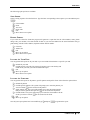
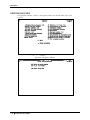
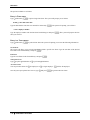
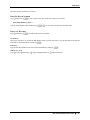
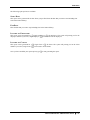
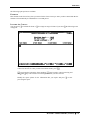
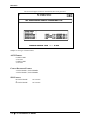
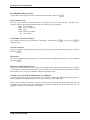
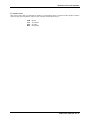
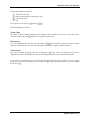
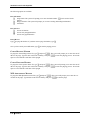
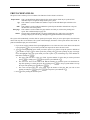
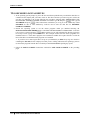
The functions available are as follows:
S
M
Start closing
Modify option selections
9
0
WZ
q
S
C
Select option
Unselect option
Used to move through options
Exit Modify function
Select all options
Cancel closing
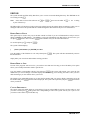
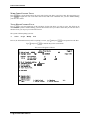
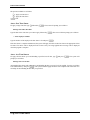
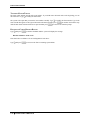
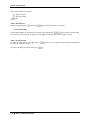
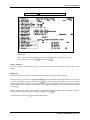
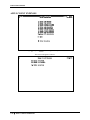
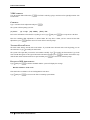
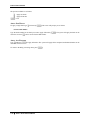
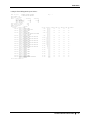
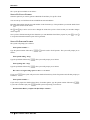
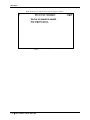
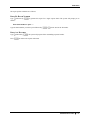
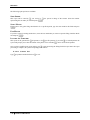
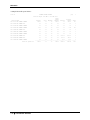
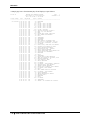
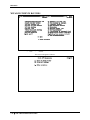
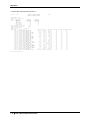
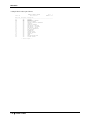
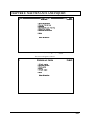
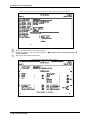
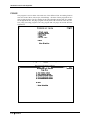
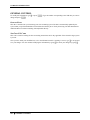
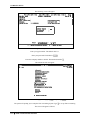
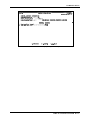
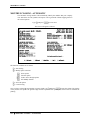
Once you have selected the options that you want closed, type S and press E to start the closing. The closing
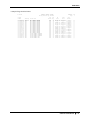
of the journals will update the general ledger and the reports for the options you selected will be available for
printing.
14-2
MONTHLY CLOSING - AUTOMATIC