1
DAILY PROCESSING
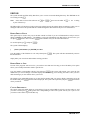
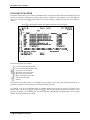
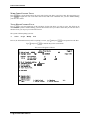
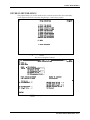
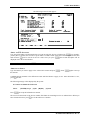
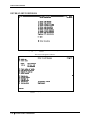
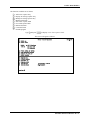
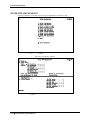
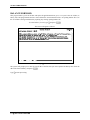
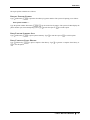
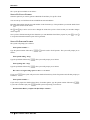
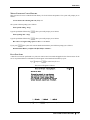
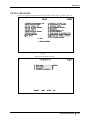
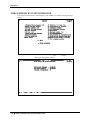
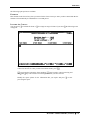
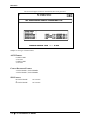
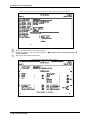
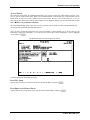
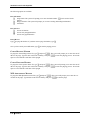
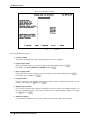
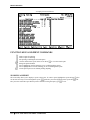
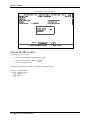
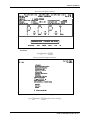
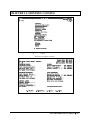
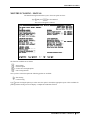
BILLING AMOUNT
Type the total billing amount (including taxes) showing on the invoice and press E.
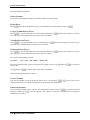
CUT-OFF DATE
Enter the last day of the billing period and press E. This will usually be the same cut-off date that you used
when you prepared your billing worksheets and detailed client histories.
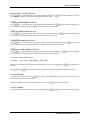
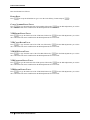
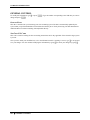
YTD HOURS BILLED
Press E to bypass this field.
YTD COSTS BILLED
Press E to bypass this field.
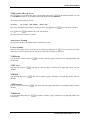
YTD WIP BILLED
Press E to bypass this field.
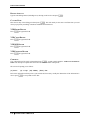
YTD EXPENSES BILLED
Press E to bypass this field.
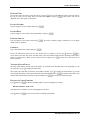
COMMENT
Type a description of the work performed and press E. A good example might be: Audit work for 09/94 to
12/94. This description explains what the client was billed for and for what period.
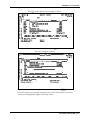
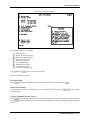
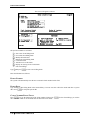
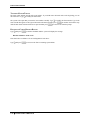
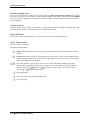
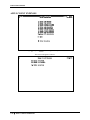
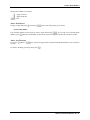
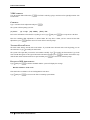
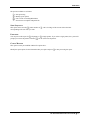
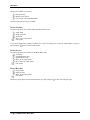
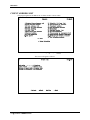
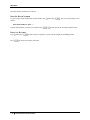
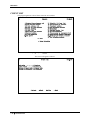
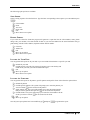
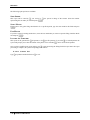
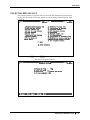
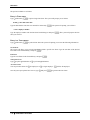
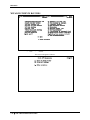
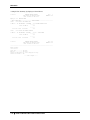
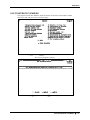
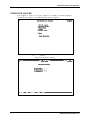
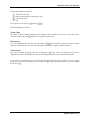
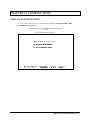
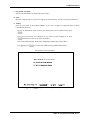
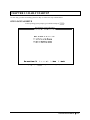
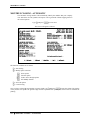
The screen will prompt you as follows:
[A] Select:
[A] - Accept
[M] - Modify
[ESC] - Exit
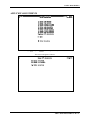
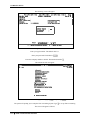
Review the information which you have just entered and if necessary modify the information. If the information is
correct press E to accept and save the data.
5-12
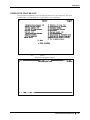
ENTER CLIENT BILLINGS