1
Creating Connectors
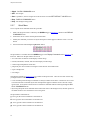
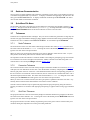
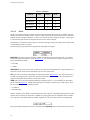
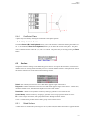
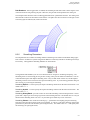
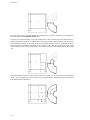
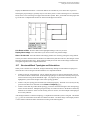
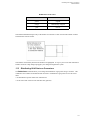
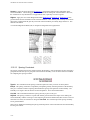
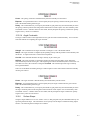
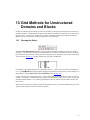
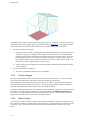
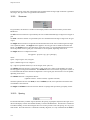
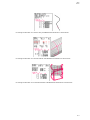
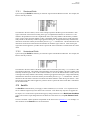
2 Point Connectors - You create connectors rapidly by defining two control points. If the two points lie
on the same database entity the connector’s shape is “snapped” to the database. Otherwise, lines are created.
On DB Entities - Many connectors are created at one time by selecting database entities. A connector will
be created on each selected curve database entity. Four connectors, one on each boundary, will be created on
each selected surface database entity. Connectors will be created on each trimming curve of selected
trimmed surface database entities.
Each of these connector creation methods is described in the following sections.
7.2
Add Segment
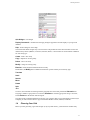
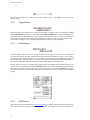
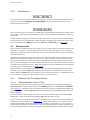
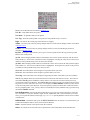
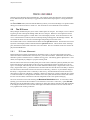
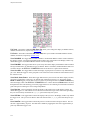
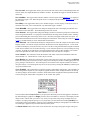
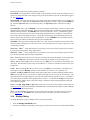
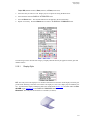
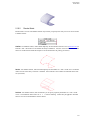
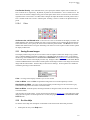
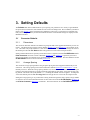
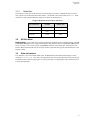
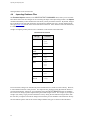
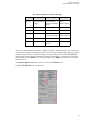
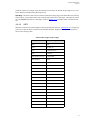
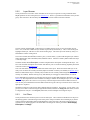
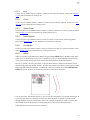
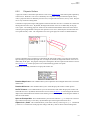
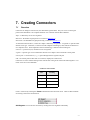
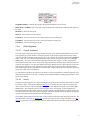
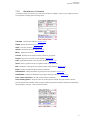
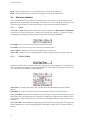
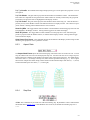
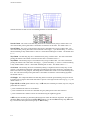
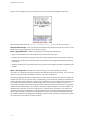
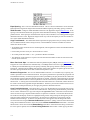
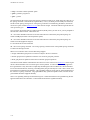
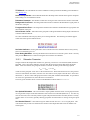
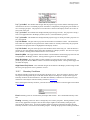
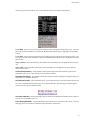
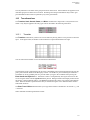
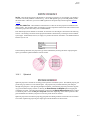
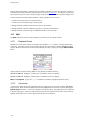
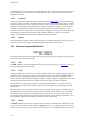
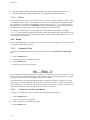
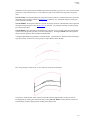
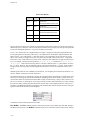
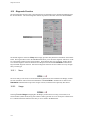
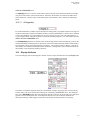
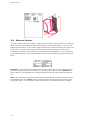
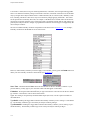
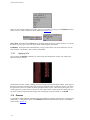
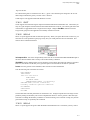
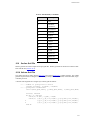
You may create many different types of segments as shown in the menu below.
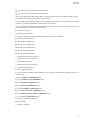
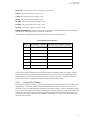
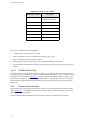
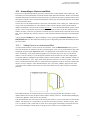
Gridgen’s segment types are grouped into four categories:
1.
3D Space - These segments are free to be created anywhere in three dimensional space.
2.
DB cnstr - These segments are constrained to lie on the database.
3.
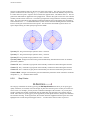
Rational - This category covers curves that are mathematically rational such as circles and conics.
4.
Others - These are segments created by copying other connectors or importing data from a file.
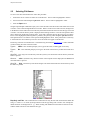
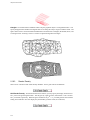
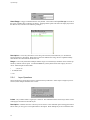
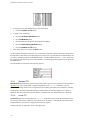
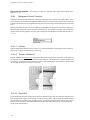
The Don’t Add Segment button ends the segment adding process and returns you to the Create menu.
There are other segment types that cannot be created directly. The available segment types are described in
the following sections.
7.2.1
3D Space Segments
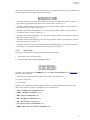
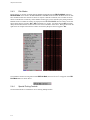
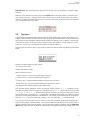
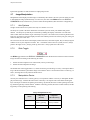
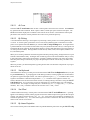
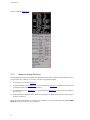
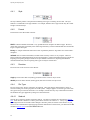
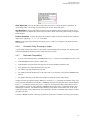
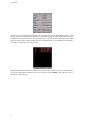
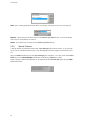
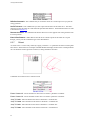
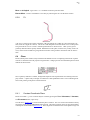
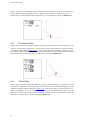
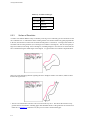
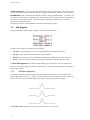
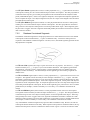
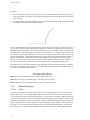
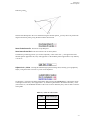
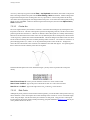
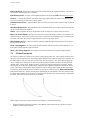
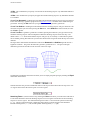
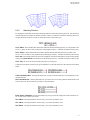
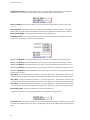
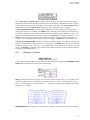
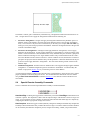
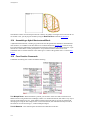
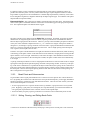
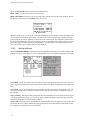
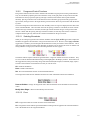
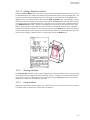
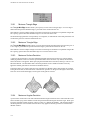
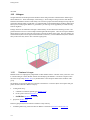
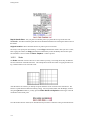
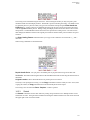
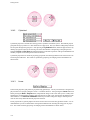
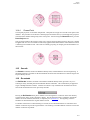
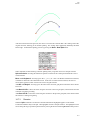
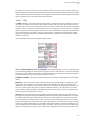
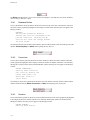
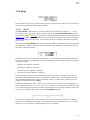
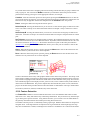
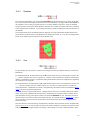
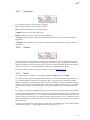
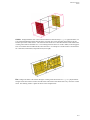
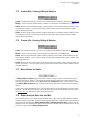
The 3D Space segments are simple polynomial curves created between successive user-defined control
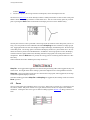
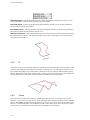
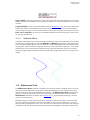
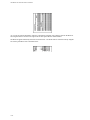
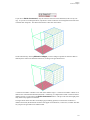
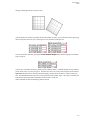
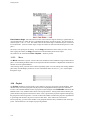
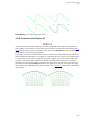
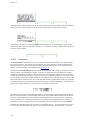
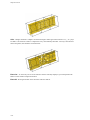
points in three dimensional (x,y,z) space. At least two control points are required to create 3D Space segments. The Line, Curve, and Akima segment types differ in how the polynomial is computed.
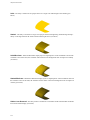
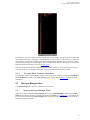
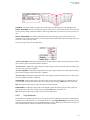
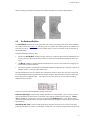
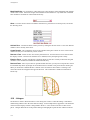
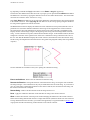
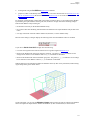
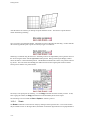
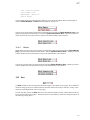
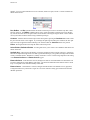
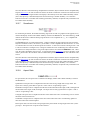
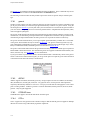
The 3D Space Line segment (above top) is a piece-wise linear curve (a polyline).
7-2