1
Modifying Entities
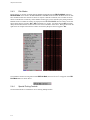
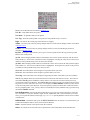
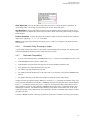
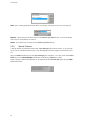
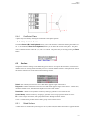
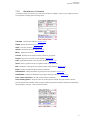
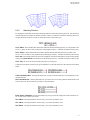
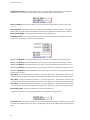
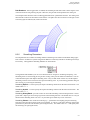
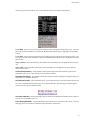
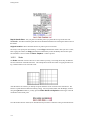
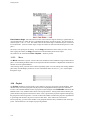
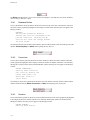
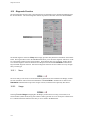
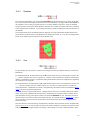
The highlighter can be changed to other coordinate families by pressing the I Lines or J Lines buttons.
When the proper split line is identified by the highlighter, press the Split At Hiliter button to perform the
actual splitting. A necessary side effect of splitting a domain is that the two connectors on the domain’s
edges that are opposite the split direction will also be split.
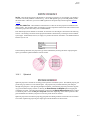
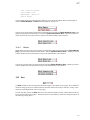
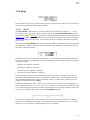
The Move " via Keybrd button may be used to type-in the index of the grid line to which the hiliter
should be moved.
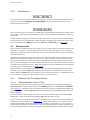
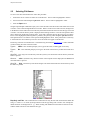
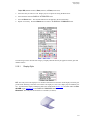
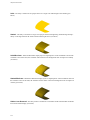
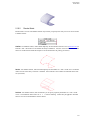
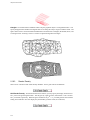
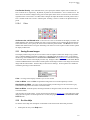
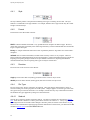
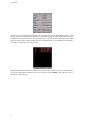
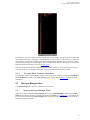
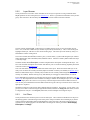
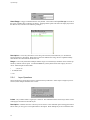
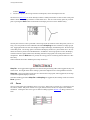
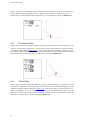
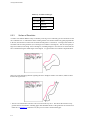
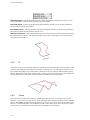
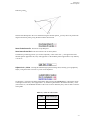
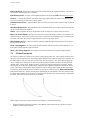
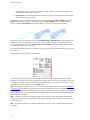
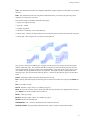
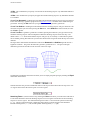
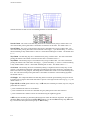
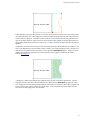
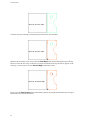
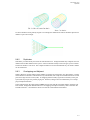
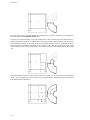
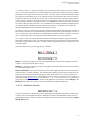
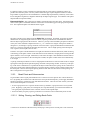
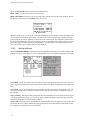
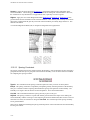
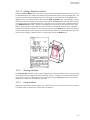
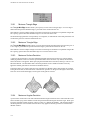
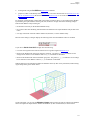
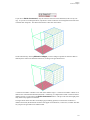
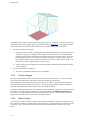
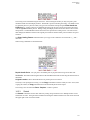
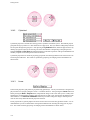
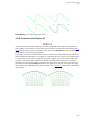
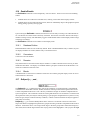
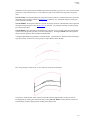
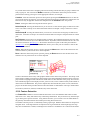
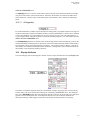
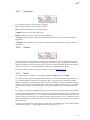
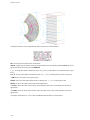
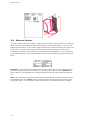
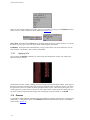
The figures below illustrate the before, during, and after stages of a domain being split (from left to right,
respectively).
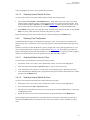
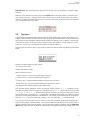
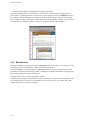
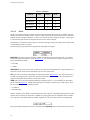
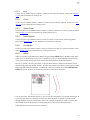
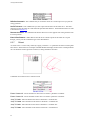
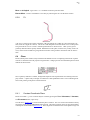
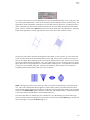
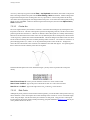
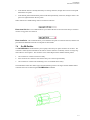
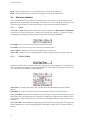
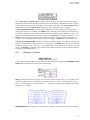
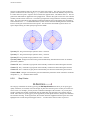
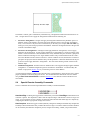
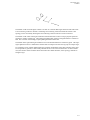
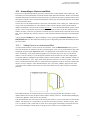
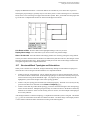
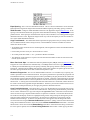
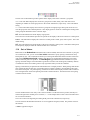
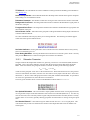
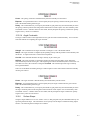
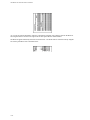
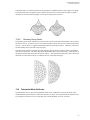
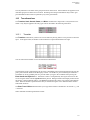
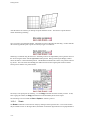
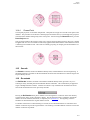
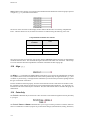
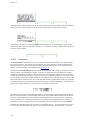
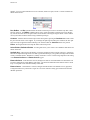
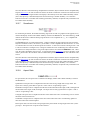
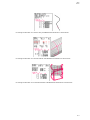
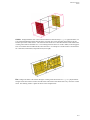
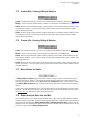
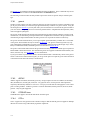
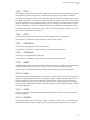
Only structured domains can be split. The equivalent functionality for an unstructured domain is illustrated
in the figure below. From left to right:
1.
Start with the original unstructured domain.
2.
Delete the unstructured domain but not its connectors.
3.
Split the connectors and create new nodes at either end of the split line (the two vertical connectors in
the example).
4.
Create a new connector for the split line (in this case the line slanting downward and to the right).
5.
Create two new unstructured domains by assembling the edges.
14.7.4
Blocks
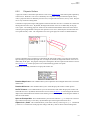
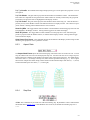
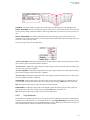
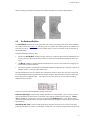
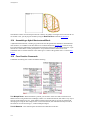
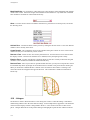
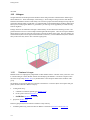
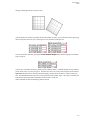
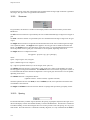
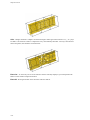
When the Split command is invoked for a structured block the highlighter appears in the Display window.
The hgihlighter location is the split location. The highlighter can be moved along the range of possible split
14-18