1
Analysis Software Interfaces
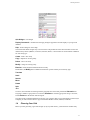
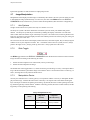
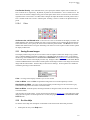
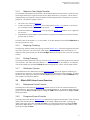
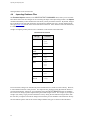
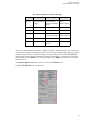
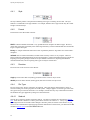
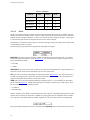
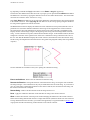
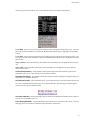
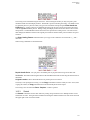
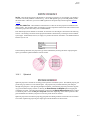
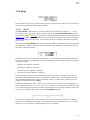
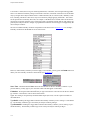
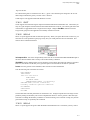
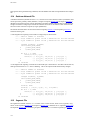
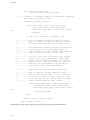
However, if the volume condition you wish to apply is not available, you may press the Create button and
define your own volume condition as shown below (see Section 17.6).
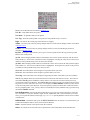
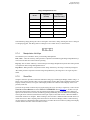
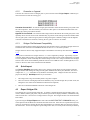
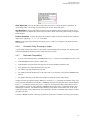
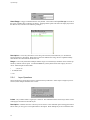
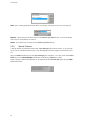
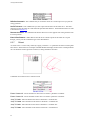
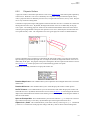
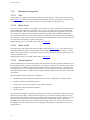
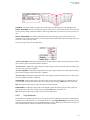
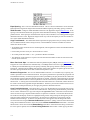
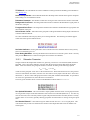
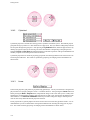
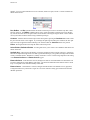
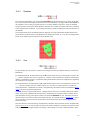
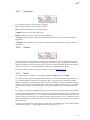
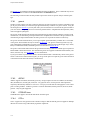
Name Text - The button labeled Name shows the default name for the new volume condition. If you press
the button, you may type in your own name which will then appear on the button.
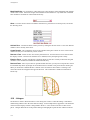
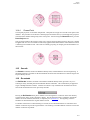
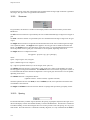
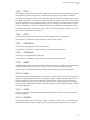
ID Number - Pressing the button labeled ID lets you type in the numeric code to be used for the new volume condition. This numeric value is shown on the button.
17.3.1
Applying VCs
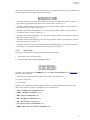
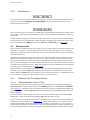
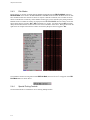
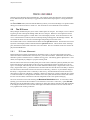
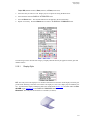
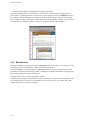
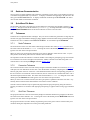
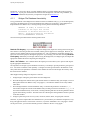
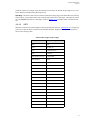
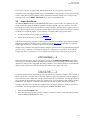
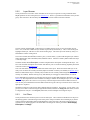
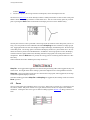
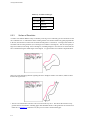
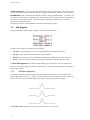
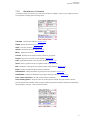
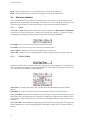
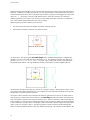
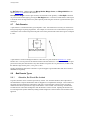
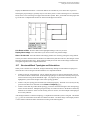
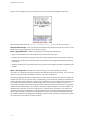
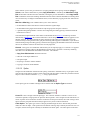
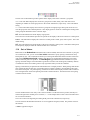
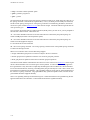
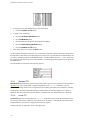
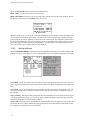
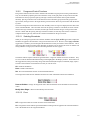
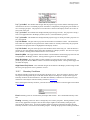
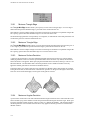
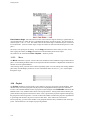
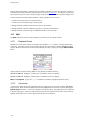
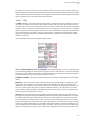
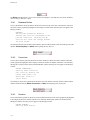
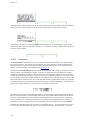
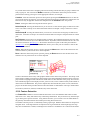
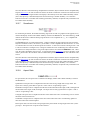
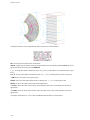
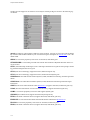
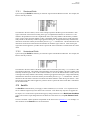
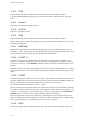
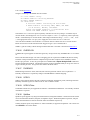
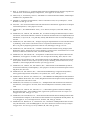
Upon invoking the Set VCs command, you select blocks from the Browser window. For example, the
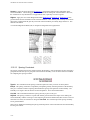
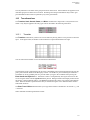
Browser text may look like:
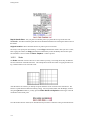
The numeral in the first column (1 through 20 in this example) represents the block number. Each region in
the block is then listed according to the name assigned to the block either by Gridgen or the user. The text to
the right of the colon is the volume condition type applied to that region. After selecting the regions, VC’s
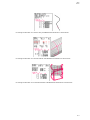
will be applied to, you then choose a specific VC from a menu that is customized for the current ASW. For
any newly created or imported block, Gridgen will automatically assign the default VC of FLUID.
17.4
Examine
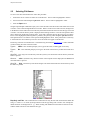
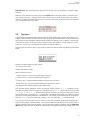
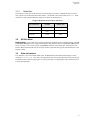
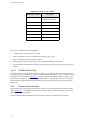
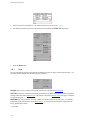
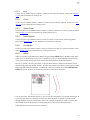
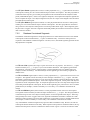
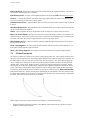
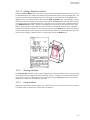
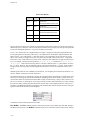
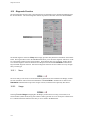
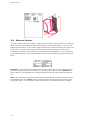
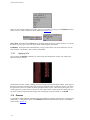
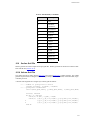
It is possible to obtain diagnostic information for block boundaries regarding wall-adjacent cell spacing and
orthogonality. A detailed description of the Examine command and the functions specific to boundaries
can be found in Section 16.
17-6